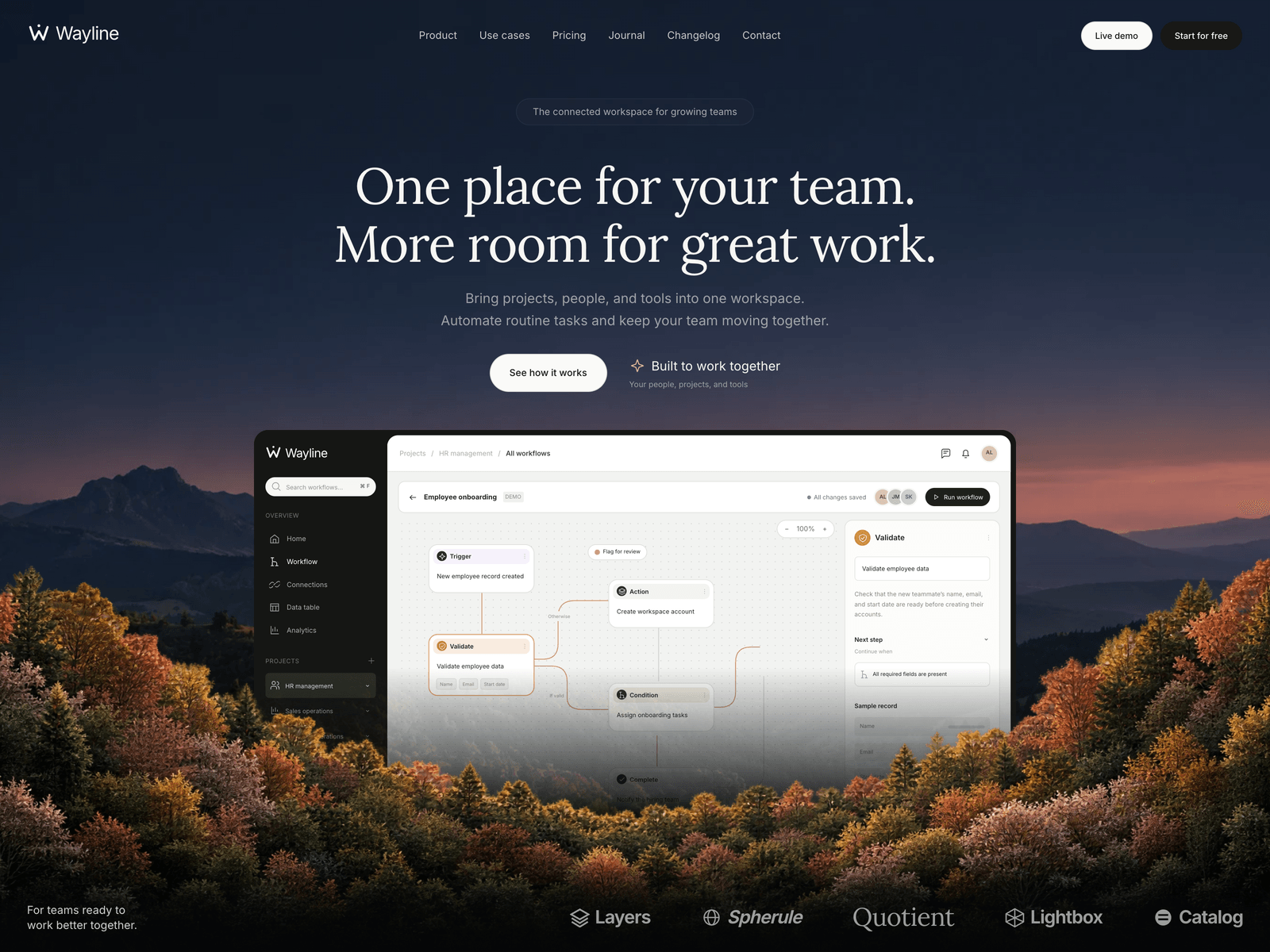
Wayline
A dark, cinematic SaaS theme with a layered dusk hero, an interactive workflow preview, use-case tabs, integrations, monthly and yearly pricing, a journal and a changelog.
Editions: Astro (source), HTML (plain files, no build).
One payment for Wayline and everything else - all 37 themes, every future release, and the Astro visual builder included.
See Wayline in action
Every page and section is part of the download. Use these as launch-day templates - keep the structure, swap the copy.
Wayline is a dark, cinematic theme for SaaS products, with a sample workspace product that brings people, projects and tools together. The first screen is built in three layers: a dusk valley behind the headline, a working product interface in the middle, and autumn foliage in front of it, with a slow parallax as you scroll. The workflow preview is real HTML, not a screenshot: visitors switch processes, open each step, zoom the canvas and run a five-step sample. Four use-case tabs (People and HR, Sales and revenue, Operations, Customer experience) rebuild that preview, and the tabs work with the arrow keys. Below come three solution cards with small interfaces, six integrations around the Wayline mark, three plans with a monthly and yearly switch, six FAQs, the latest journal articles and releases, a contact invitation and a closing band. The site has a journal with three articles, a changelog with three release pages, a contact page and privacy and terms pages. The palette is near-black with dark olive panels, muted peach and sage, with Lora headlines and Inter for the interface, both bundled locally. GSAP runs the hero parallax and the content reveals, Lenis smooths wheel scrolling, pages fade into each other, and reduced-motion settings switch the decorative motion off. All copy, pricing, workflows, articles, releases and form settings live in src/config/site.ts, every page has a matching language route, and AGENTS.md and CLAUDE.md are included for coding assistants. The contact and signup forms say plainly that nothing was sent until you connect an endpoint.
Best Fit For
- SaaS products with a workflow or automation story
- Collaboration and productivity tools
- B2B startups that publish a journal and a changelog
- Products that will add more languages later
Full Page Set
Every page is real and editable - no placeholders, no "coming soon" stubs.
12 Sections Included
Every section is a ready-to-use Astro component. Add it to any page, customize via config, or remove what you don't need.
What's Included
A product people can try
The workflow in the hero is real HTML. Visitors switch processes, open each step, zoom the canvas and run a five-step sample, and the four use-case tabs rebuild it with their own steps.
A first screen in three layers
A dusk valley sits behind the headline, the product interface in the middle and autumn foliage in front, moving at different speeds as you scroll. The foliage never blocks a click.
Journal and changelog built in
Three articles and three release pages come with the theme, and both feed the homepage. Add an article or a release by adding one entry in site.ts.
Ready for more languages
Every page has a matching language route. Copy the template file, translate what you need and register it, and anything you leave out falls back to English. Right-to-left languages work too.
Tech Stack
Config-Driven Setup
Wayline keeps every string, the pricing, the use-case workflows, the journal articles, the releases and the form settings insrc/config/site.ts. Articles and releases are entries in site.ts rather than Markdown files, and the forms stay in an honest demo mode until you set an endpoint.
// src/config/site.ts
export const site = {
  name: "Wayline",
  brand:        { mark: "/images/brand.svg", monochrome: true, ... },
  metadata:     { siteUrl: "", themeColor: "#080a0b", ... },
  destinations: { demo: "", signup: "" },
  hero:         { badge: "...", title: "One place for your team...", partners: [...] },
  useCases:     { items: [{ id: "people", label: "People & HR", ... }, ...] },
  pricing:      { plans: [{ name: "Starter", monthly: 0, yearly: 0, ... }, ...] },
  journal:      { posts: [{ slug: "better-handoffs", title: "...", ... }, ...] },
  changelog:    { entries: [...] },
  contact:      { email: "hello@example.com", endpoint: "", ... },
  legal:        { privacy: {...}, terms: {...} },
};Built to be edited by AI
Wayline ships an AGENTS.md and
a CLAUDE.md at the project root.
Claude Code, Cursor, Copilot, and Codex read them the moment you open the folder.
So your agent starts knowing which file to edit, which design decisions are deliberate, and which parts of the theme break quietly if touched. You get the right change on the first pass instead of a confident guess.
- A task map. Every common request routed to the exact file, so no time is spent exploring.
- Design invariants. The decisions that make the theme worth buying, marked do-not-touch.
- The traps. The specific things that break this theme silently, written down.
- A done checklist. What to build, what to scroll, what to verify before claiming success.
# Wayline agent guide

- src/config/site.ts holds all English content: brand, metadata,
  navigation, CTA destinations, pricing, workflows, journal
  bodies, changelog releases, form copy and legal content.
- Components read getSiteConfig(Astro.url); do not import
  the raw English config into a page or component.
- Every route has a src/pages/[locale]/ mirror; add one and
  update src/i18n/routes.ts when you add a page.
- Mount scripts on astro:page-load and dispose listeners,
  Lenis, GSAP and observers on astro:before-swap.
- An empty form endpoint means an honest local preview.

Run npm run check, npm test and npm run build for changes.
Excerpt. The full file ships with the theme.
The same design as plain HTML
No Astro, no npm, no build step. Unzip the folder, open index.html straight from your disk and it works. Every page is a plain .html file you edit in any editor, the styling lives in one readable CSS file with the colours at the top, and an optional Tailwind folder is there if you want utility classes back. Deploy it to any static host: Netlify, Cloudflare Pages, GitHub Pages or plain cPanel.
Full documentation, ready before you buy
Browse the install guide, the site.ts reference, provider setup, deploy instructions, and the Wayline-specific page - all live now.
More themes from the collection.
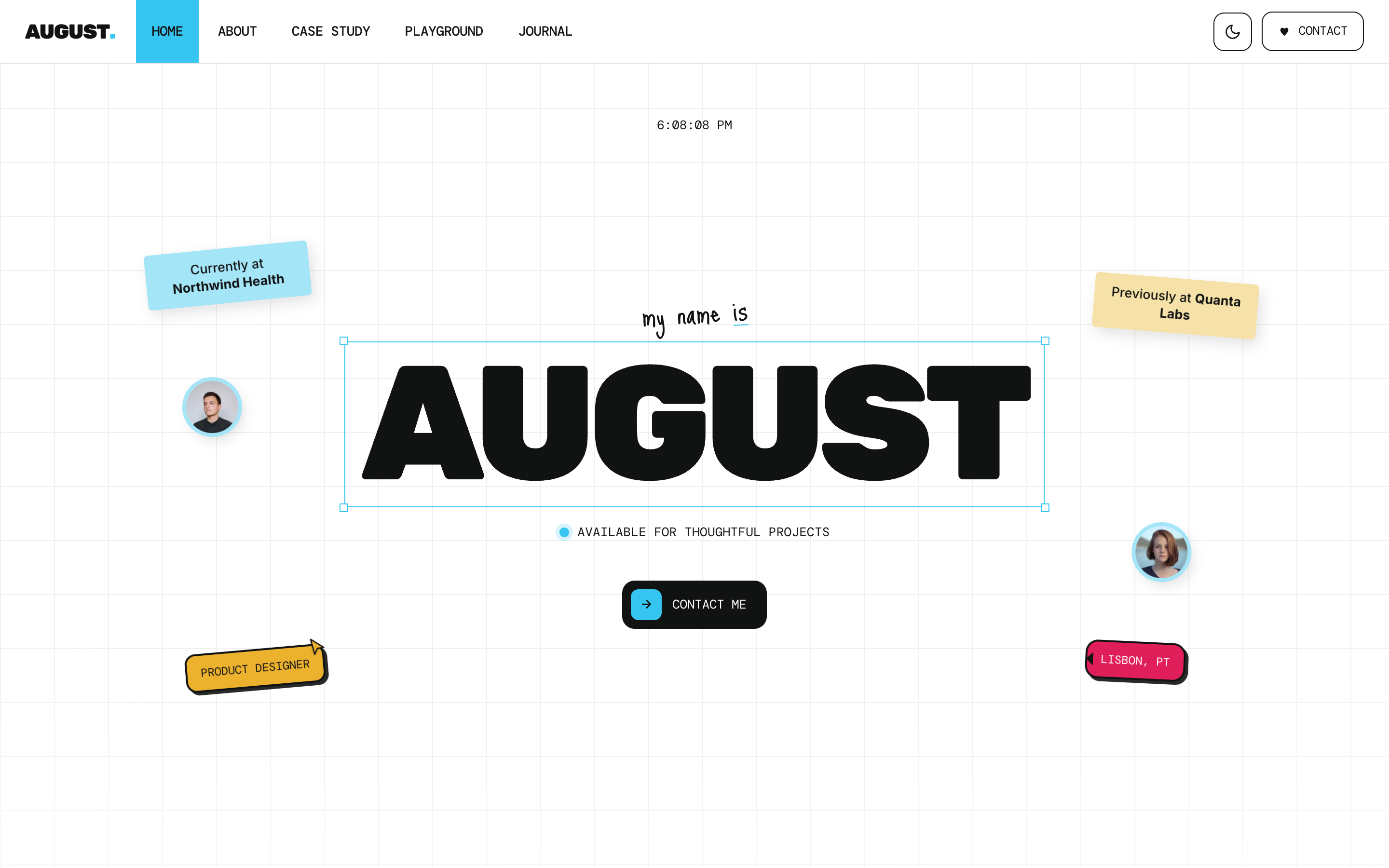
August
Personal / Portfolio / SaaS
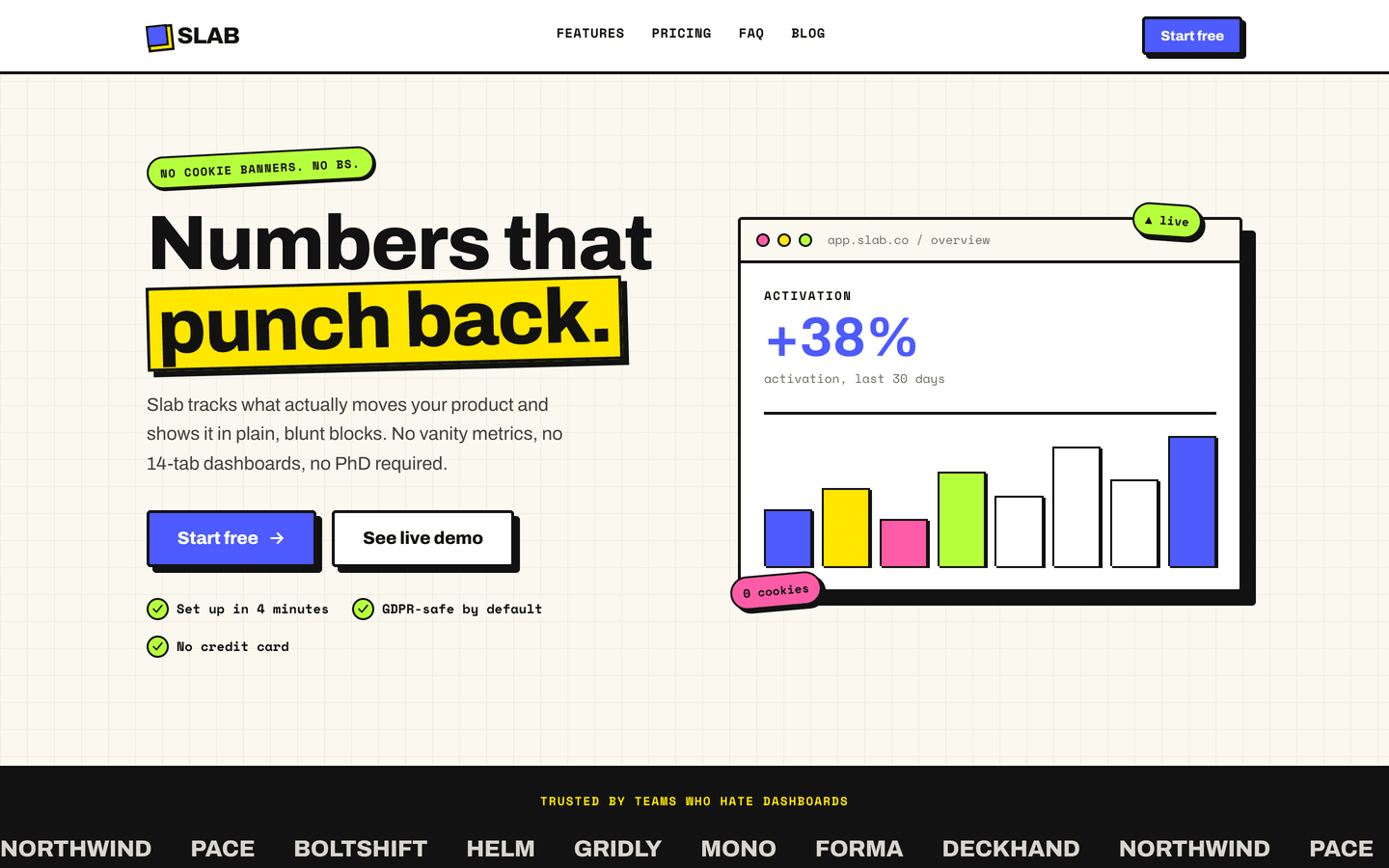
Slab
SaaS / Startup
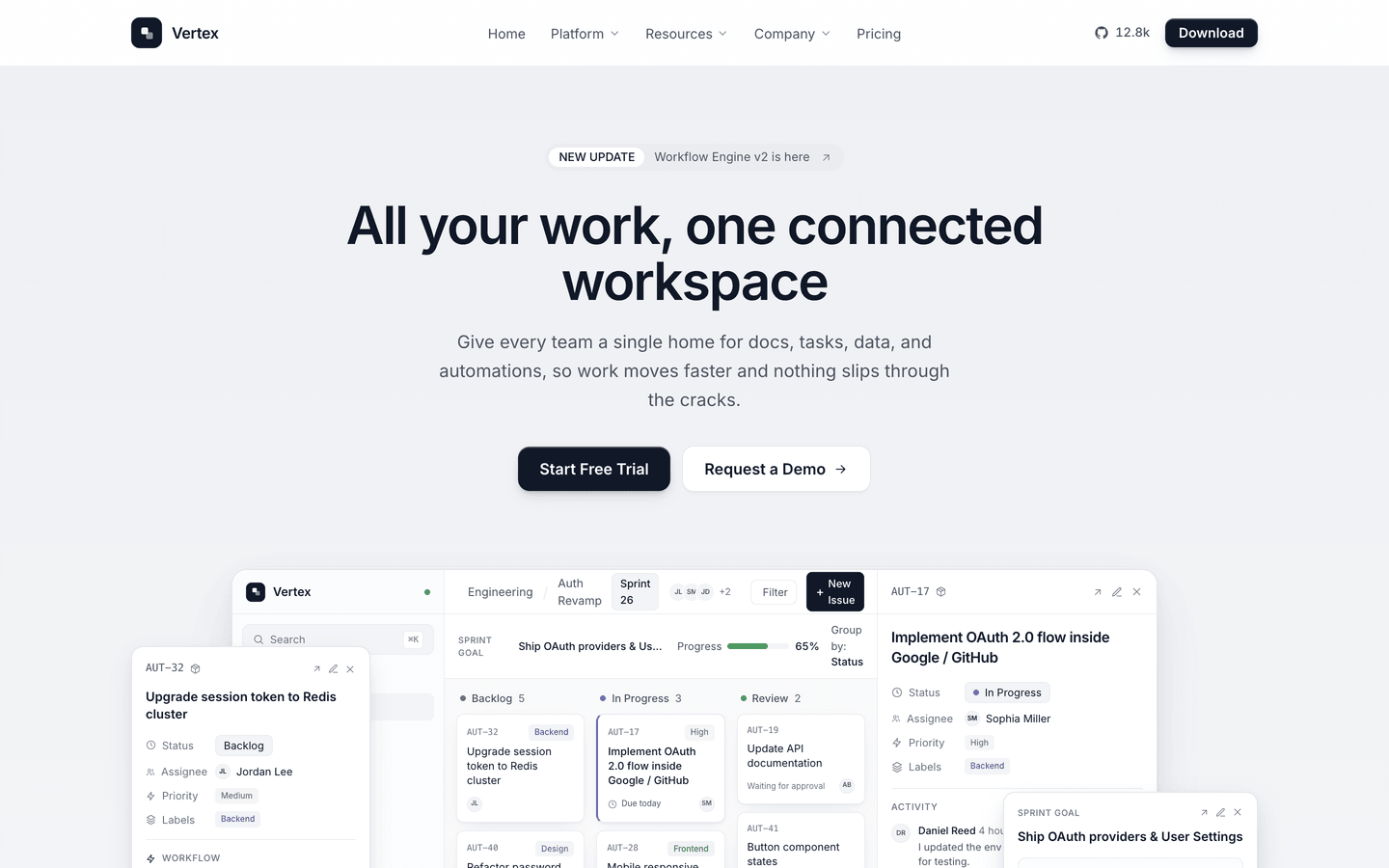
Vertex
SaaS / Startup
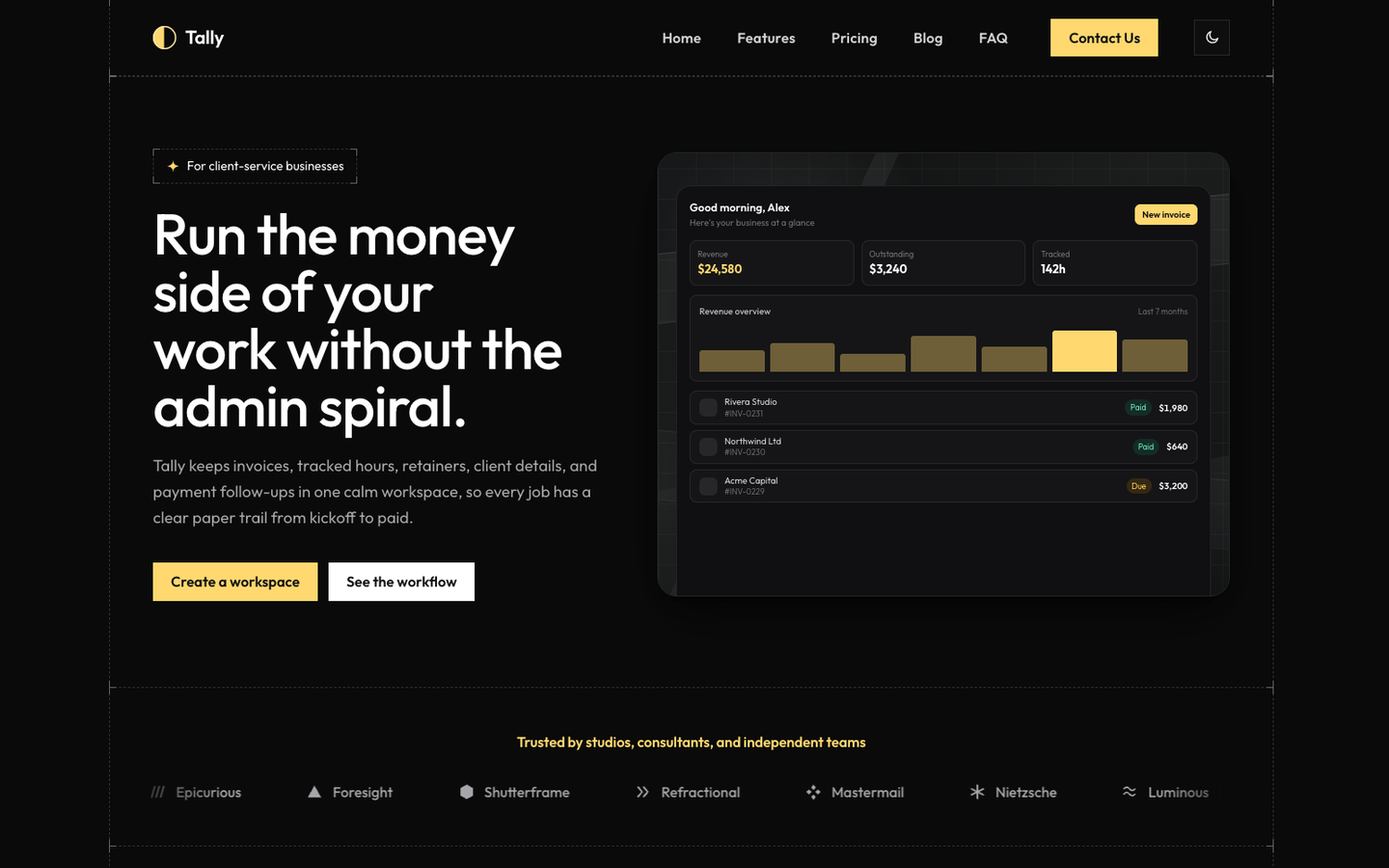
Tally
SaaS / Startup
Or get every theme - these included - with the All-Access Pass.