Premium Astro themes and website templates.
Buy any theme for from $39 or get all 24 - plus every future release - with the $968 $199 lifetime bundle. Each theme ships as a production-ready Astro 7 + Tailwind v4 project. Fully yours to edit, brand, and deploy.
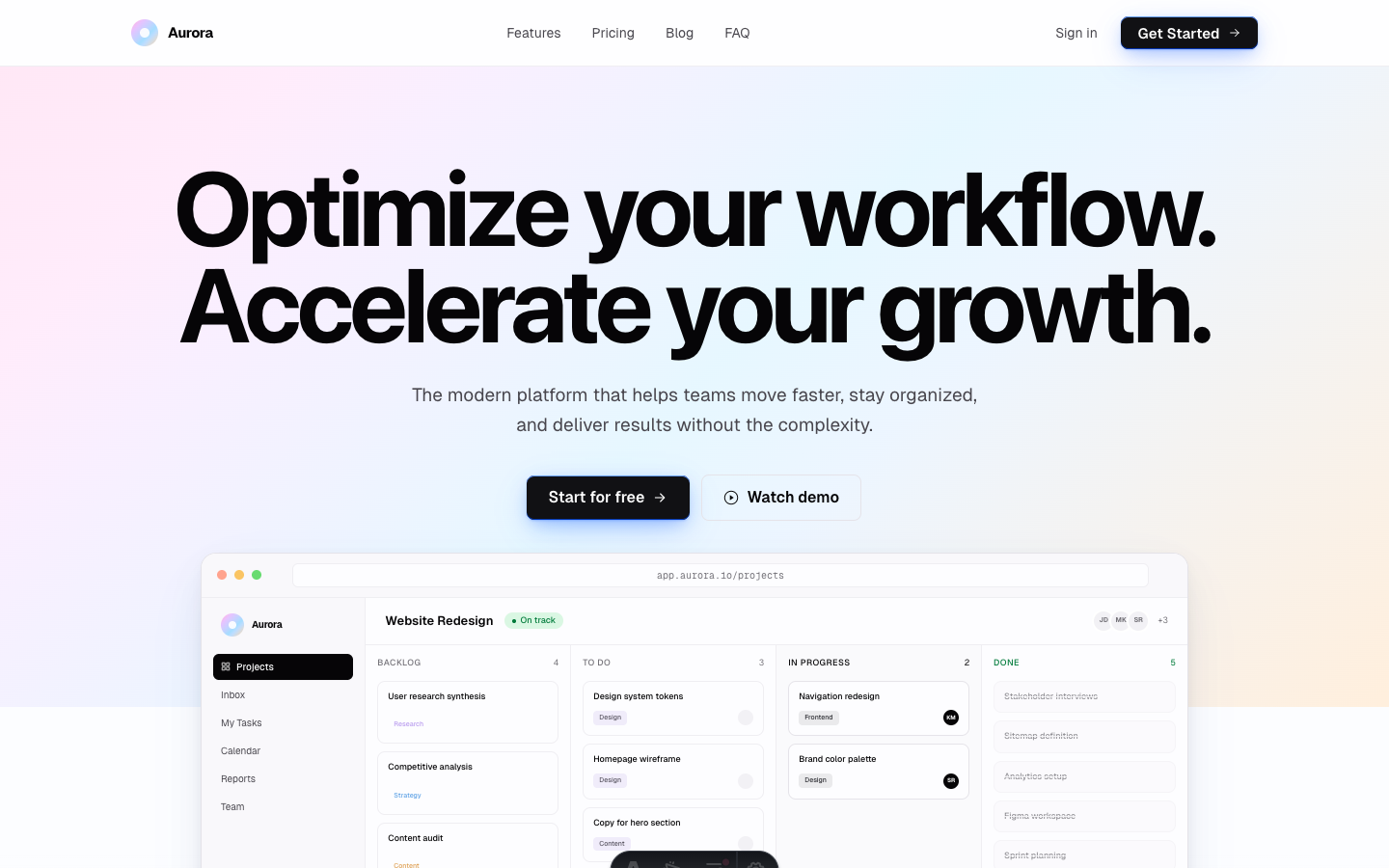
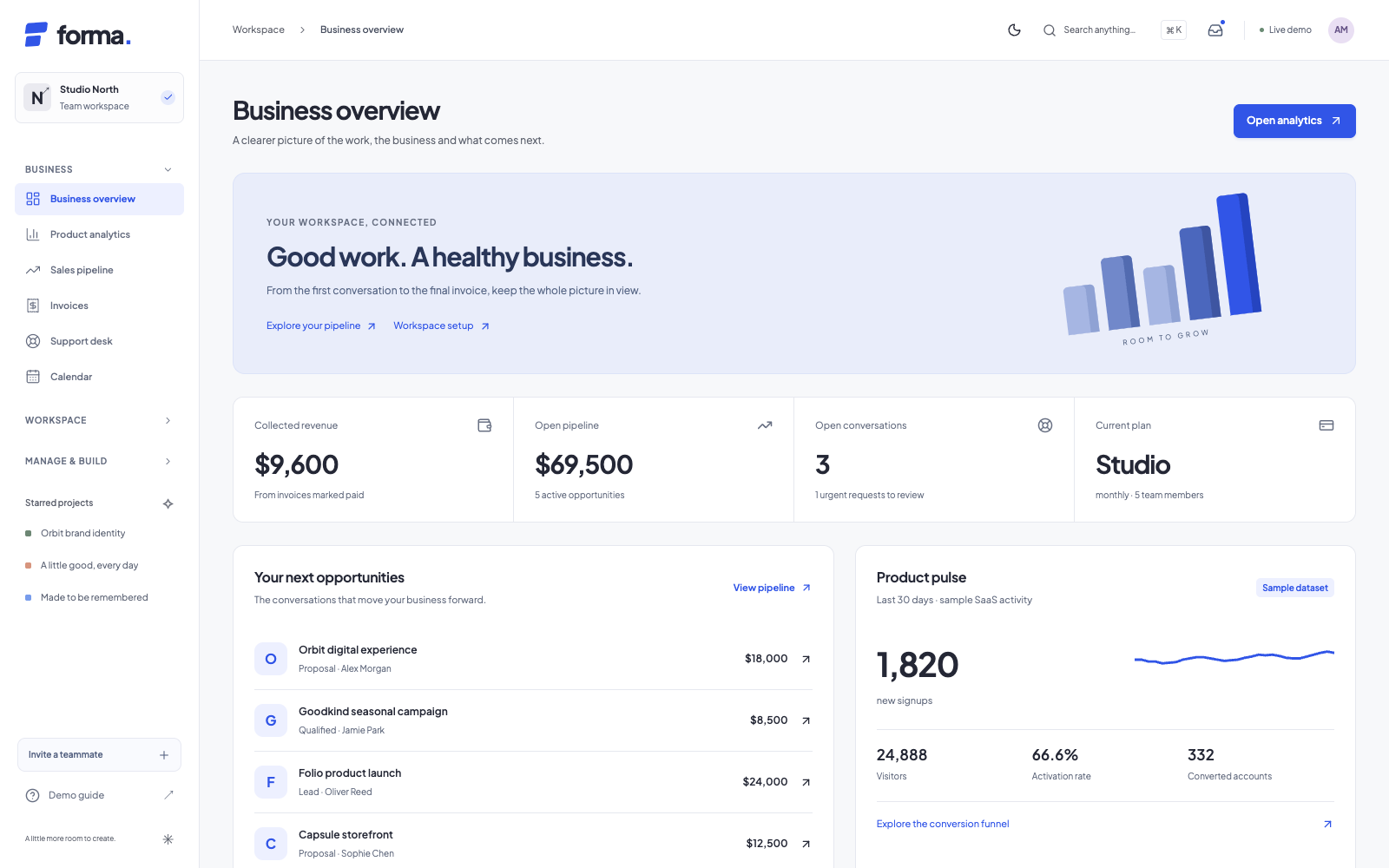
Aurora
SaaS + Blog
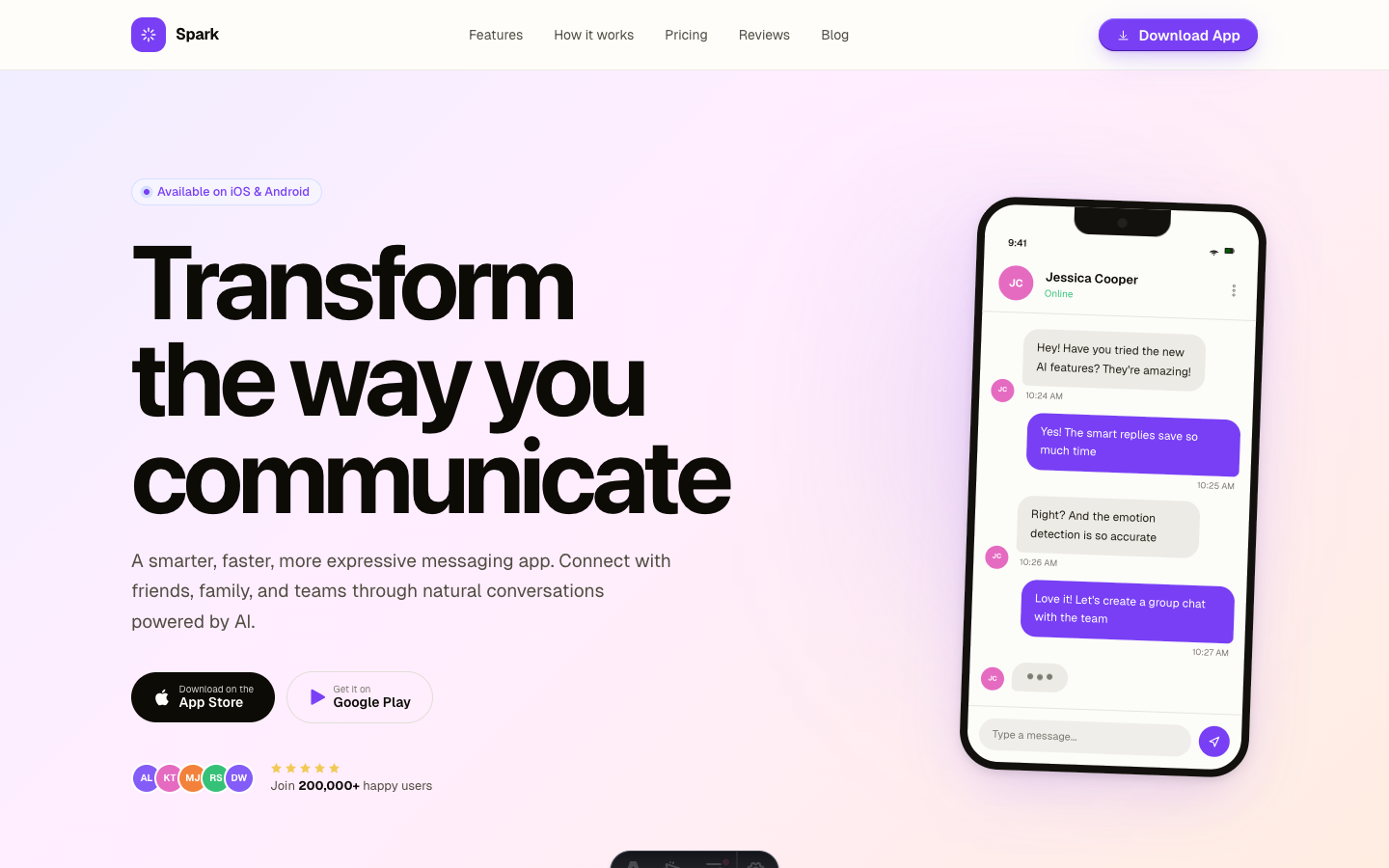
Spark
App Landing Page
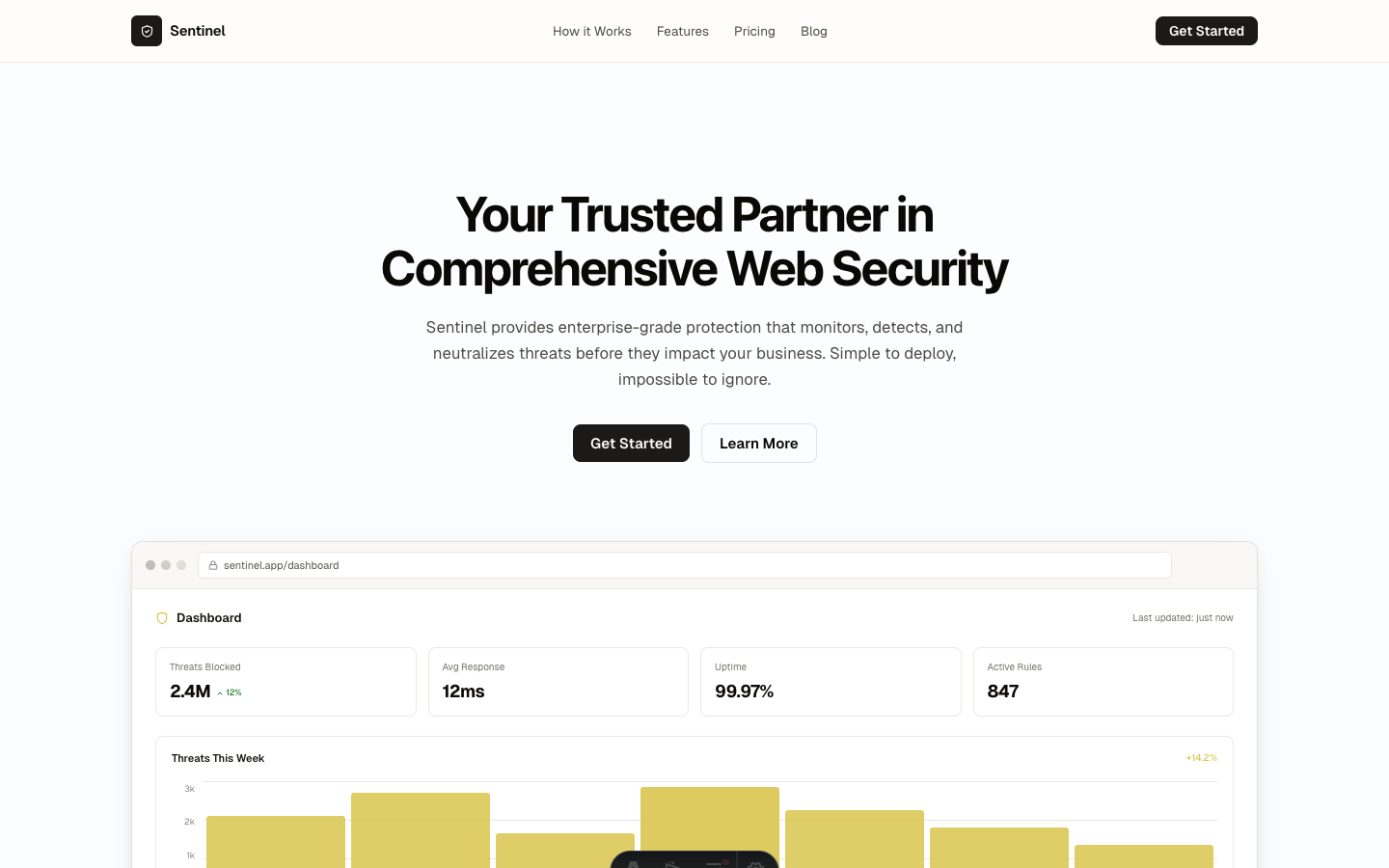
Shield
SaaS / Security
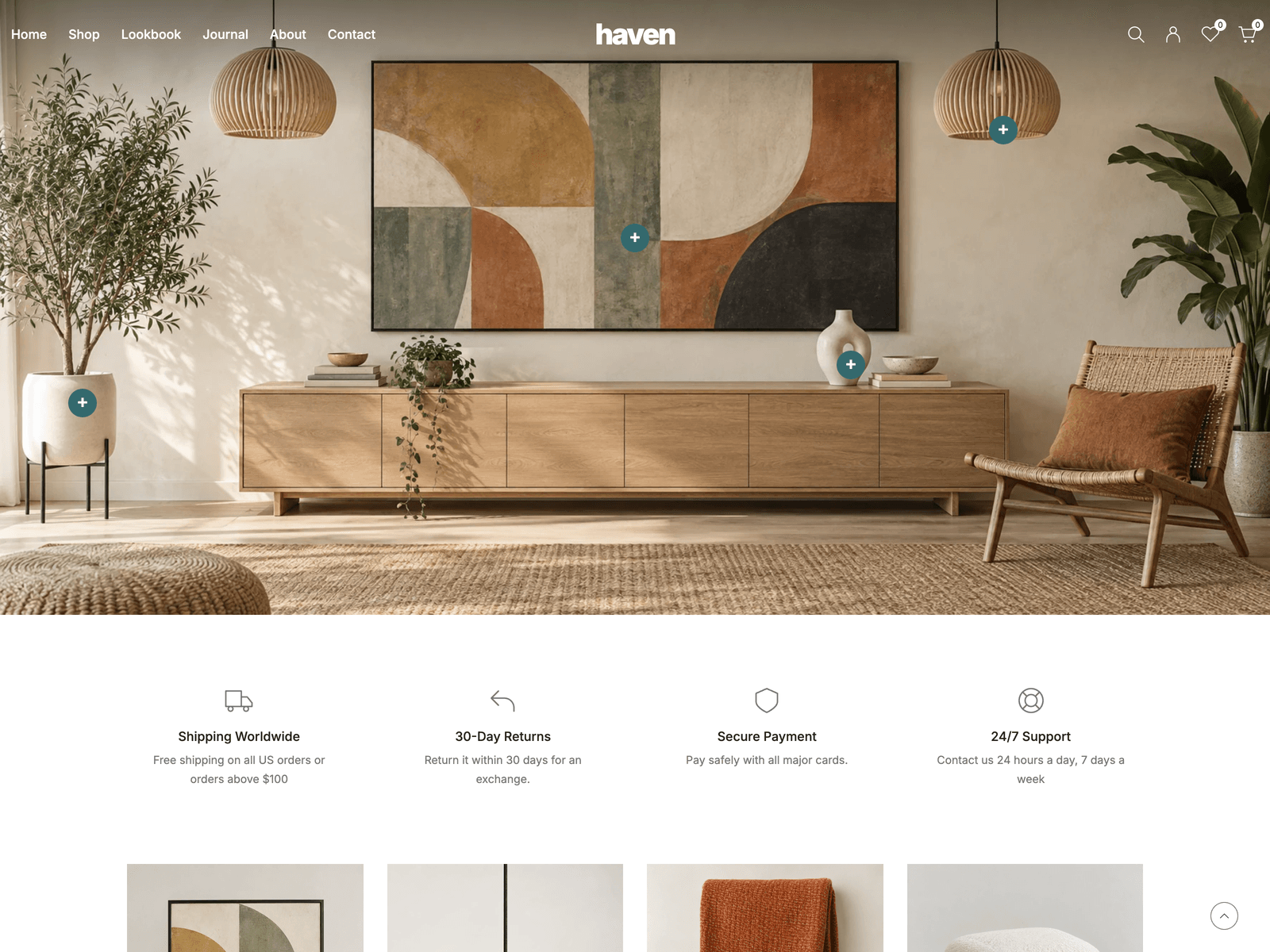
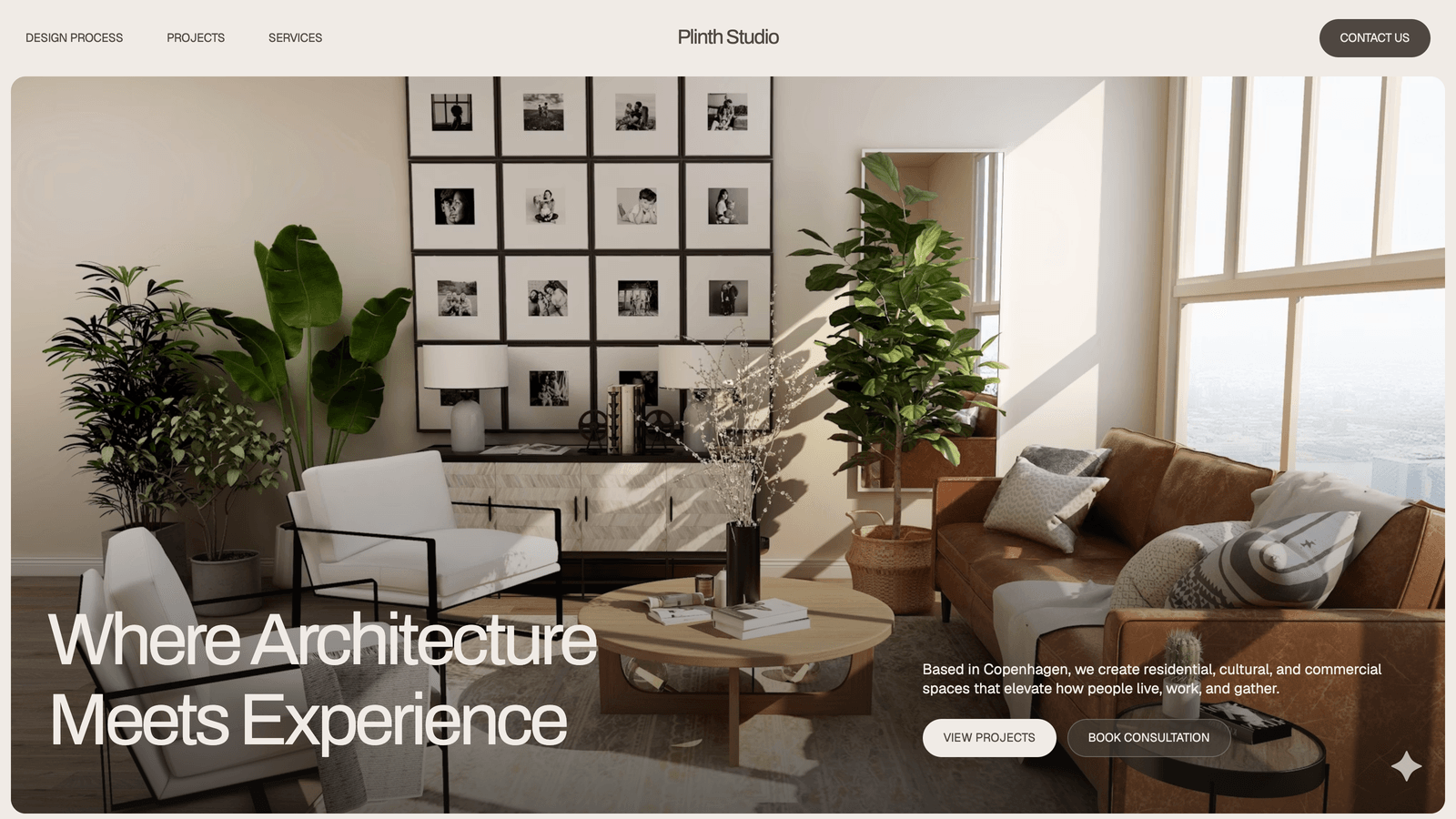
Plinth
Architecture / Interior Design
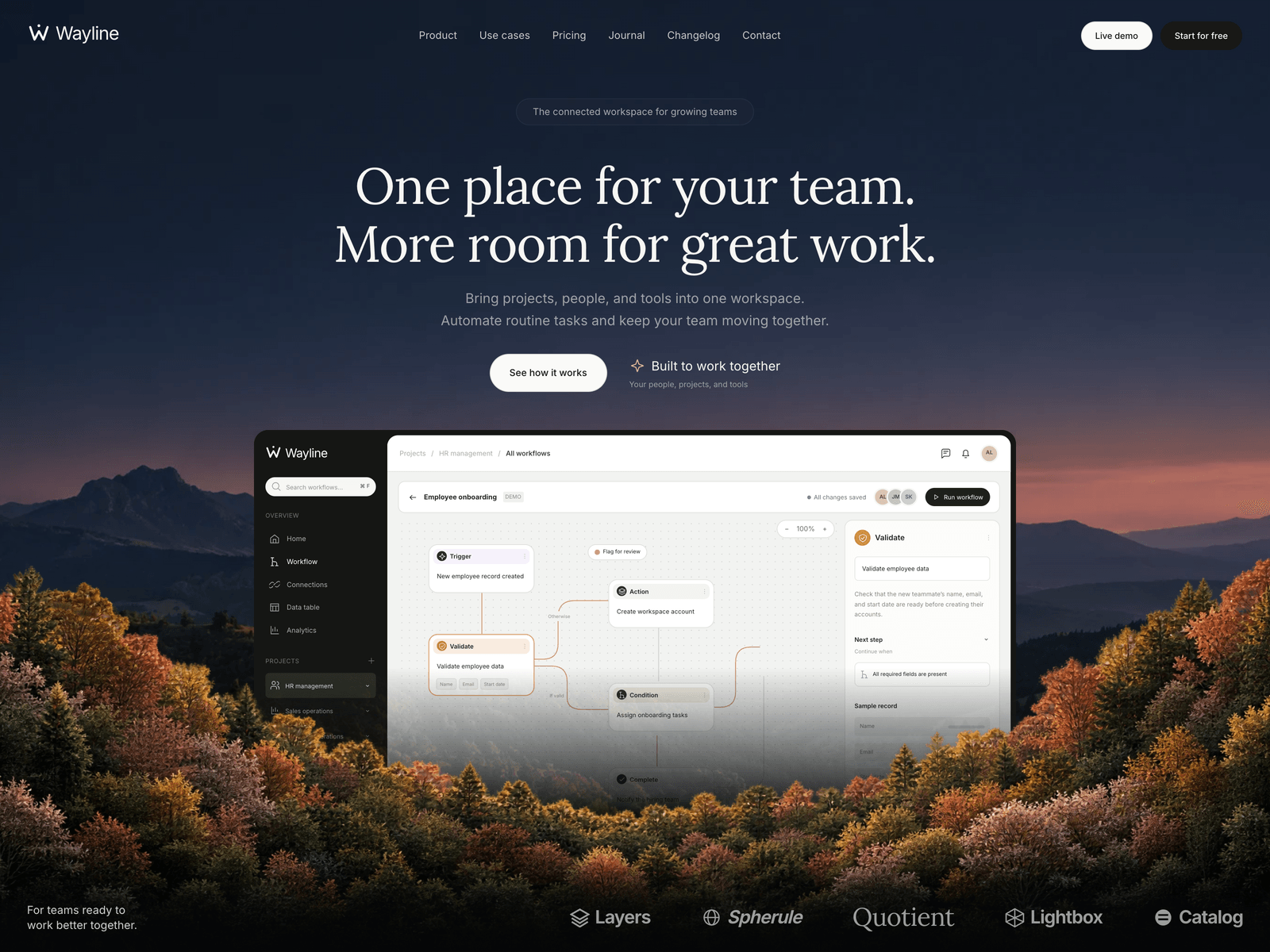
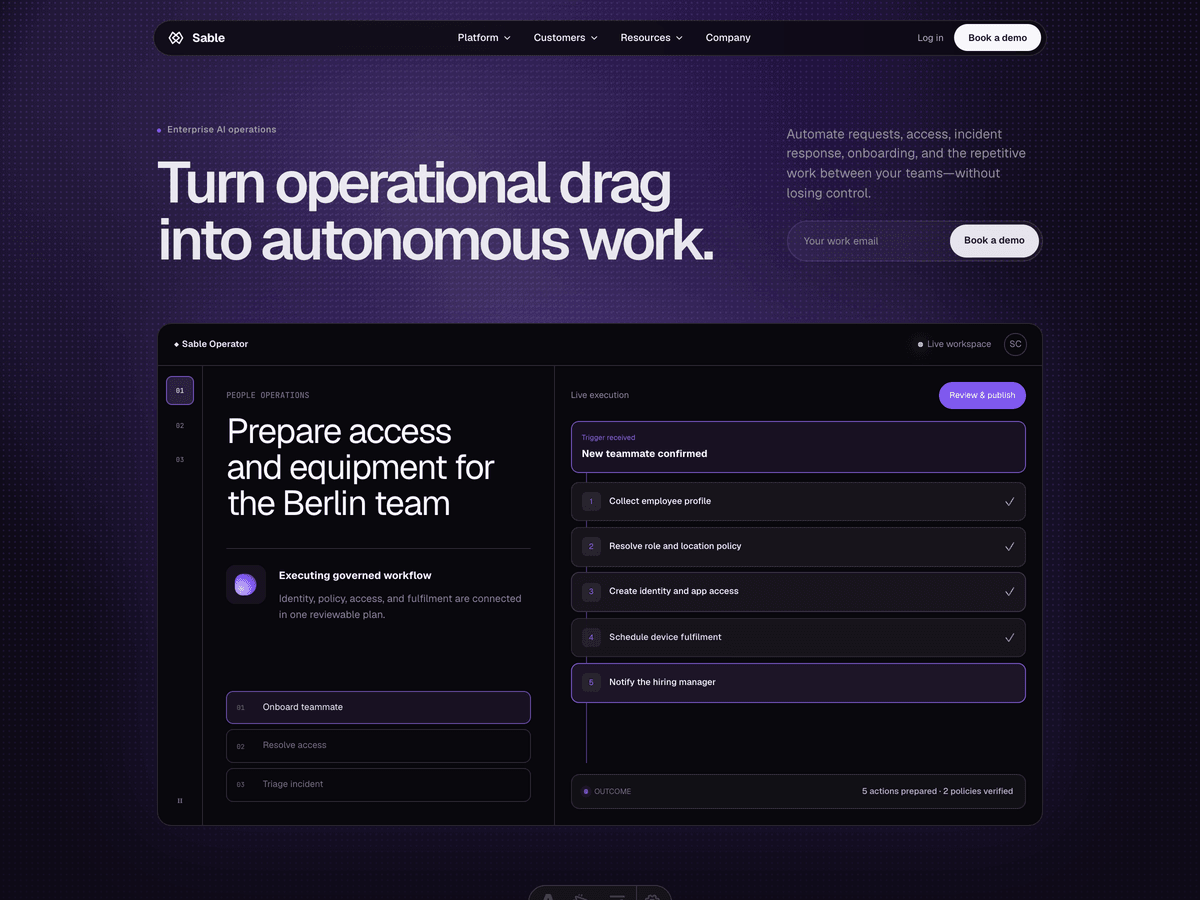
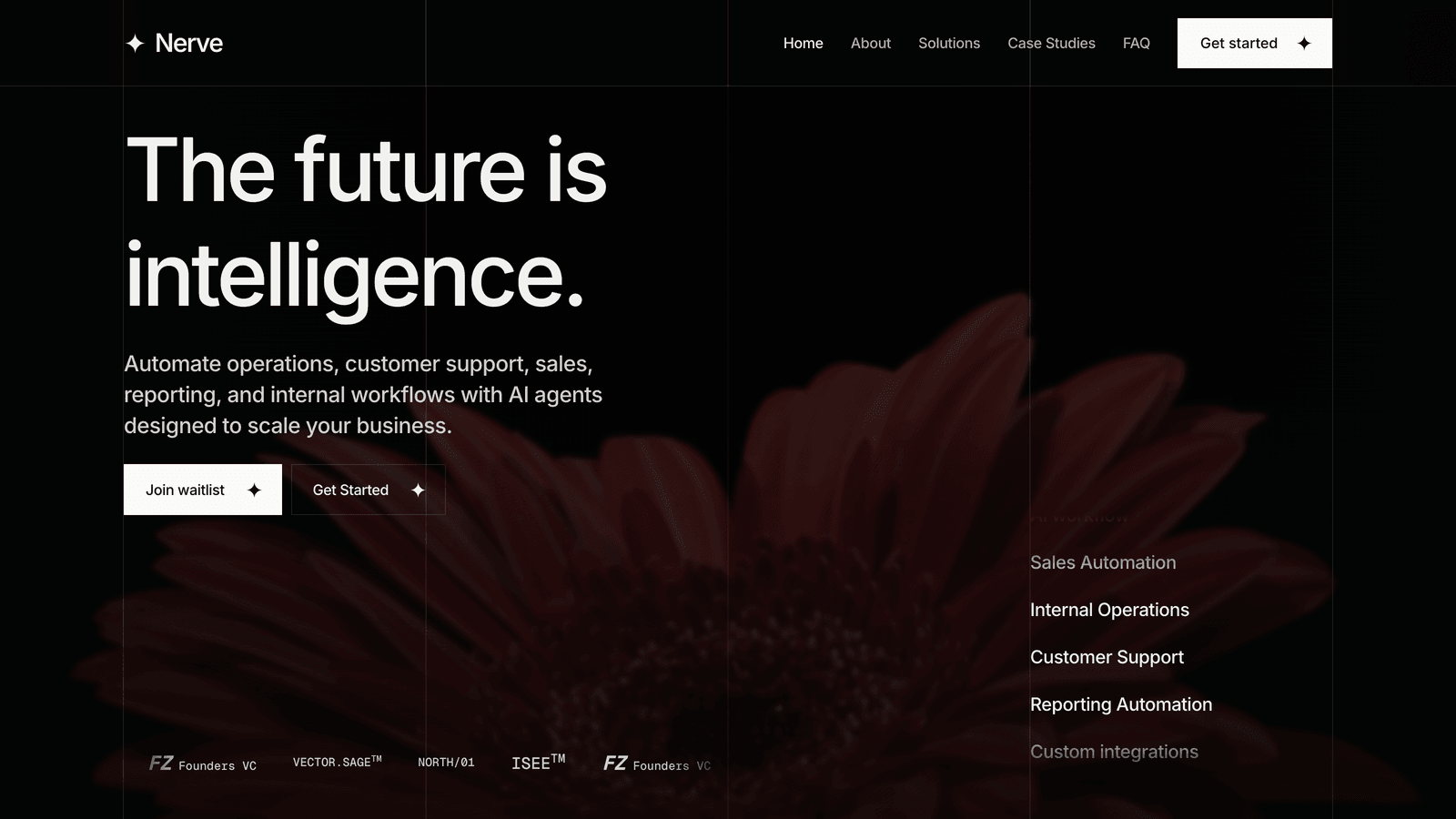
Nerve
AI / Automation / B2B
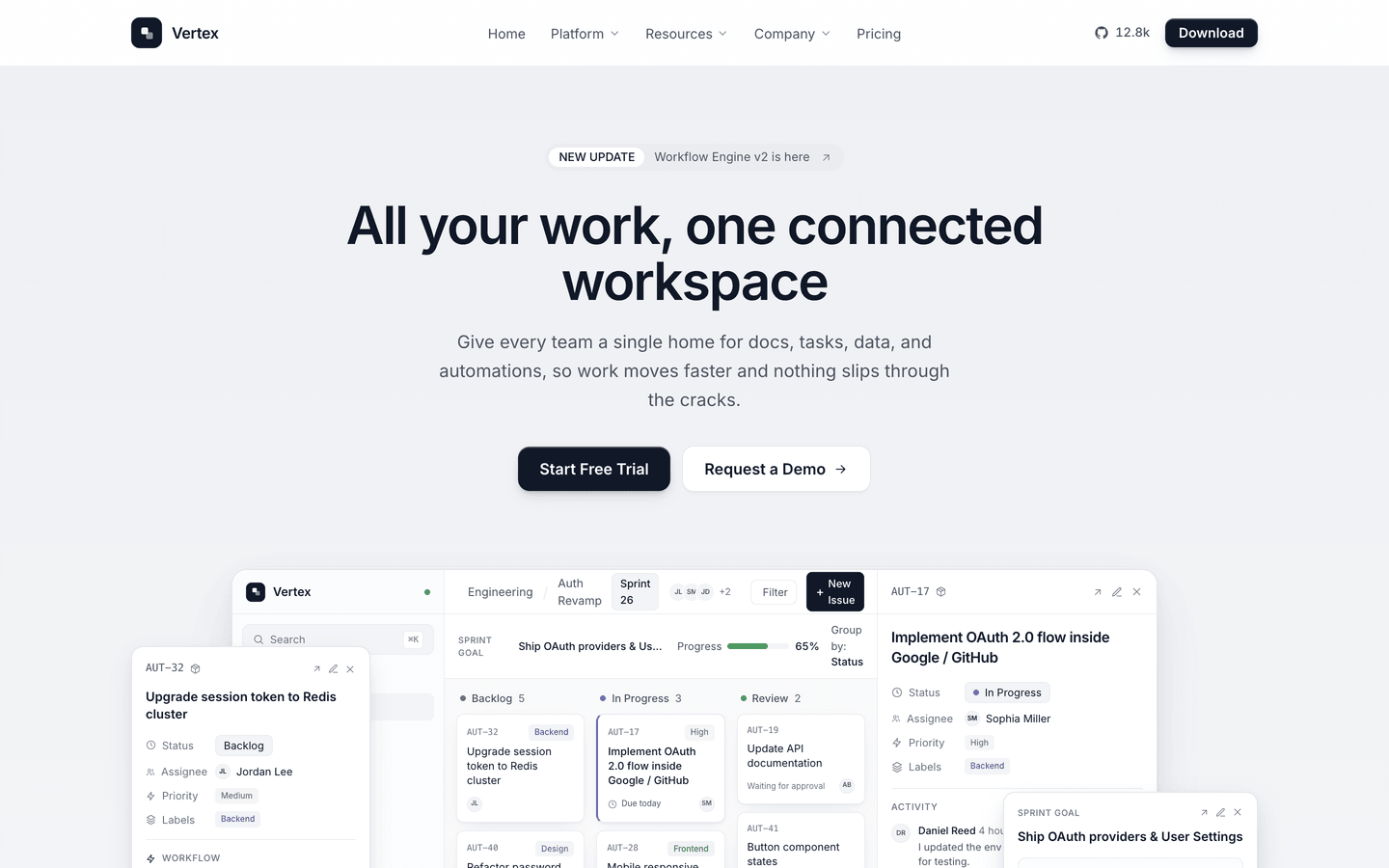
Vertex
SaaS / Startup
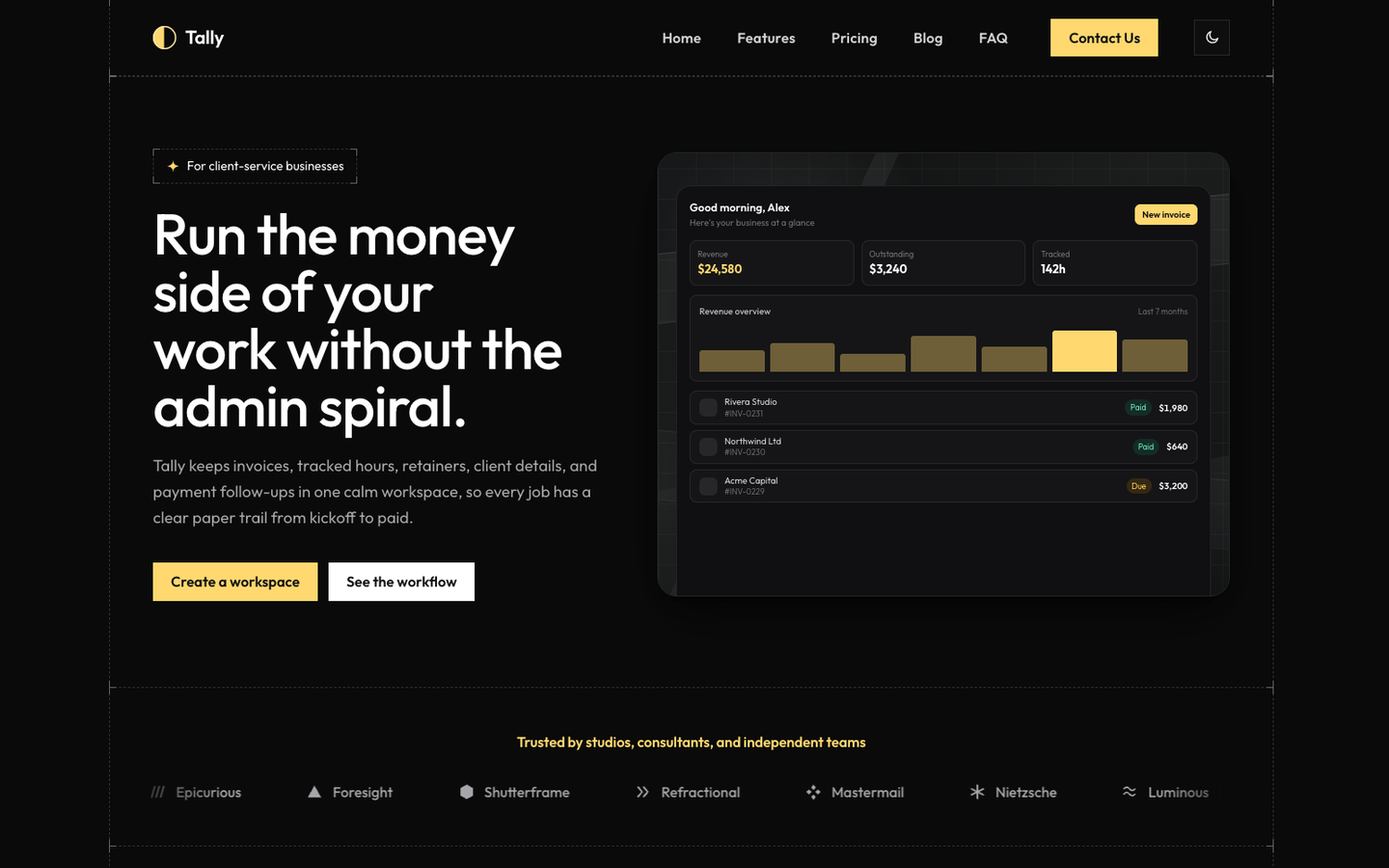
Tally
SaaS / Startup
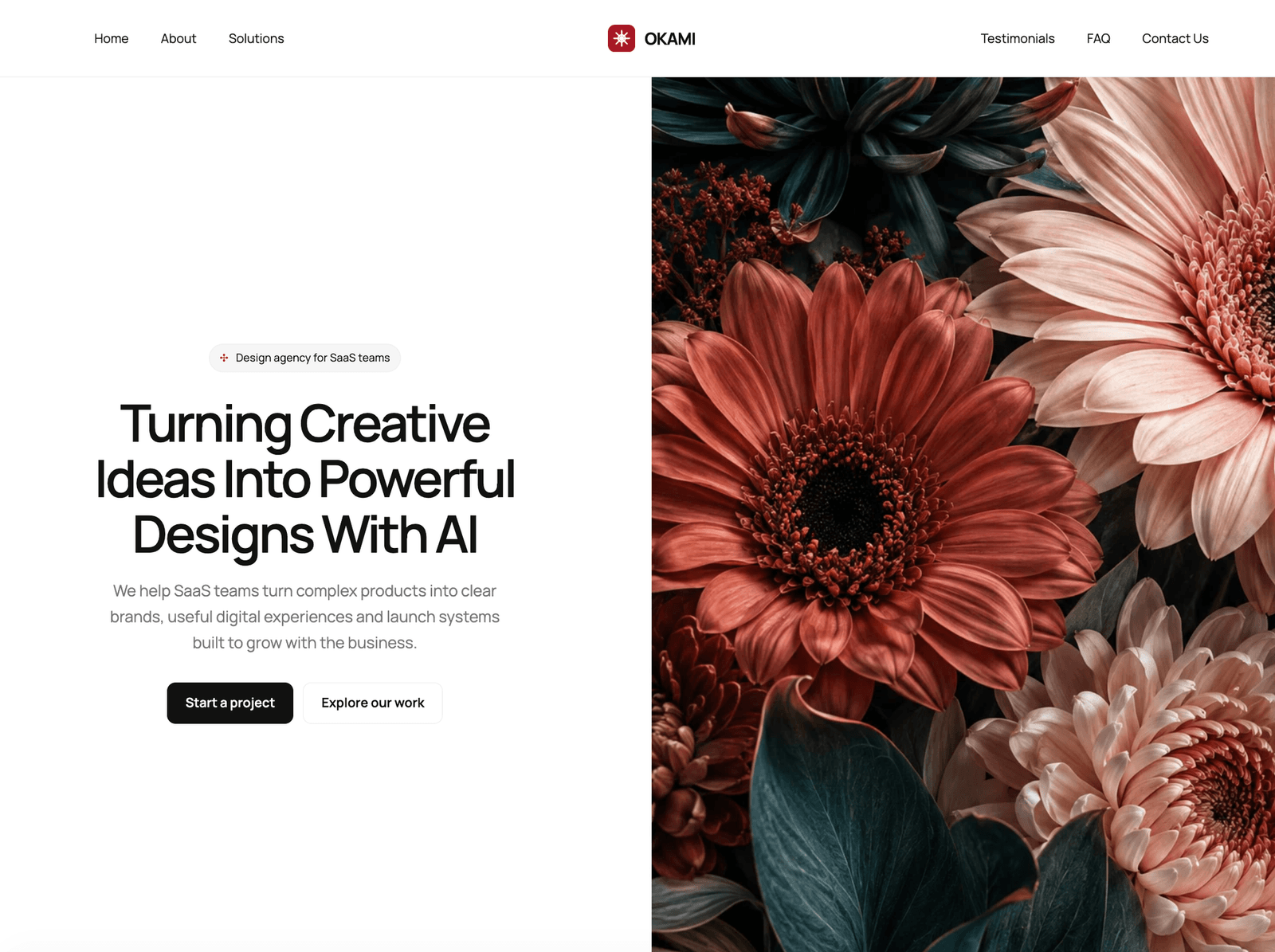
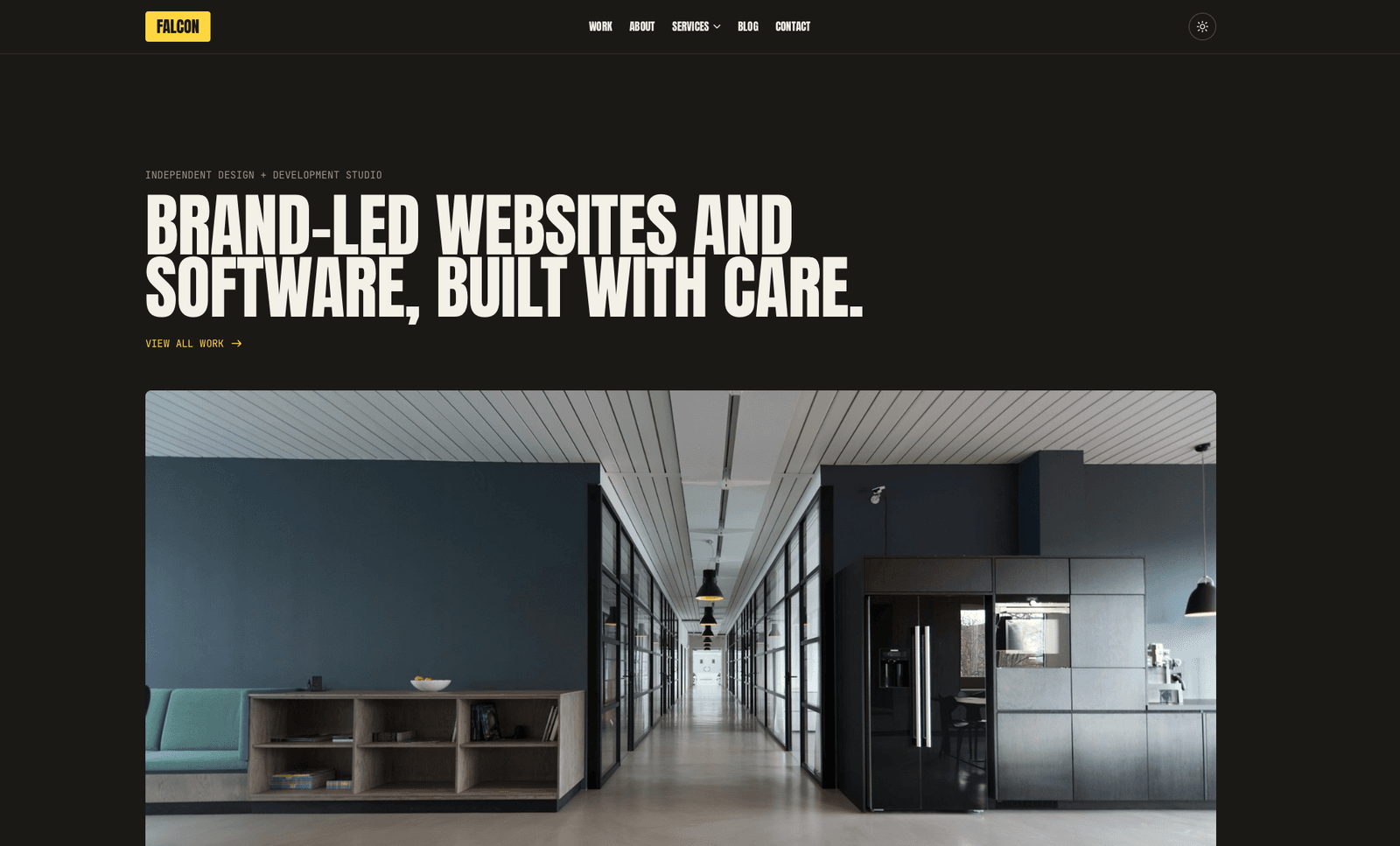
Falcon
Agency / Portfolio / Blog
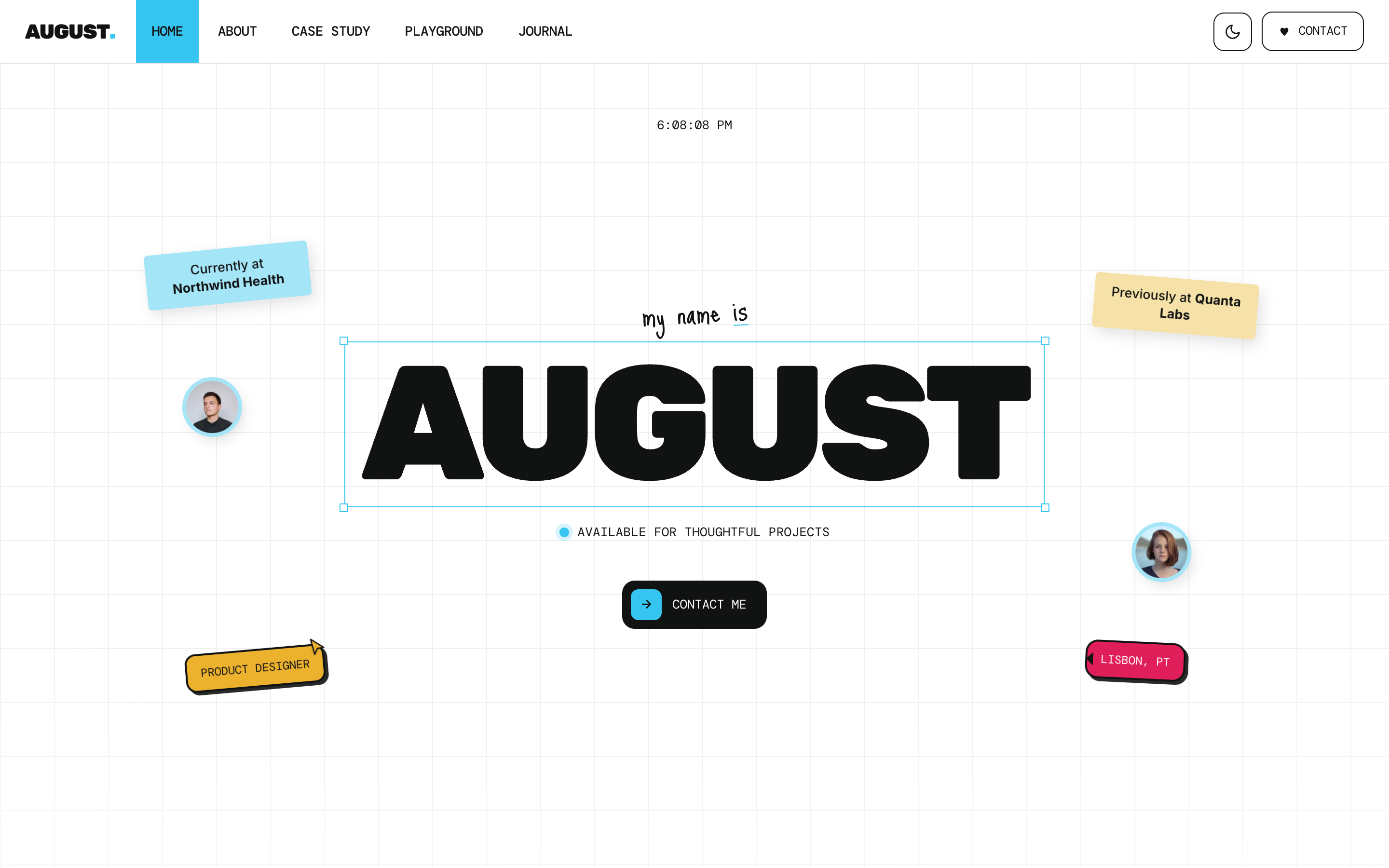
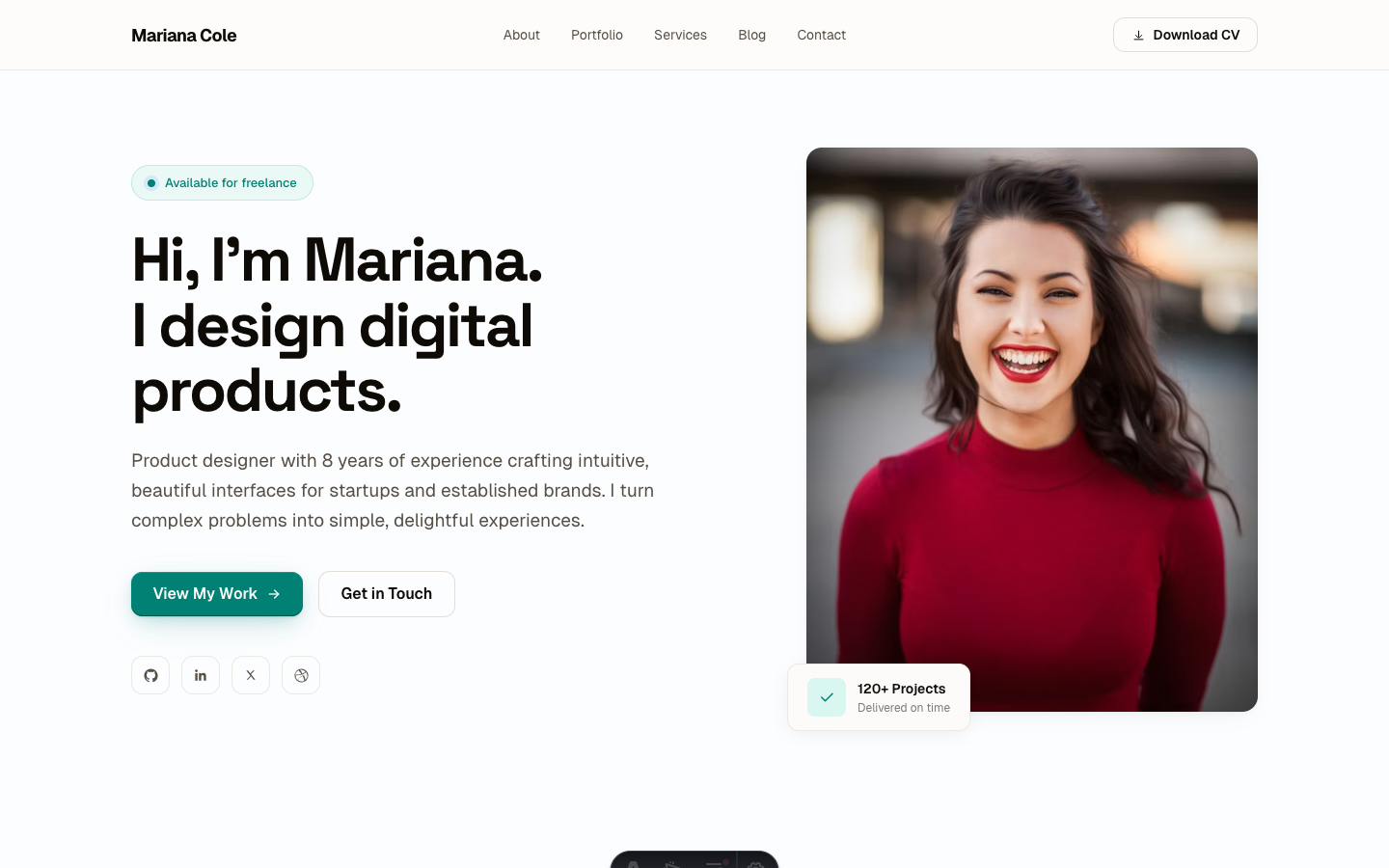
August
Personal / Portfolio / SaaS
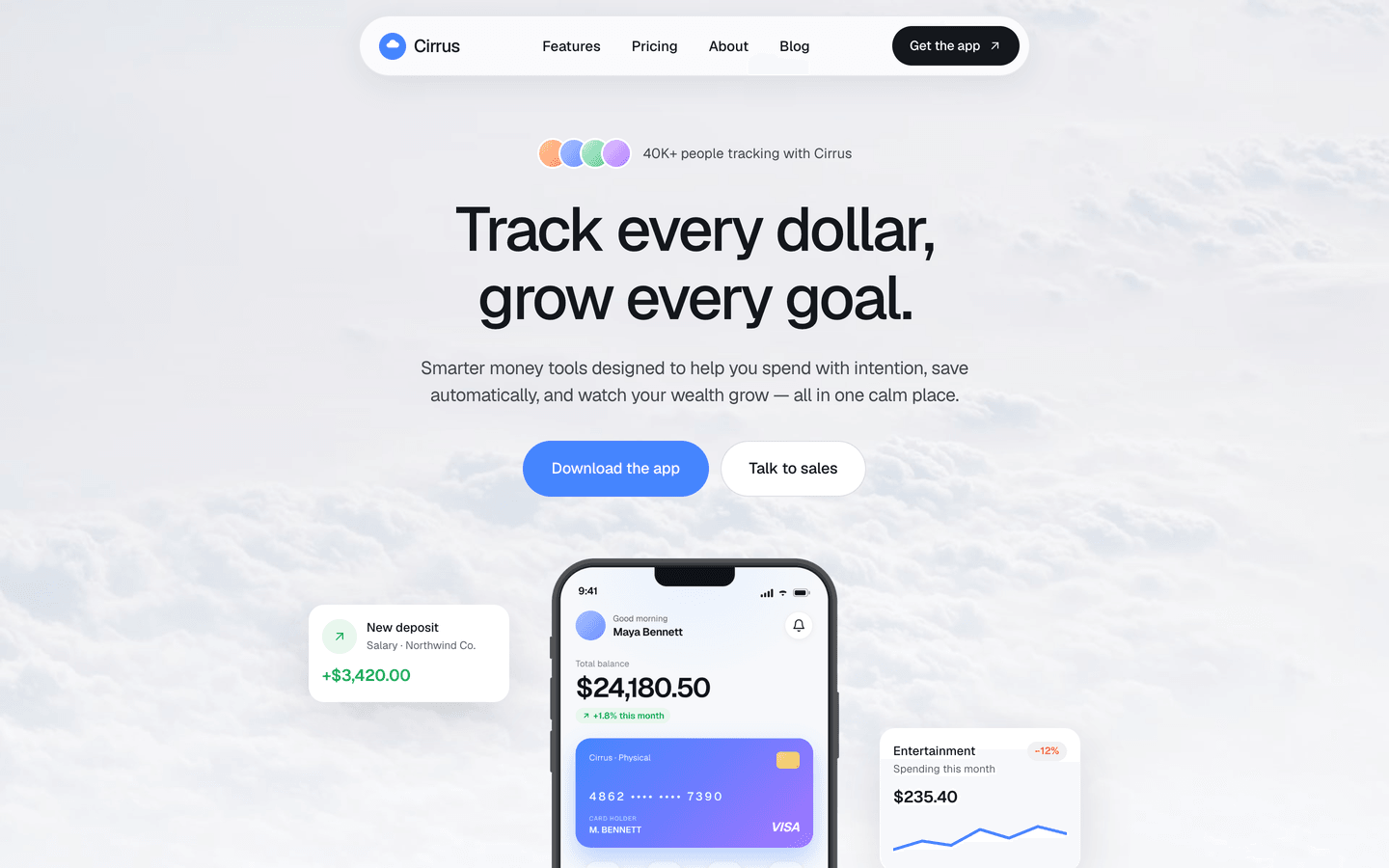
Cirrus
App / Fintech
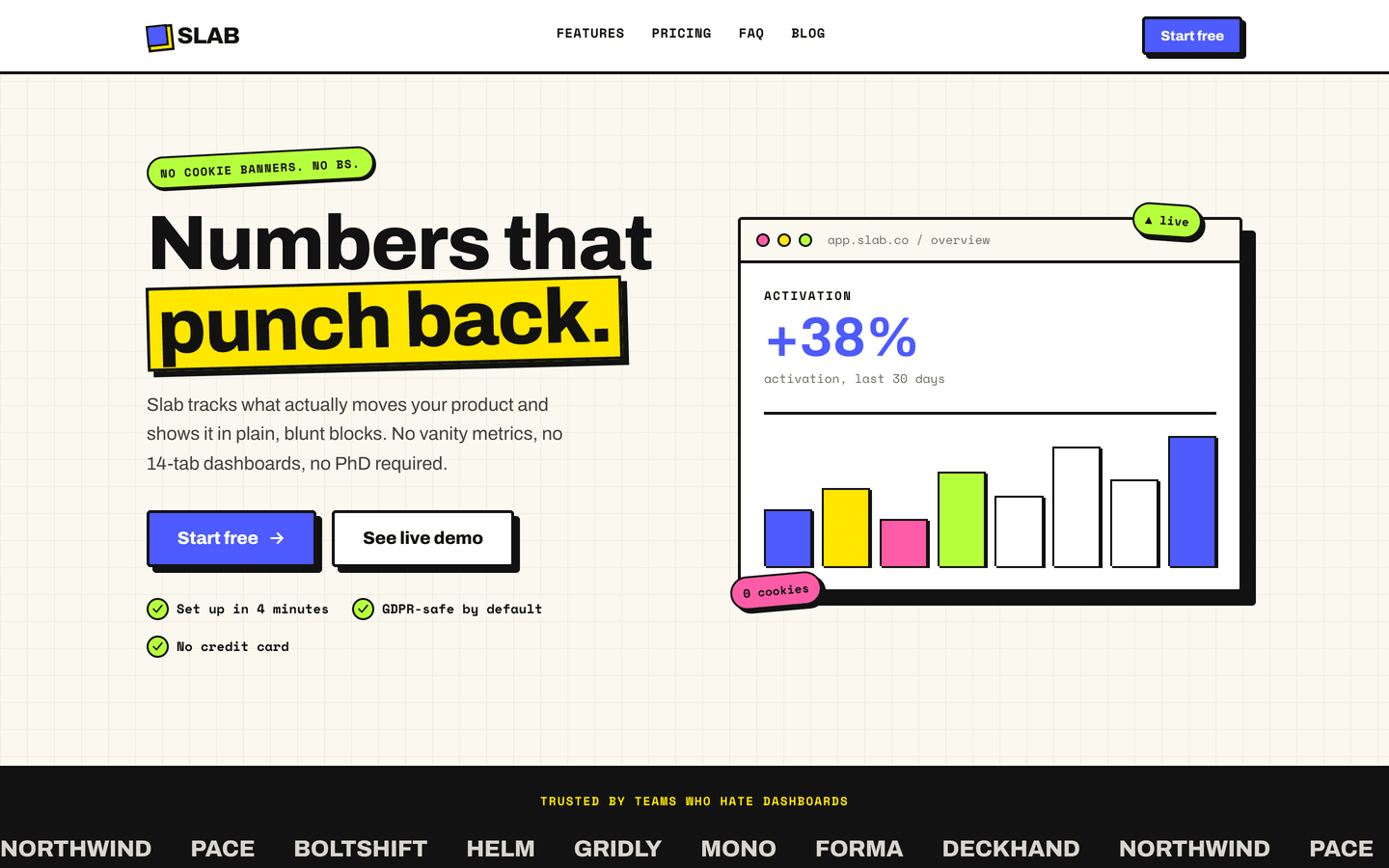
Slab
SaaS / Startup
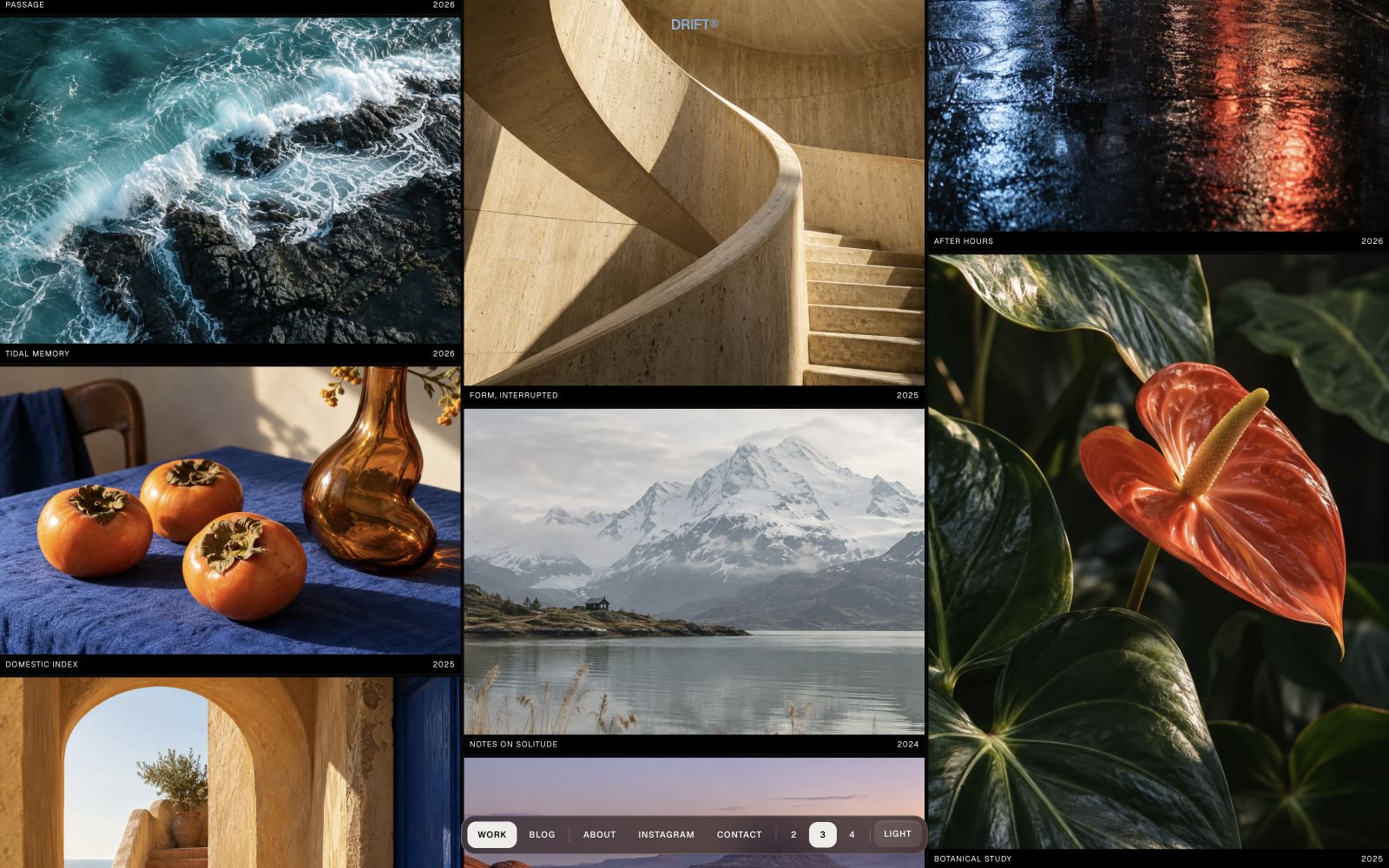
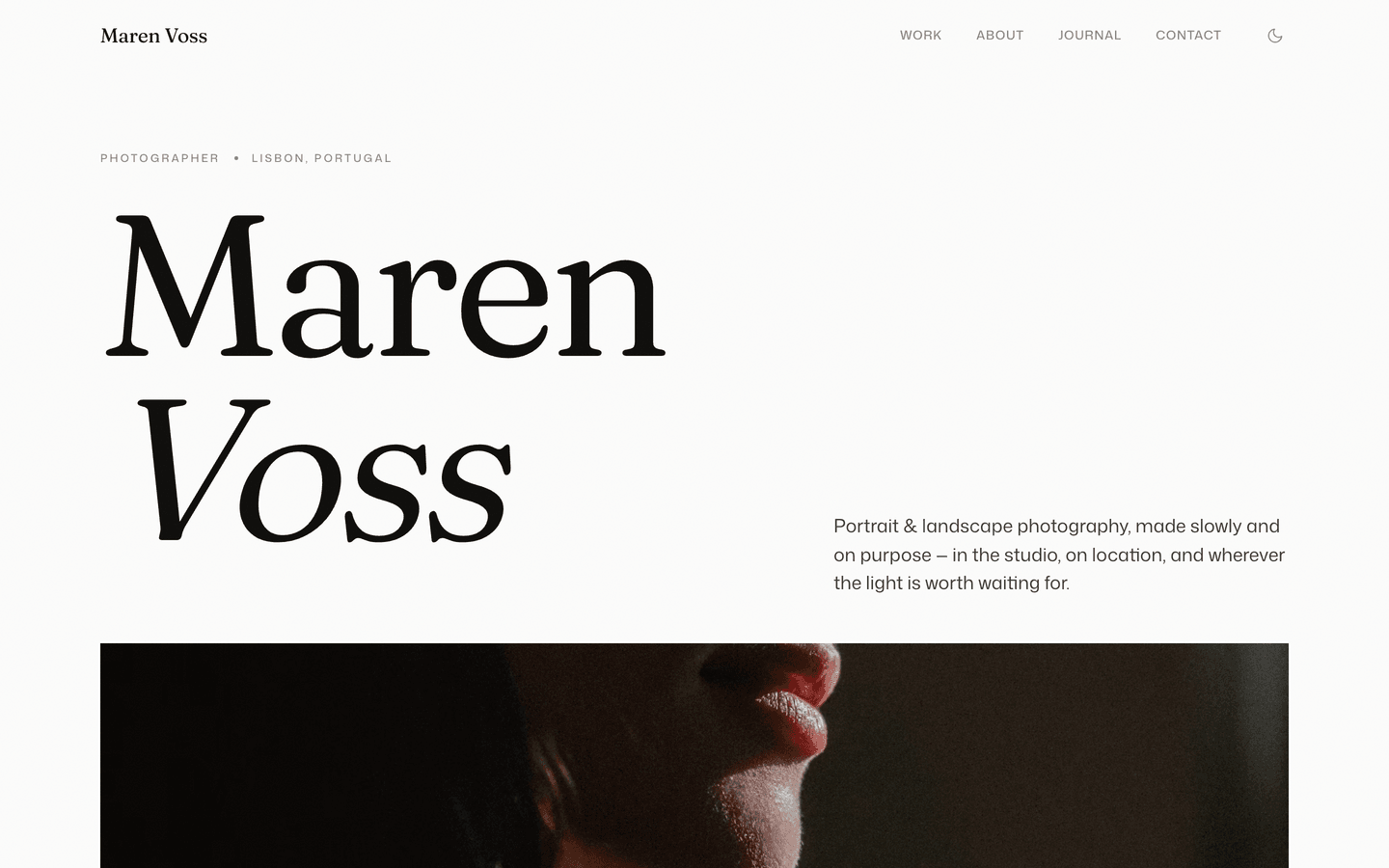
Aperture
Photography / Portfolio
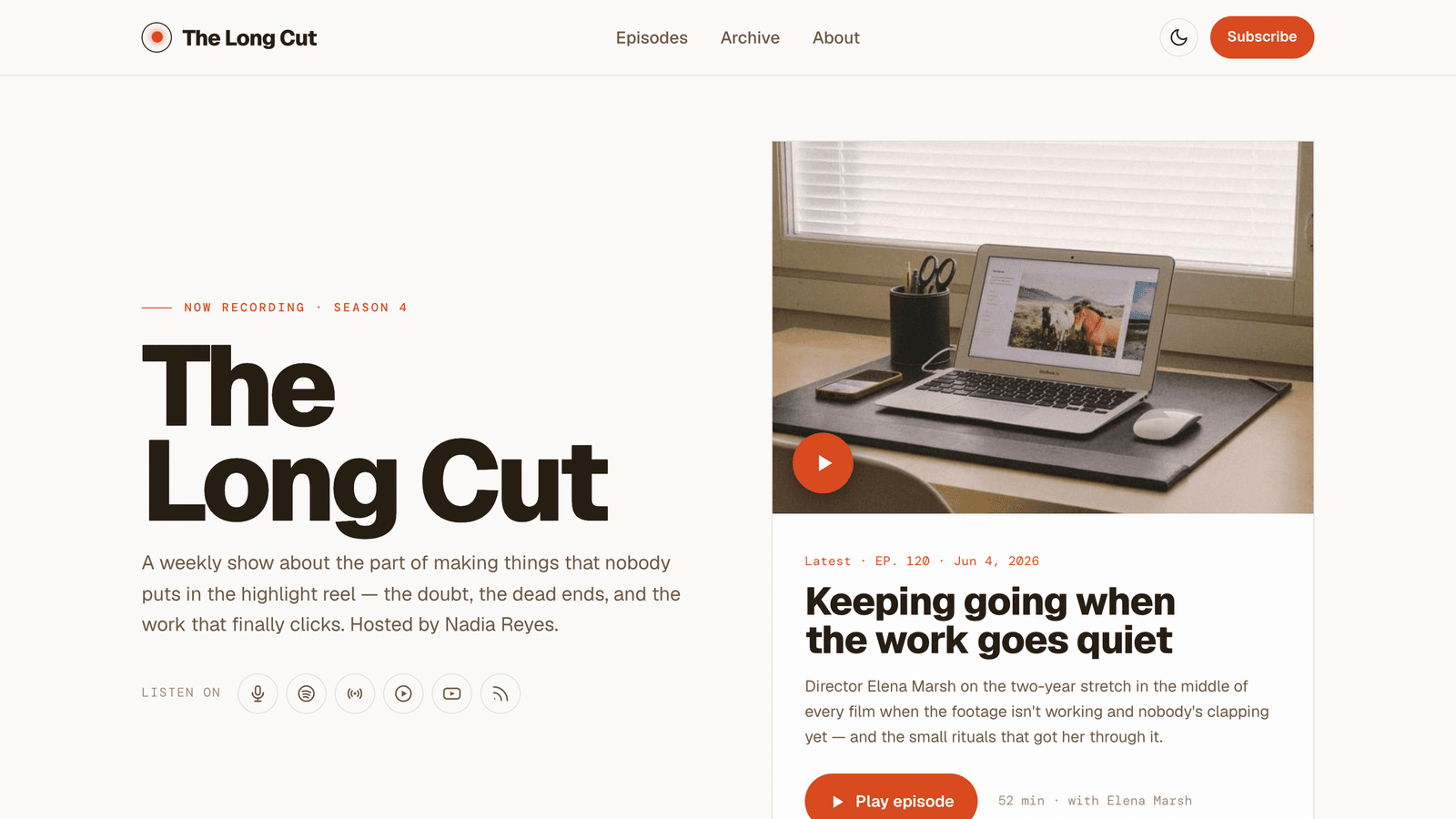
Dispatch
Podcast / Newsletter
Boost
Growth Marketing / SaaS / Startup
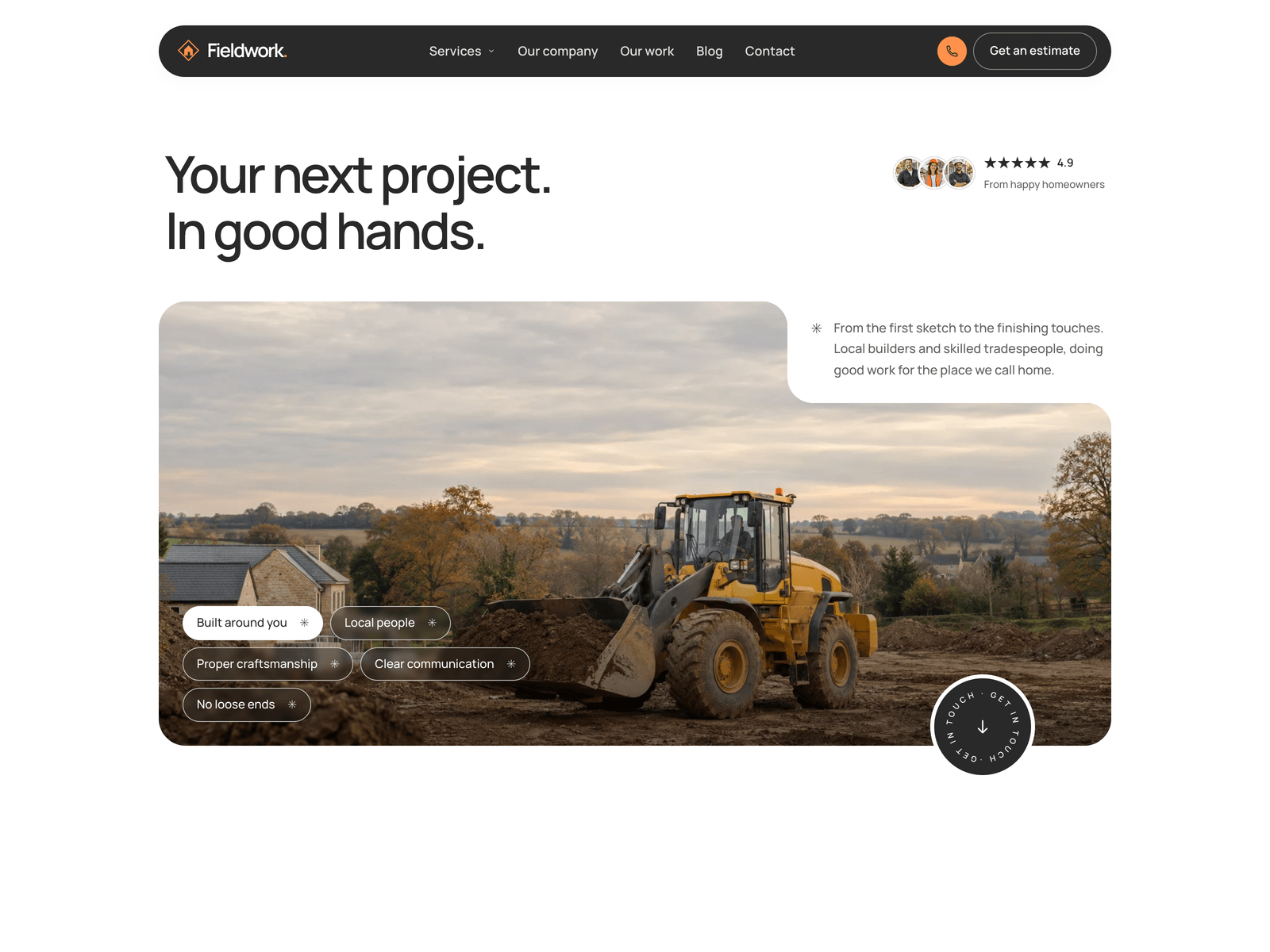
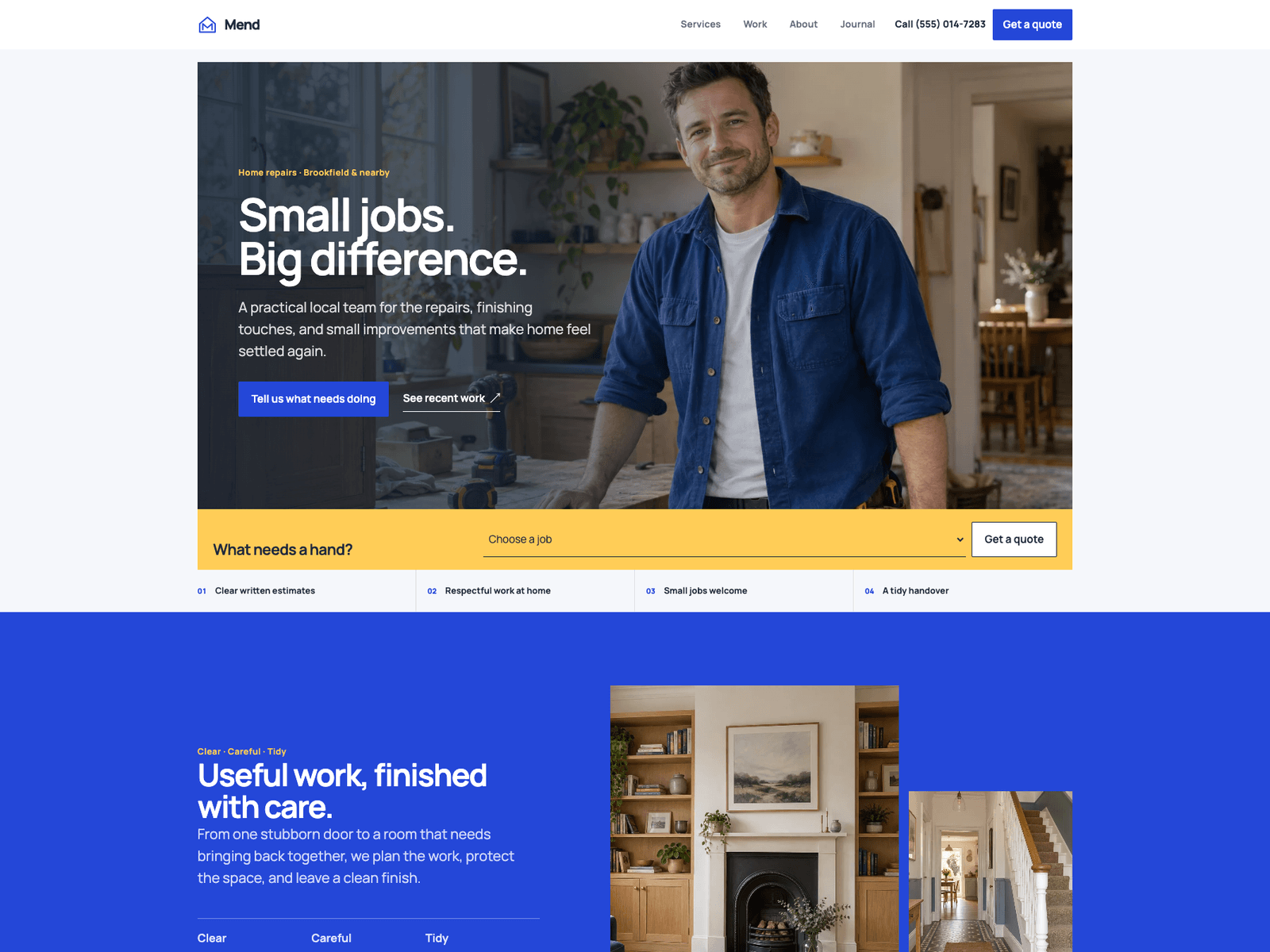
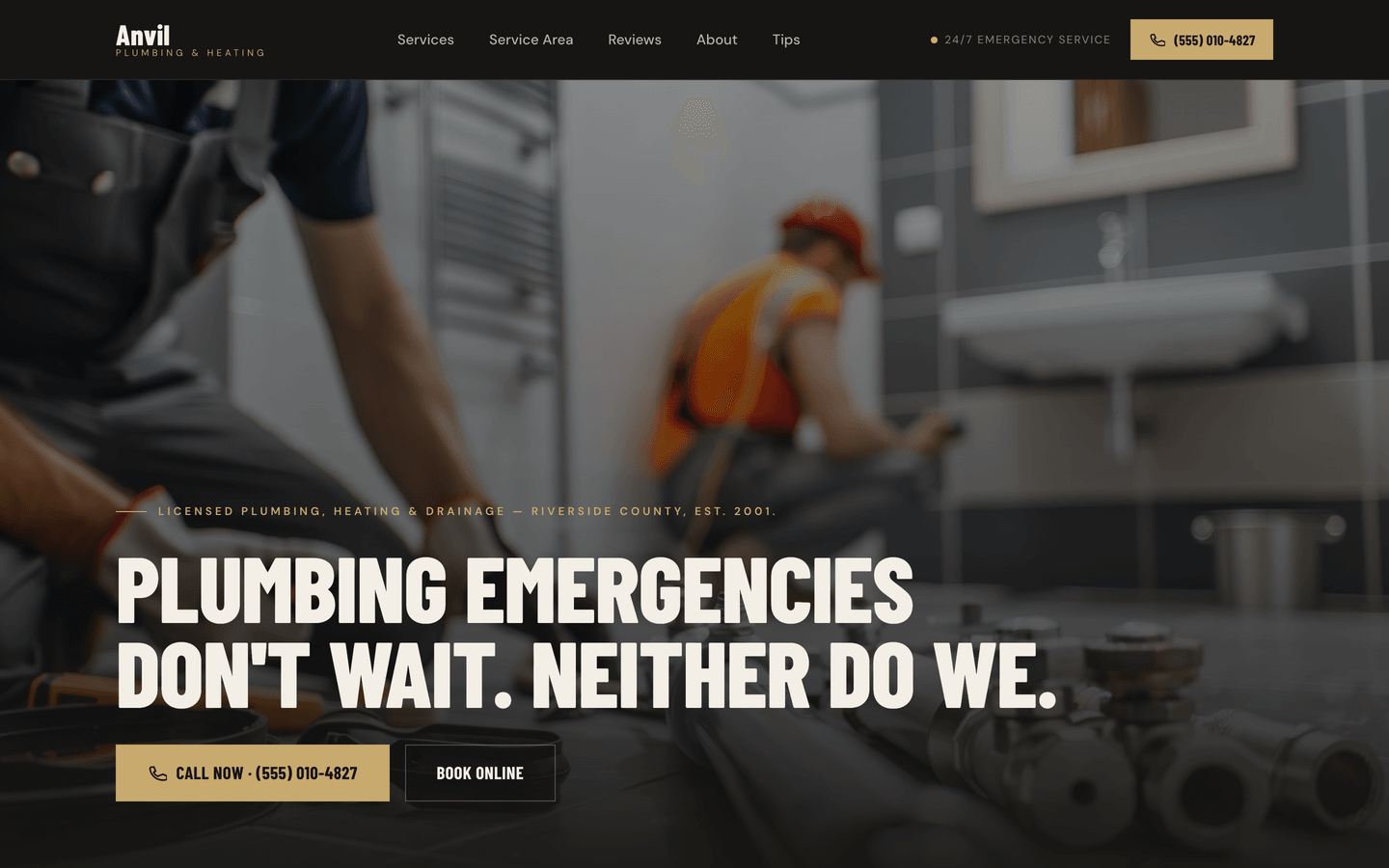
Anvil
Trades / Local Services
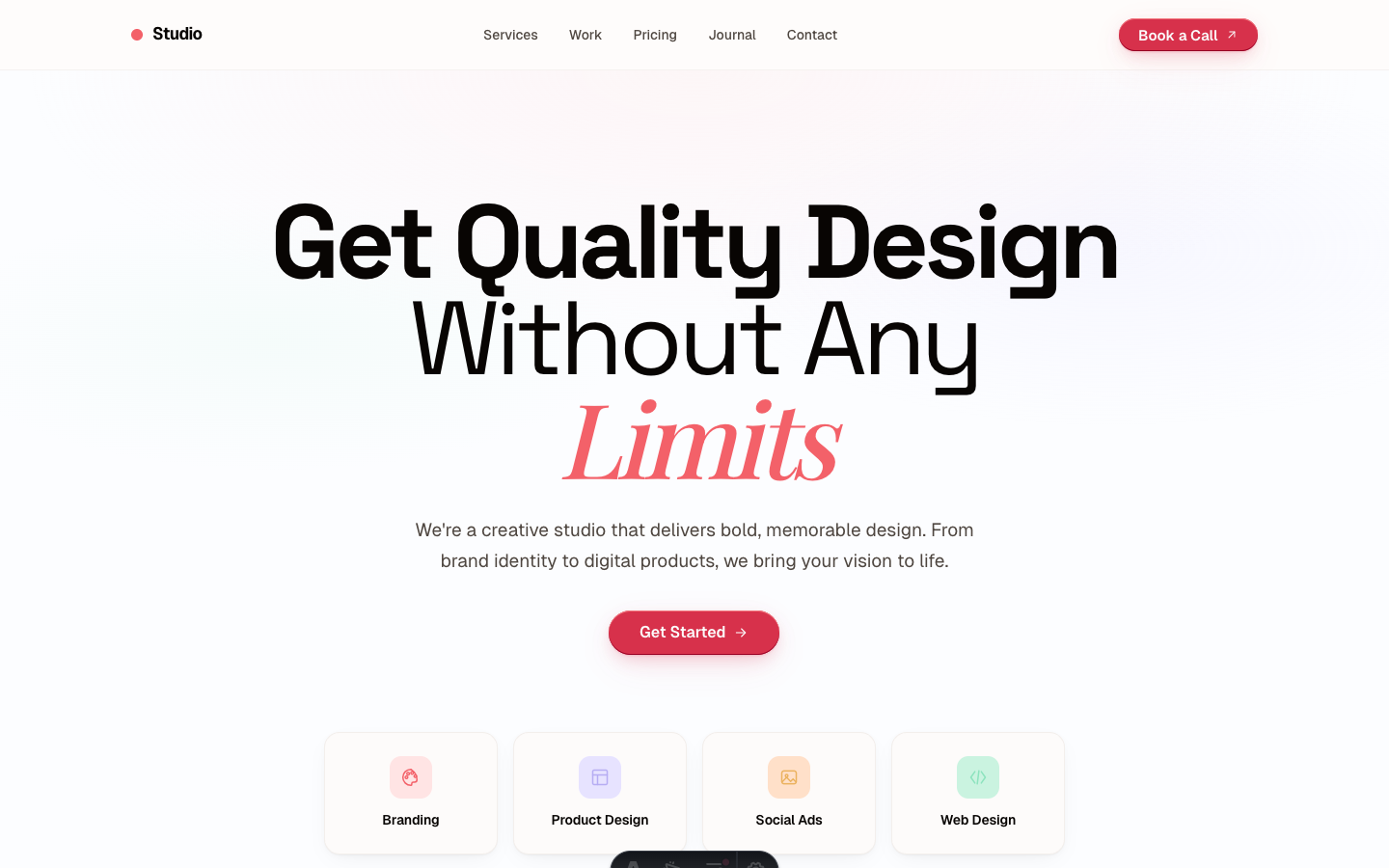
Studio
Creative Agency
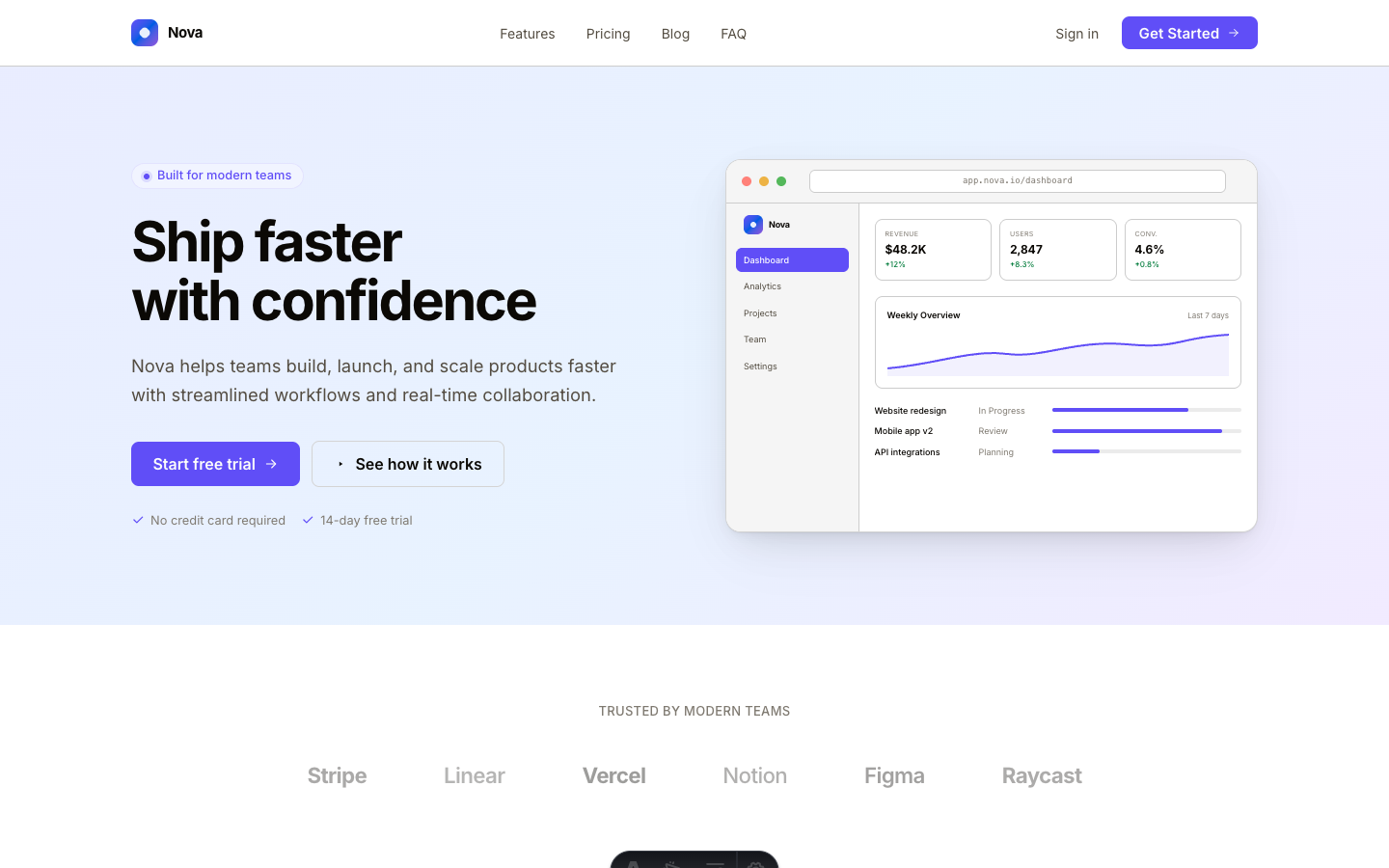
Nova
SaaS Landing Page
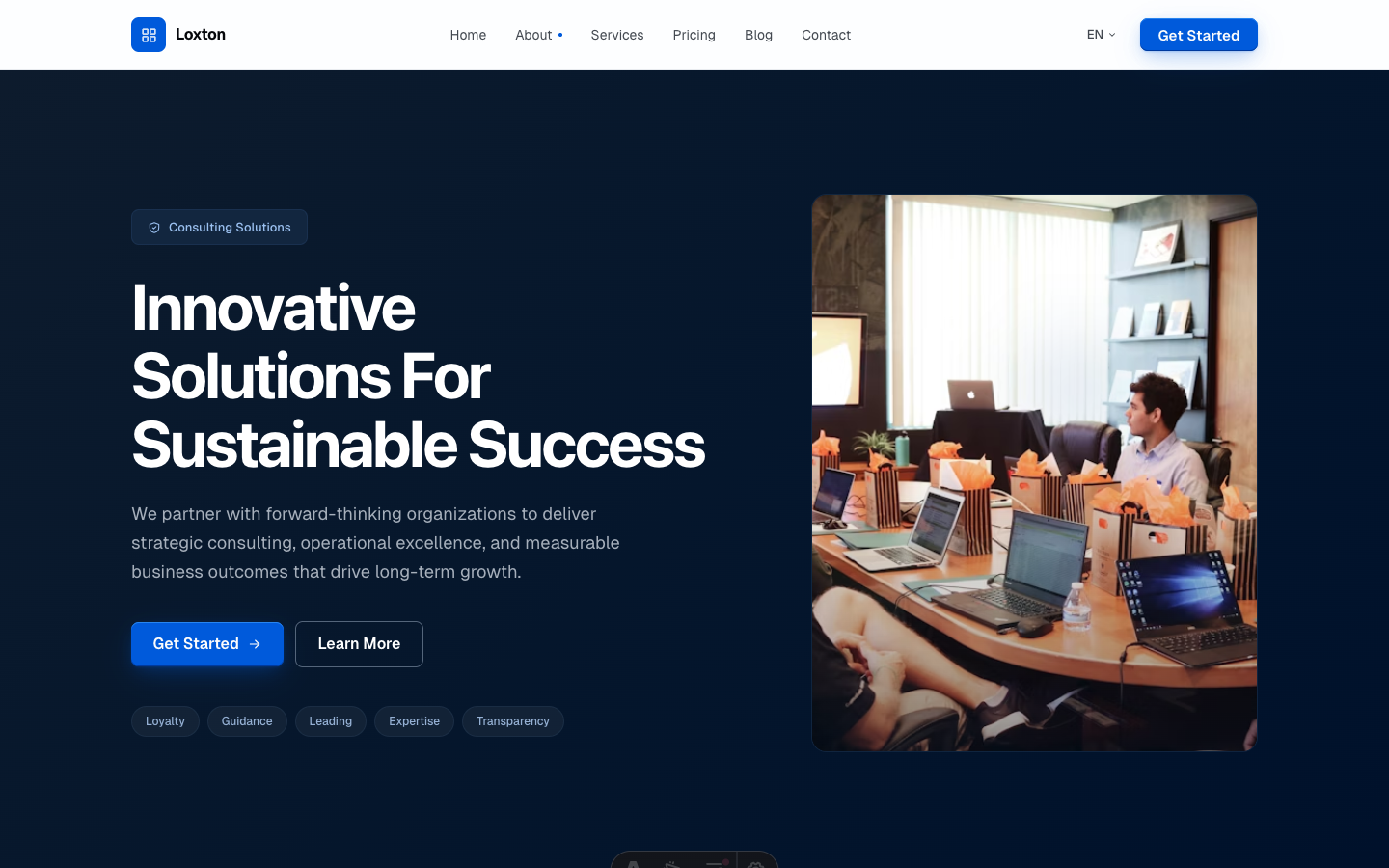
Enterprise
Business Consulting
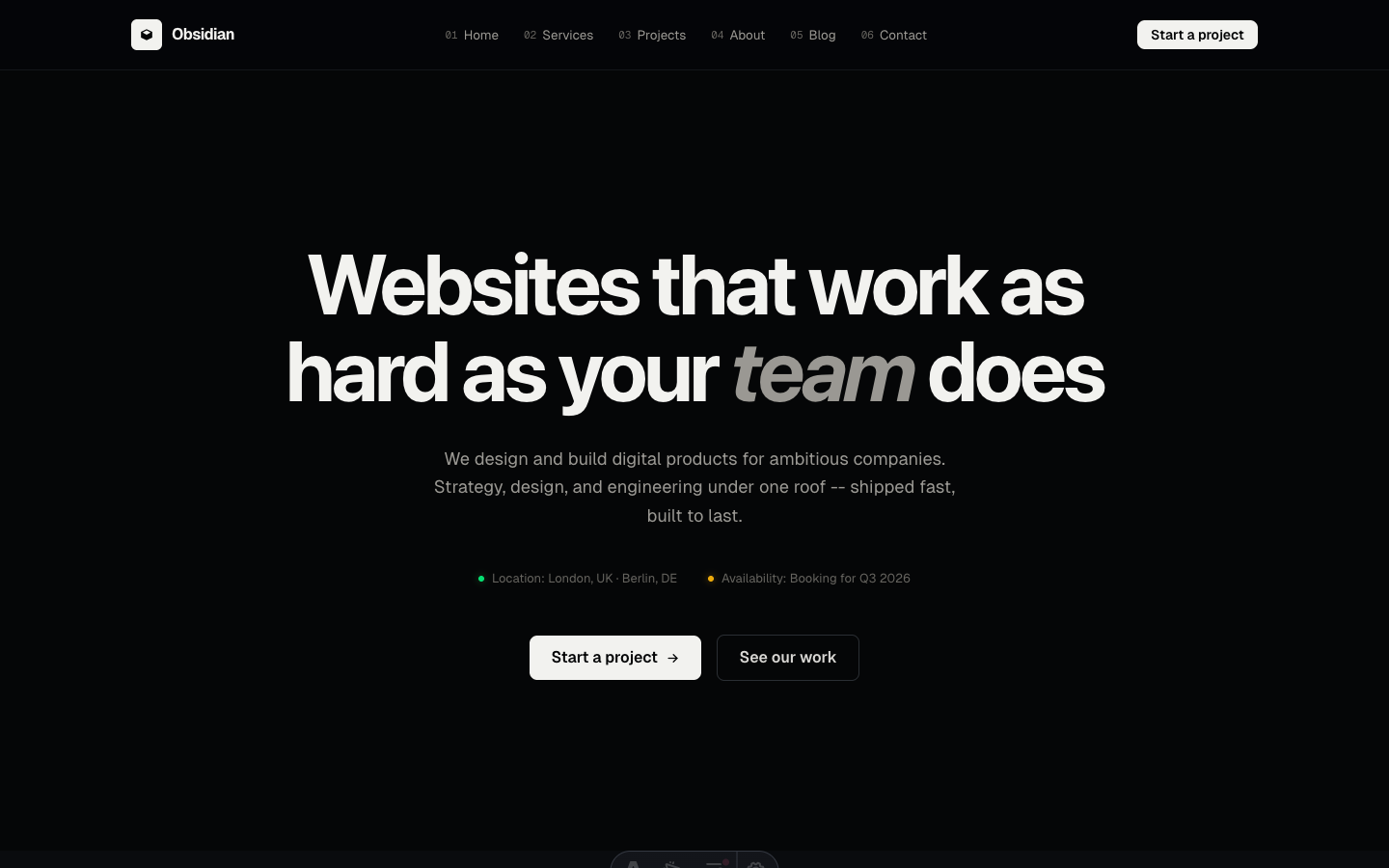
Obsidian
Dark Agency / B2B
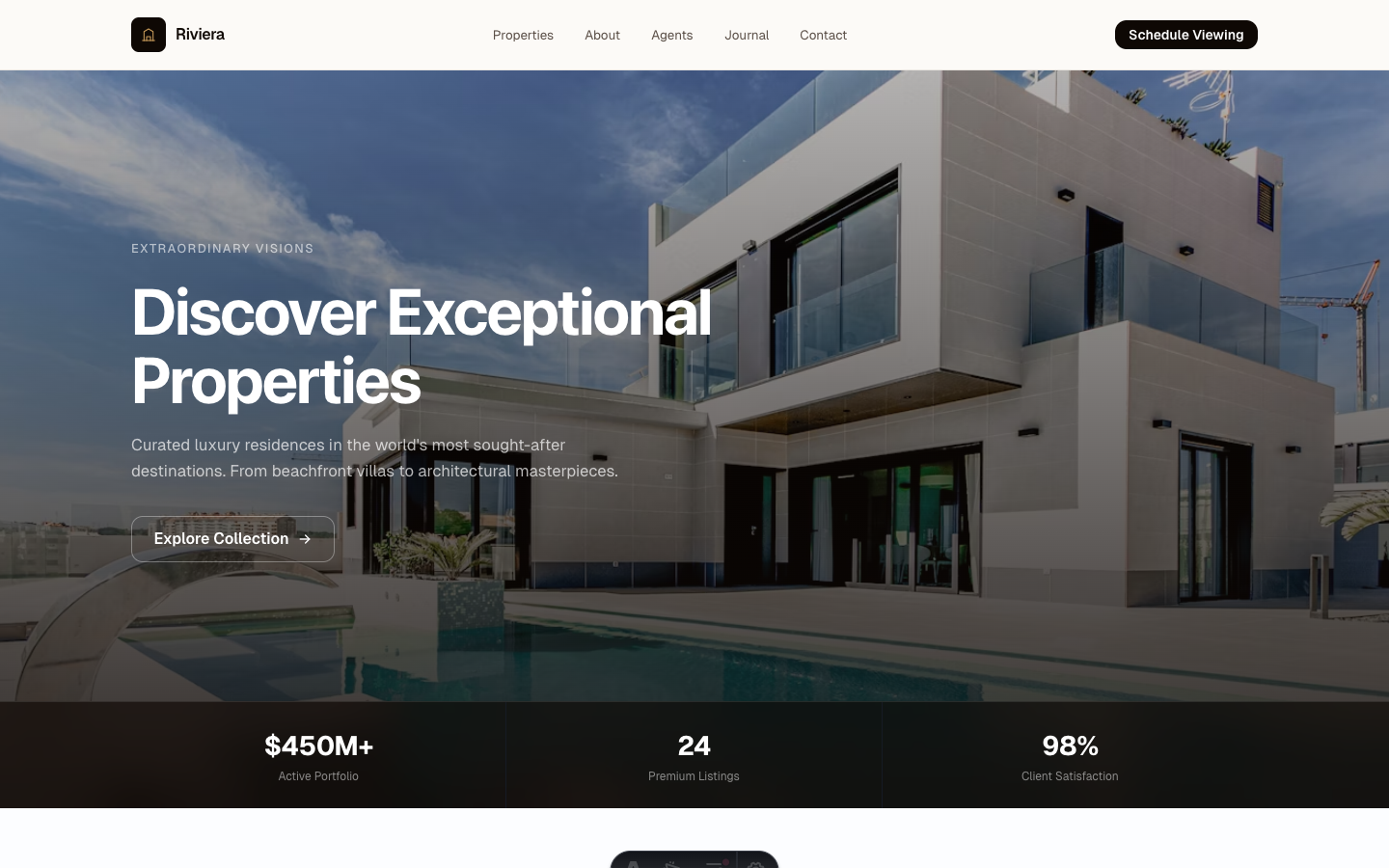
Estate
Luxury Real Estate
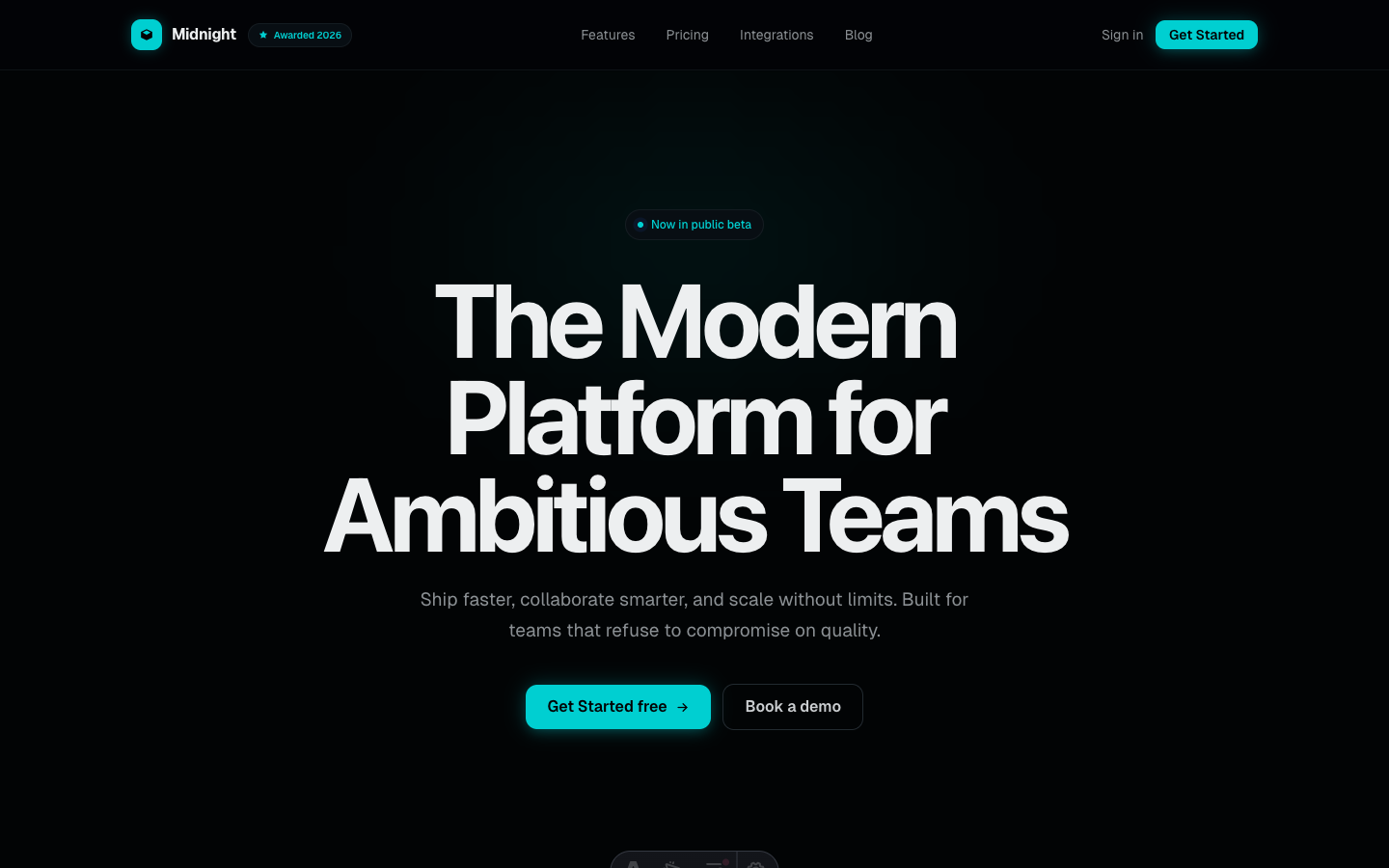
Midnight
Dark SaaS Platform
Persona
Personal Portfolio
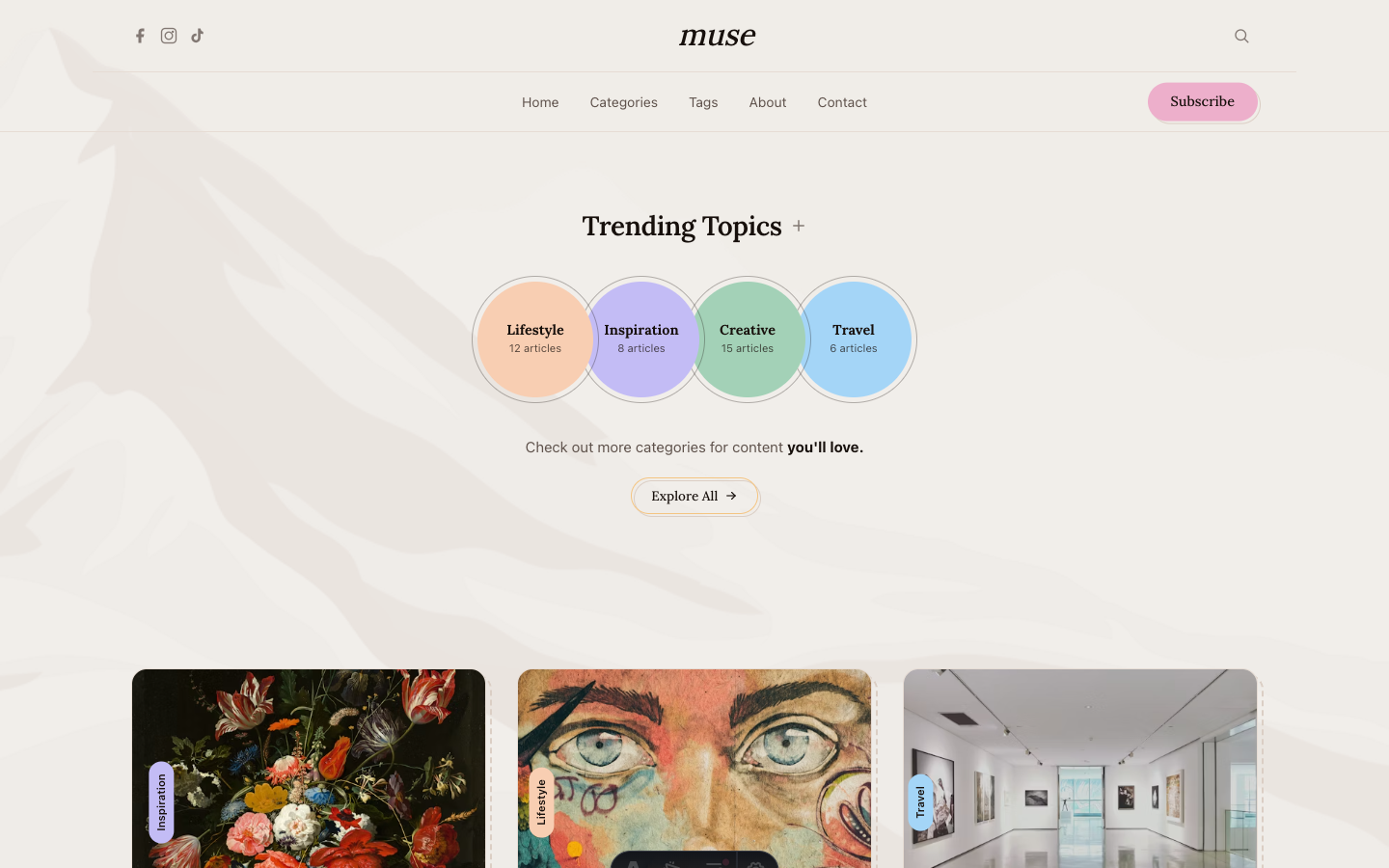
Muse
Artistic Personal Blog
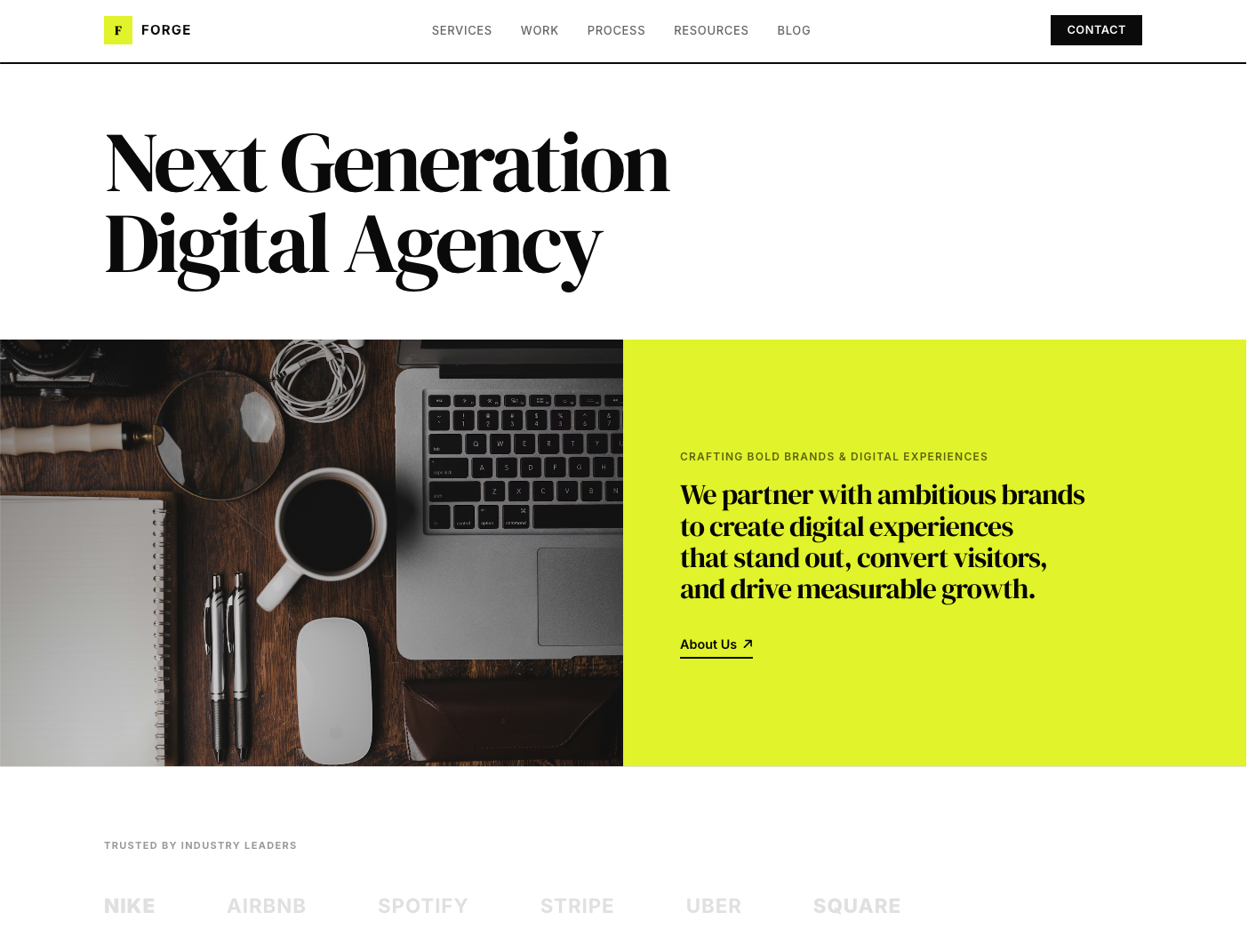
Forge
Digital Agency
Or get all 24 themes - plus every future release and the visual builder - for $968 $199 lifetime. No subscription.
How to choose an Astro theme.
Astro themes vary far more than the screenshots suggest. Two templates that look equally polished can differ by an entire framework generation, a restrictive license, or thirty missing components. Five things are worth checking before you spend anything, on this site or any other.
01 Check the framework version
A theme built on an old Astro release hands you an upgrade project on day one, before you have written a line of your own code. Look for Astro 7 and Tailwind v4. Every theme here was rebuilt on the Astro 7 compiler, so the markup is already clean under the stricter parsing rules.
02 Confirm you own the code
You should receive the complete Astro source with a license that covers personal, client, and commercial projects. Anything that keeps your site dependent on a vendor's runtime or hosting is not a theme, it is a platform. There is no AeroLaunch runtime: you get the project, and it runs anywhere static files run.
03 Count the pages and sections before you buy
Screenshots usually show a homepage. The question is what happens when you need an about page, a pricing page, a blog index, a post layout, and a contact form. Check the page count and the section library, not the hero shot.
04 Look at performance honestly
Astro ships zero JavaScript by default, but a theme can undo that with heavy animation libraries and unoptimized images. Load the live demo on a phone before you buy. Every demo on this site is linked from its theme page for exactly that reason.
05 Ask what happens after the sale
Updates and support are where cheap themes get expensive. Confirm that framework upgrades are included rather than sold as a new version, and that there is a real channel for questions.
Which theme fits your project.
The collection covers 24 themes across product, content, and service businesses. Every theme includes the full section library, so the category is a starting point rather than a limit: a portfolio theme reskins into a freelance landing page without touching a component.
What's included.
You download a complete Astro 7 and Tailwind v4 project: pages, components,
styles, the brand token system, and the full section library as source files.
Run npm install then
npm run dev and you have
a working site on your machine. Deploy the output to Cloudflare Pages, Vercel,
Netlify, or any host that serves static files.
Most customization happens in one file. Site name, navigation, brand color, SEO
titles, contact form provider, newsletter provider, and each section's content
live in src/config/site.ts,
so you can rebrand an entire theme without opening a component. When you do want
to change the design, the components are plain Astro files with Tailwind classes.
Nothing is compiled away or hidden behind a proprietary layer.
The license covers unlimited personal and commercial sites, including client work, with no per-site fees. The only restriction is reselling the theme source itself. Updates are included for as long as the theme exists, which covers bug fixes, new sections, and framework upgrades like the Astro 7 migration. 3 of the 24 themes are free and carry identical code quality, licensing, and update terms, so you can evaluate the standard before paying for anything.
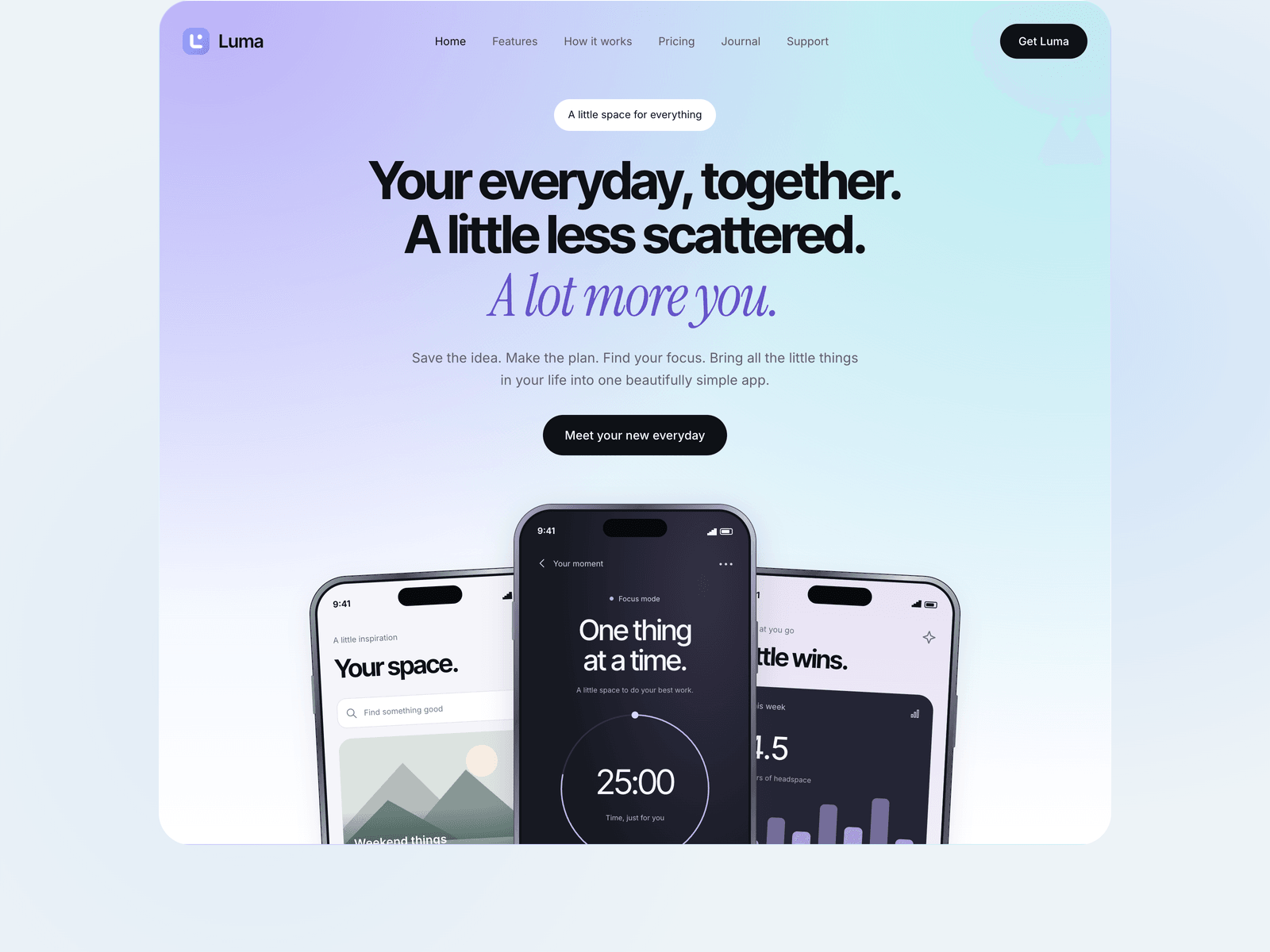
Choosing an Astro theme.
Which Astro theme should I choose?
Do I need to know how to code to use an Astro theme?
Are these themes compatible with Astro 7?
Can I change the colors, fonts, and layout?
What is the difference between a free and a premium Astro theme?
How do Astro themes compare to WordPress themes?
Where else can I find Astro themes?
Pricing and licensing
Single themes, the all-access lifetime bundle, and what each license covers.
Edit without code
The visual builder turns a theme into a point-and-click editor, then exports a real Astro project.
Have it built for you
Send us your content and we customize, brand, and package the theme you pick.