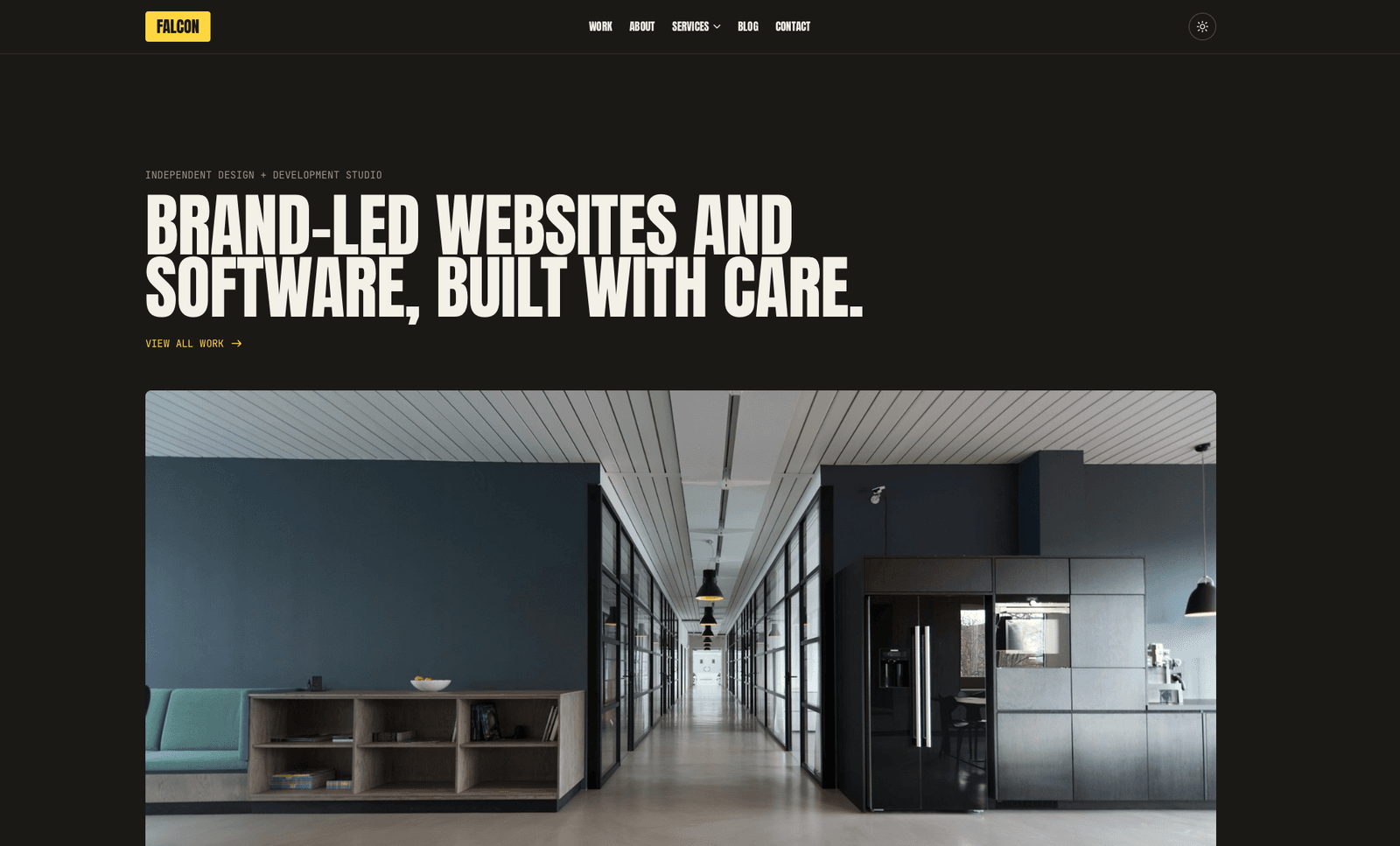
Falcon
Bold agency / portfolio / blog theme. Stacking color-block case studies, mega-menu navigation, marquee bands, and a confident Anton type system. Light + dark variants included.
Editions: Astro (source), HTML (plain files, no build).
One payment for Falcon and everything else - all 37 themes, every future release, and the Astro visual builder included.
See Falcon in action
Every page and section is part of the download. Use these as launch-day templates - keep the structure, swap the copy.
Falcon is for independent studios and small agencies that want their site to do the heavy lifting. GSAP-pinned stacking case-study cards, a full-bleed mega-menu, three marquee variants (logo / photo / CTA), a values-tabs section with synchronized image swiper, char-shift hover micro-interactions, and a giant Anton type system. Brand yellow (#ffd640) as a single signature accent.
Best Fit For
- Independent design + development studios
- Small to mid-size agencies
- Brand-led freelancers
- Creative consultancies
- WordPress / Astro shops
- White-label production teams
Full Page Set
Every page is real and editable - no placeholders, no "coming soon" stubs.
25 Sections Included
Every section is a ready-to-use Astro component. Add it to any page, customize via config, or remove what you don't need.
What's Included
Cards That Pin and Peek
Falcon's signature move is the stacking case-study deck. Each project card pins to the top of the viewport as you scroll, then the next one slides over it with a 24px peek of the card below. GSAP ScrollTrigger handles the pinning, and the filter chips on /work/ kill and rebuild triggers when you change the view - so filtering never breaks the scroll behavior.
Type That Earns Its Scale
Anton at 96px+ does the work that photography would do in a different theme. Tight letter-spacing, 85–95% line-height, and JetBrains Mono kickers above every section. The display type IS the brand - paired with Inter body text for readability without visual conflict.
One Accent Color, Earned
Brand yellow (#ffd640) shows up exactly where attention should go: CTA pills, the bottom marquee band, the sticky 'Let's chat' popup, and one case-study card as a deliberate palette interruption. Eleven other case-study colors live alongside it, but yellow is the through-line.
Forms, newsletter, and analytics - pre-wired
Falcon is ready to connect to your preferred providers. Pick from the options below, drop in a single API key, and your contact form, newsletter signup, and analytics are live - no backend, no JavaScript, no glue code.
Contact form
The Contact section's <form> renders with no JS. Set one provider in site.ts; the form action wires automatically.
- Formspree50 free submissions / month, no domain restriction
- FormSubmitFree, no signup - just an email confirmation
- Netlify FormsFree 100/month - Netlify hosting only
Newsletter
The Newsletter form sends subscribers directly to your ESP. The email input name auto-adjusts per provider.
- MailchimpStandard EMAIL field; honeypot supported
- ConvertKit (Kit)email_address field; works with any form ID
- Buttondownemail field; lightest, indie-friendly
Analytics
Layout.astro injects the right script tag based on the provider you choose. No client-side branching.
- Google Analytics 4Paste your G-XXXXXXXXXX measurement ID
- PlausiblePrivacy-friendly, ~1 KB script, no cookies
- UmamiSelf-hostable, also cookie-free
Tech Stack
Config-Driven Setup
Every theme uses a single src/config/site.ts file for customization. Change your brand, navigation, form providers, analytics, and section content without touching component code.
// src/config/site.ts
export const siteConfig = {
  name: "Your Company",
  tagline: "Your tagline here",
  url: "https://yourdomain.com",

  navigation: { sticky: true, links: [...], cta: {...} },
  social:     { twitter: "...", github: "...", linkedin: "..." },
  seo:        { title: "...", description: "...", ogImage: "/og.png" },

  // ── Provider switches ────────────────────────────────
  contactForm: { provider: "formspree",  formspreeId: "your-id" },
  newsletter:  { provider: "convertkit", actionUrl: "https://..." },
  analytics:   { provider: "plausible",  plausibleDomain: "you.com" },

  // ── Section data ─────────────────────────────────────
  team, video, timeline, comparison, gallery,
  carousel, tabs, appDownload, map, footer,
} as const;The same design as plain HTML
No Astro, no npm, no build step. Unzip the folder, open index.html straight from your disk and it works. Every page is a plain .html file you edit in any editor, the styling lives in one readable CSS file with the colours at the top, and an optional Tailwind folder is there if you want utility classes back. Deploy it to any static host: Netlify, Cloudflare Pages, GitHub Pages or plain cPanel.
Full documentation, ready before you buy
Browse the install guide, the site.ts reference, provider setup, deploy instructions, and the Falcon-specific page - all live now.
Guides that cover Falcon.
Best Astro Themes for Agencies and Studios (2026)
The best Astro themes for agencies, design studios and creative practices in 2026: what an agency site needs to win work, plus picks for every style.
Read the guide ThemesBest Astro Themes for Small and Local Businesses (2026)
The best Astro themes for small and local businesses in 2026: what a service site needs to get found and get the call, plus picks for trades, gyms and more.
Read the guide ThemesBest Astro Themes for 2026 (Free and Premium)
The best Astro themes for 2026, free and premium: quick picks for SaaS, agencies, photography, gyms, local business and shops, and what to check before you buy.
Read the guideMore themes from the collection.
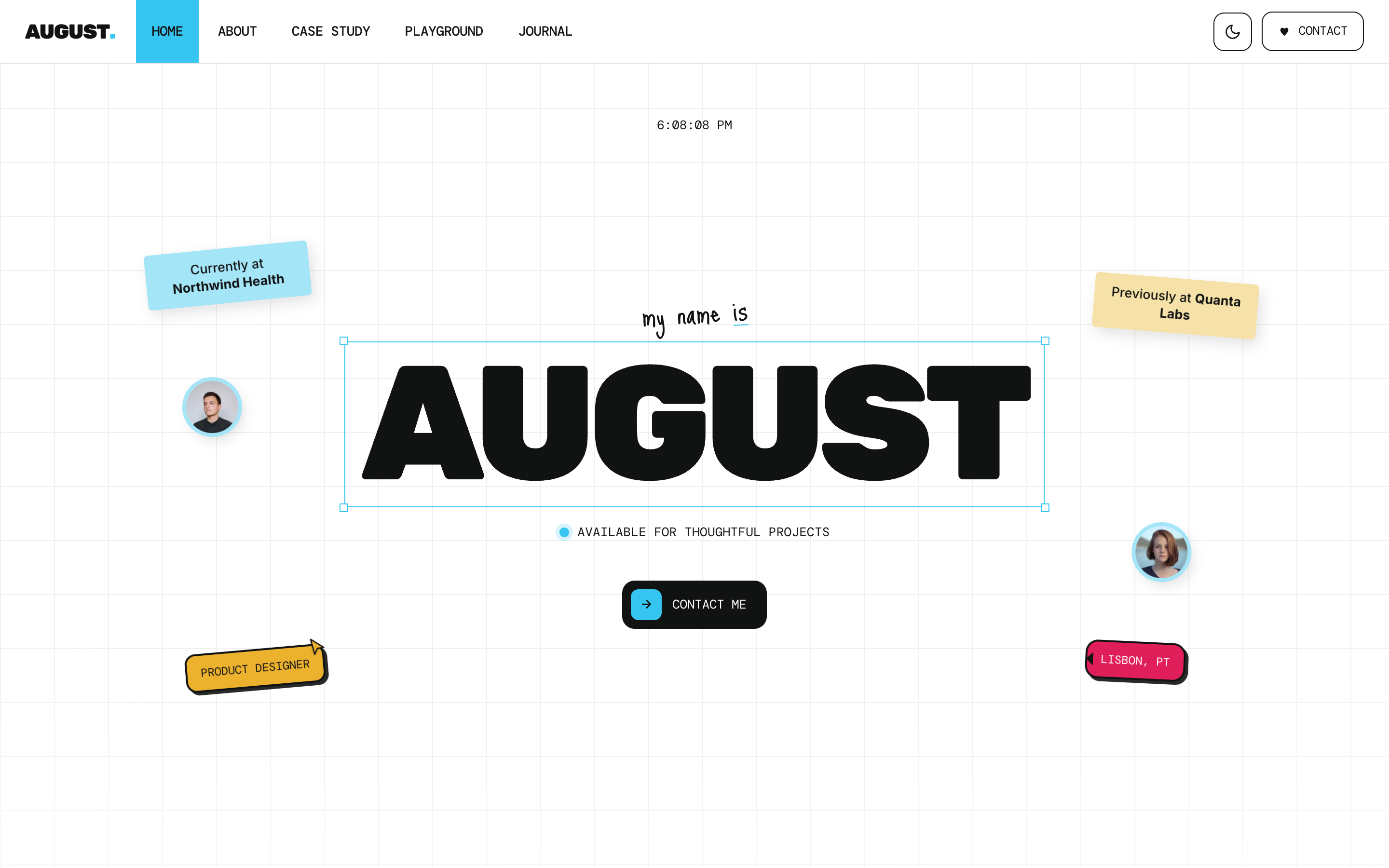
August
Personal / Portfolio / SaaS
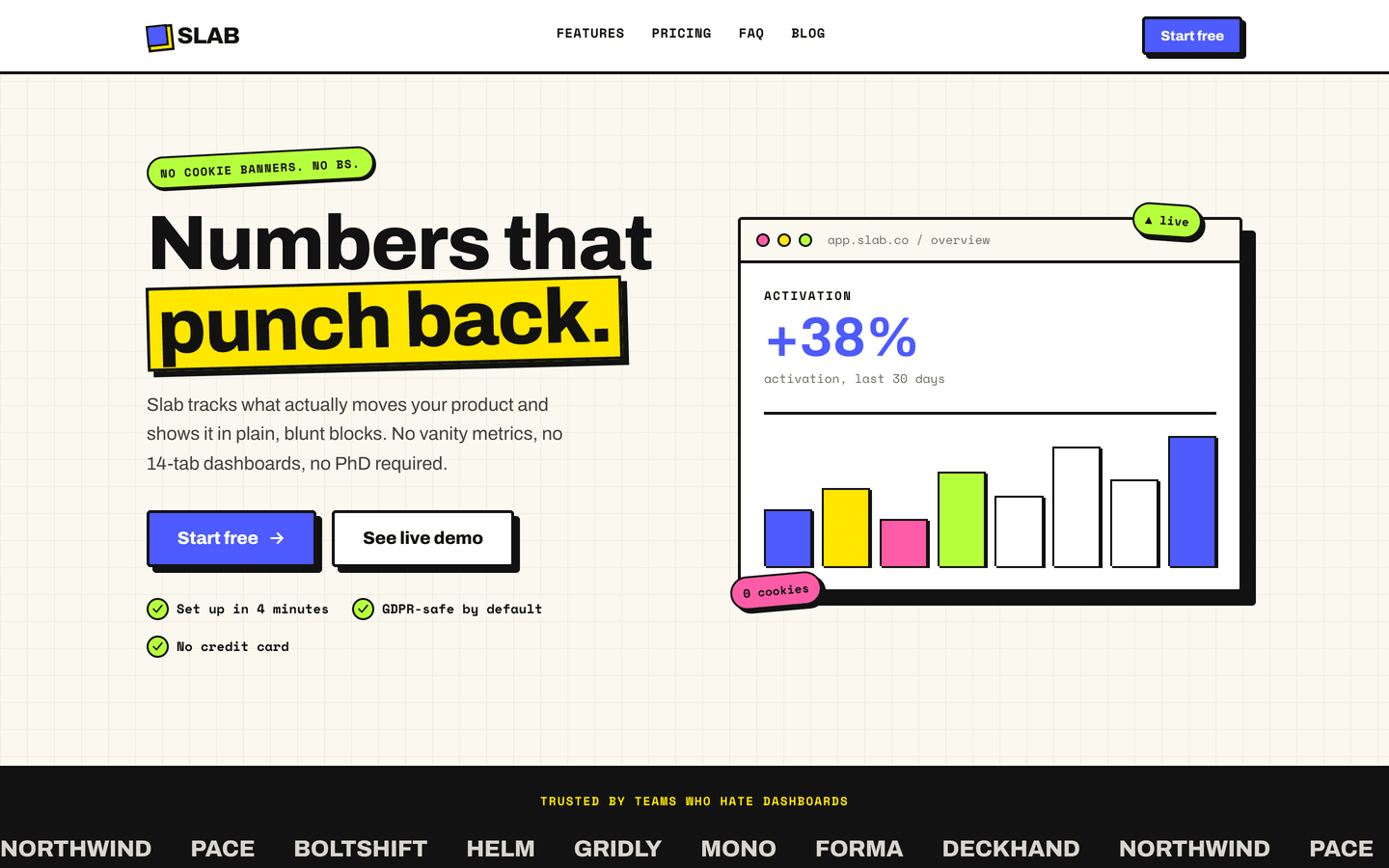
Slab
SaaS / Startup
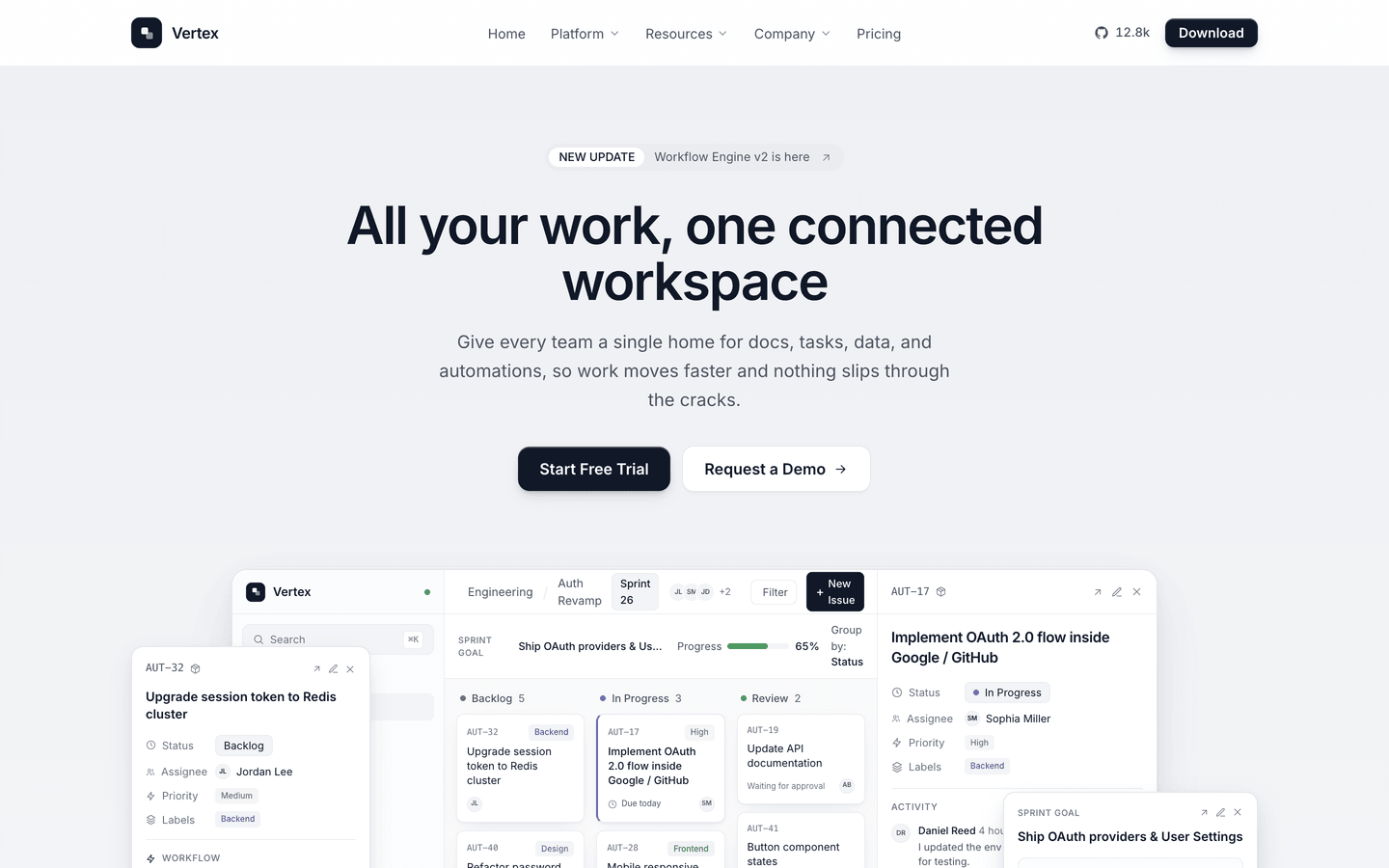
Vertex
SaaS / Startup
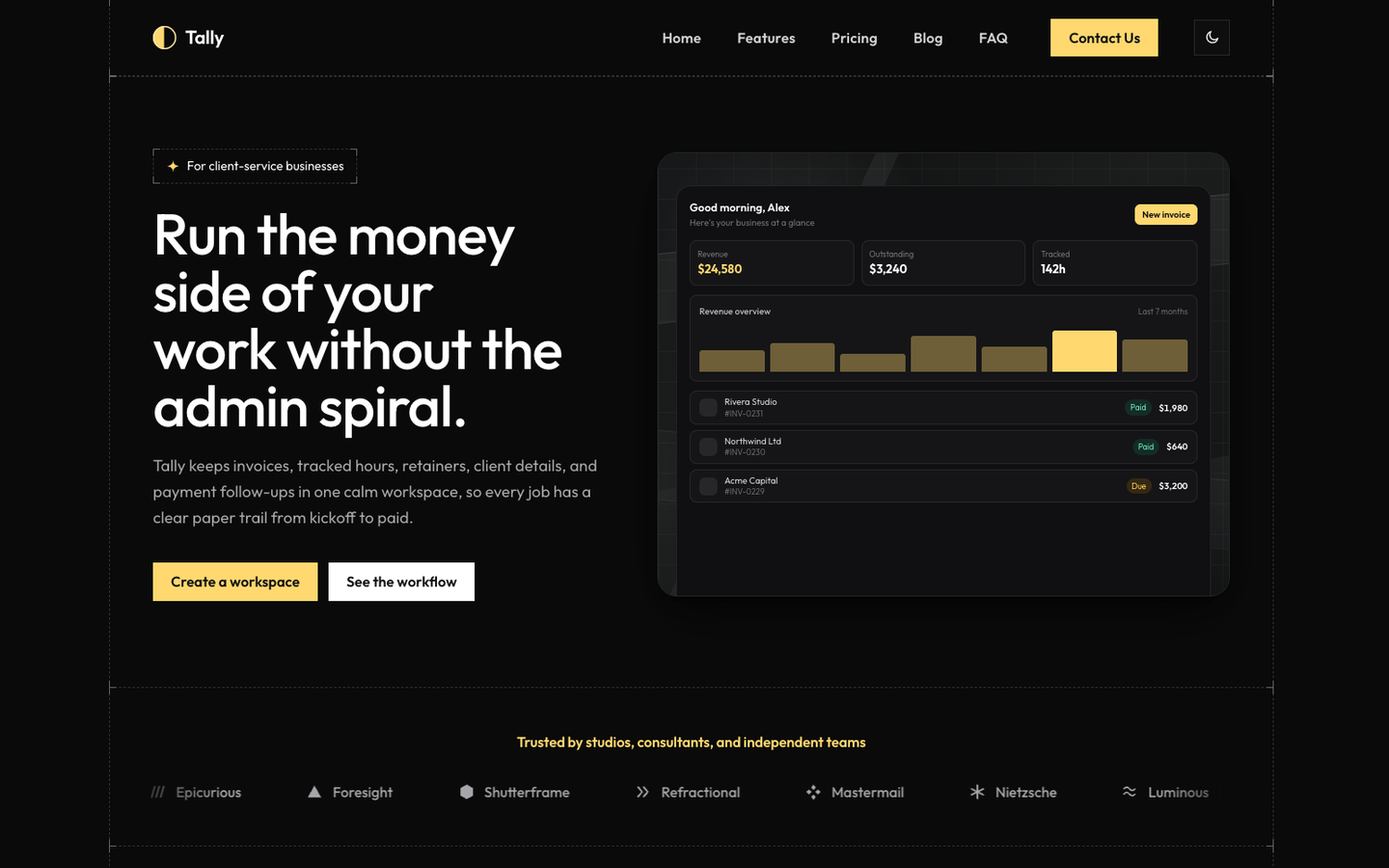
Tally
SaaS / Startup
Or get every theme - these included - with the All-Access Pass.