Relay
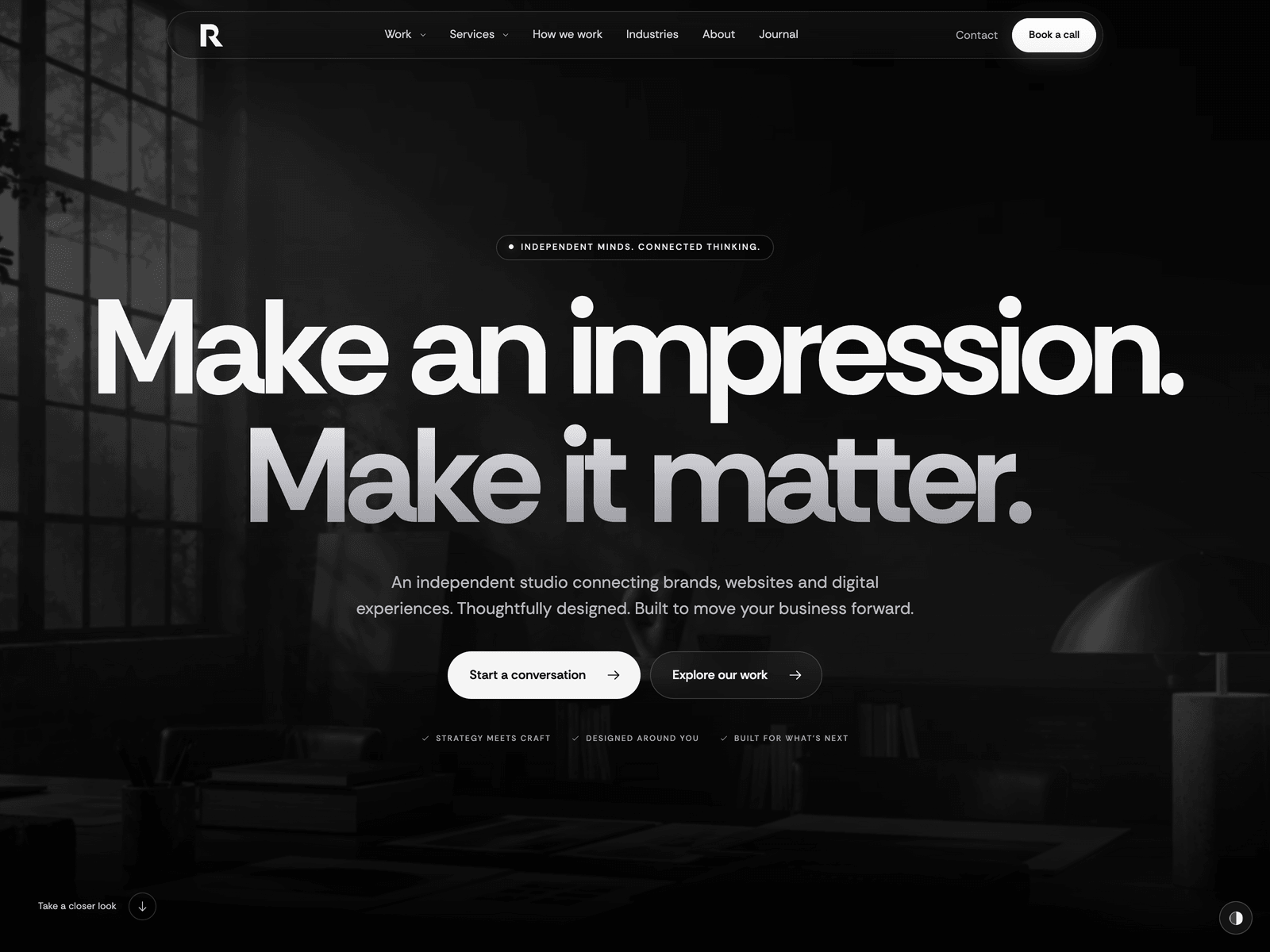
A dark, cinematic site for a digital agency, a creative studio or a SaaS product. A glass navigation bar, a full-screen photo hero, projects that stack as you scroll, case studies, six service pages, pricing, integrations and a journal. Light mode and four accent colours included.
Editions: Astro (source), HTML (plain files, no build).
One payment for Relay and everything else - all 41 themes, every future release, and the Astro visual builder included.
See Relay in action
Every page and section is part of the download. Use these as launch-day templates - keep the structure, swap the copy.
Relay is for a studio that sells design, and for a product team that wants to look like it hired one. It opens on a full-screen photograph drifting slowly behind two lines of very large type, under a floating glass navigation bar. Then the page starts to move: a browser window tilts into view and scrolls through one of your projects, the studio statement fills in word by word, three project stages slide over each other and the process section rolls its step number as you read. The project previews are not flattened mockups. They are built in HTML from a logo, a headline and a photo, so a new case study takes a few lines of text. Selling a product instead of a service? Pricing with a monthly and yearly switch and an integrations grid are already on the homepage, each behind one enabled flag. Relay is dark by default, with a light mode one click away and four accent colours that work in both. Every word, project, service, plan, article, form field and colour lives in one src/config/site.ts, and the contact form starts in an honest demo mode until you connect Formspree, FormSubmit, Netlify or your own endpoint.
Best Fit For
- Digital agencies and creative studios
- Brand, web and product design teams with case studies to show
- SaaS products that want pricing and integrations on a dark, cinematic page
- Freelancers and small teams selling several services
Full Page Set
Every page is real and editable - no placeholders, no "coming soon" stubs.
14 Sections Included
Every section is a ready-to-use Astro component. Add it to any page, customize via config, or remove what you don't need.
What's Included
Motion that sells the work
A browser window that tilts in and scrolls through a project, a statement that fills in as you read, project stages that stack, a step number that rolls. Each one points at your work instead of decorating the page. The moving parts have pause buttons, and reduced-motion settings switch all of it off.
Case studies without mockup files
Every project preview is built in HTML from site.ts: a logo, three navigation labels, a headline, a button and one photograph. Add a project and you get its preview, a card in the Work menu, a stage on the homepage and a case study page with the challenge, the approach, the outcome and a client quote.
A studio site or a product site
Pricing with a monthly and yearly switch and a six-tool integrations grid are on the homepage, each with an enabled flag. Leave them on for a SaaS product, switch them off for an agency, or keep pricing for productised services. The plans are display only, so the buttons link wherever you choose.
Dark, light and four accents
Relay ships dark. The panel in the corner switches to a light palette and to Silver, Ice, Sage or Rose, and each accent has a deeper shade for light mode so buttons stay readable. The choice is remembered and restored before the page paints. Set your own default mode, palettes and accent in site.ts, or hide the panel.
Tech Stack
Config-Driven Setup
Relay keeps every string, both palettes and the accent colours, the projects and their previews, the services, the plans, the integrations, the journal articles and the contact form's fields and delivery settings insrc/config/site.ts. Projects, services and articles are entries in site.ts rather than Markdown files, and the contact form stays in an honest demo mode until you choose a provider.
// src/config/site.ts
export const site = {
  brand:      { name: "Relay", email: "hello@example.com", favicon: "/favicon.svg" },
  seo:        { url: import.meta.env?.PUBLIC_SITE_URL || "https://relay.example", titleTemplate: "{title} - {brand}" },
  appearance: { defaultMode: "dark", accent: "#f5f5f5", light: { accent: "#252529", ... } },
  hero:       { lines: ["Make an impression.", "Make it matter."], motion: { duration: 24, videoSrc: "" } },
  projects:   [{ slug: "aera", category: "Web design", preview: { logo: "aera", headline: "...", ... }, ... }, ...],
  services:   [{ slug: "web-design", name: "Web design & development", deliverables: [...] }, ...],
  pricing:      { enabled: true, plans: [{ name: "Starter", monthly: { price: "$19" }, yearly: { price: "$15" } }, ...] },
  integrations: { enabled: true, items: [{ name: "Slack", image: "/images/integrations/slack.svg" }, ...] },
  blog:       { pageSize: 6, posts: [{ slug: "before-you-redesign", category: "Strategy", ... }, ...] },
  contact:    { delivery: defineDelivery({ provider: "demo" }), fields: defineFields([...]) },
};Built to be edited by AI
Relay ships an AGENTS.md and
a CLAUDE.md at the project root.
Claude Code, Cursor, Copilot, and Codex read them the moment you open the folder.
So your agent starts knowing which file to edit, which design decisions are deliberate, and which parts of the theme break quietly if touched. You get the right change on the first pass instead of a confident guess.
- A task map. Every common request routed to the exact file, so no time is spent exploring.
- Design invariants. The decisions that make the theme worth buying, marked do-not-touch.
- The traps. The specific things that break this theme silently, written down.
- A done checklist. What to build, what to scroll, what to verify before claiming success.
# Relay agent guide

Preserve the monochrome palette, the Rethink Sans
hierarchy, the glass navigation, the project stacking,
the wide comparison table and the restrained lighting.
Do not replace these with generic cards or gradients.

All visible content, images, links, form fields and
provider, brand identity and SEO settings belong in
src/config/site.ts. Add only consumed fields.

Check every affected page on desktop, 390px and 320px,
in dark and in light mode. Preserve reduced motion, no-JS content, keyboard
operation and genuine form state.

Run check, test, build and verify:site.
Excerpt. The full file ships with the theme.
The same design as plain HTML
No Astro, no npm, no build step. Unzip the folder, open index.html straight from your disk and it works. Every page is a plain .html file you edit in any editor, the styling lives in one readable CSS file with the colours at the top, and an optional Tailwind folder is there if you want utility classes back. Deploy it to any static host: Netlify, Cloudflare Pages, GitHub Pages or plain cPanel.
Full documentation, ready before you buy
Browse the install guide, the site.ts reference, provider setup, deploy instructions, and the Relay-specific page - all live now.
More themes from the collection.
August
Personal / Portfolio / SaaS
Slab
SaaS / Startup
Vertex
SaaS / Startup
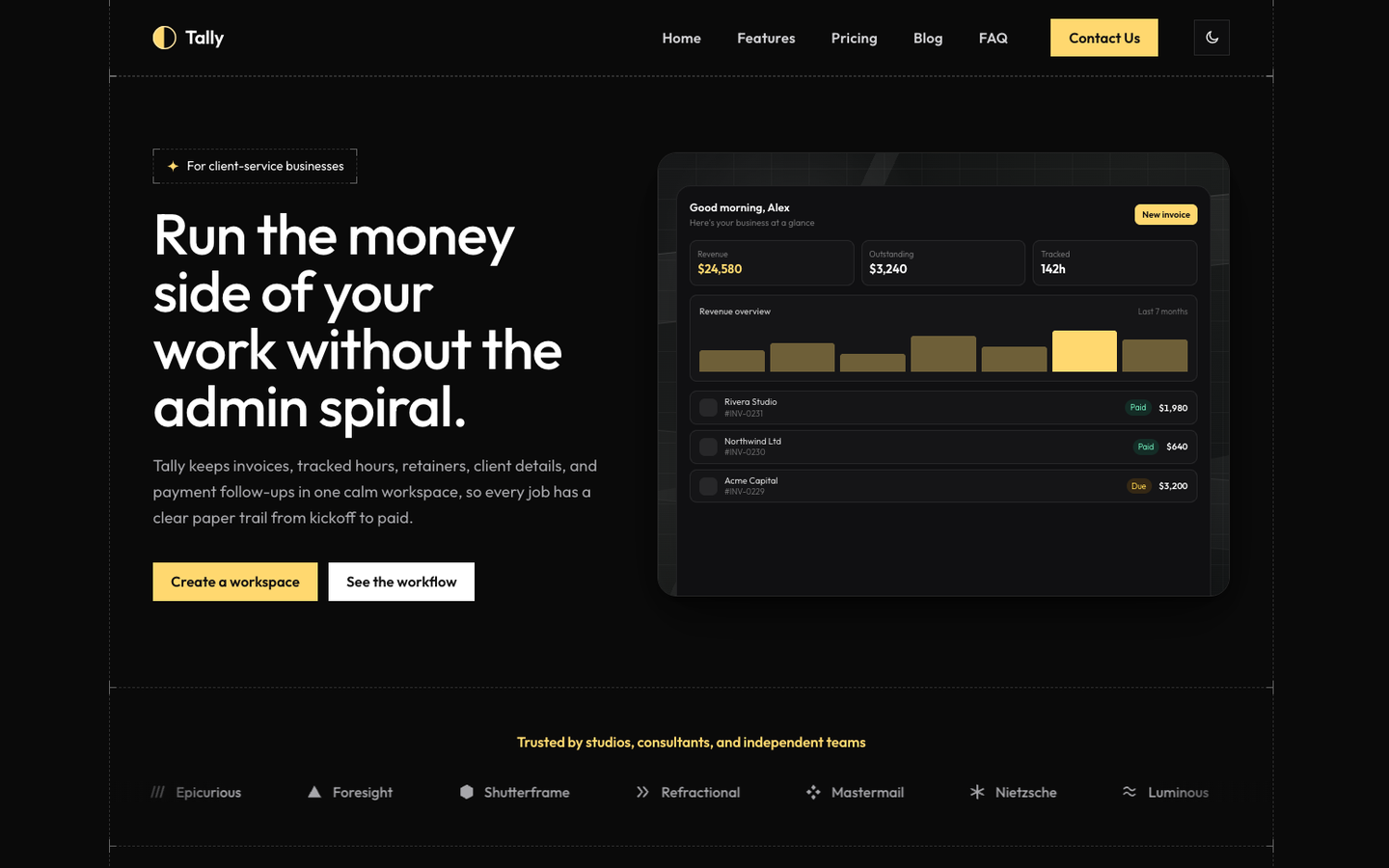
Tally
SaaS / Startup
Or get every theme - these included - with the All-Access Pass.