Framer vs Astro for a Startup Website: Cost Over Three Years, Ownership, and When Each Wins
Framer gets a startup site live in an afternoon; Astro gets you a site you own. What each costs by year three, and what happens when you want to leave.
A founder asked us this in almost these words: “Everyone I know launched on Framer. Why would I pick an Astro theme instead?” Fair question. Half the seed-stage sites we see are Framer, and they look good. Here is the honest comparison, including the cases where Framer is the right call.
What each one is
Framer is a hosted website builder with a visual editor that started life as a design tool. You pick a template from its marketplace, edit on a canvas, and publish to Framer’s hosting. It handles the CMS, the forms, the hosting and the analytics. You never see code.
Astro is a web framework. An Astro theme is a folder of source code you own. You edit content in a config file or Markdown, build it, and host the output anywhere that serves static files, usually for free. You can hand the folder to any developer, or to a visual editor like our builder, which edits the theme in the browser and gives the code back.
The difference underneath everything: Framer is a service you rent. An Astro theme is a thing you bought.
Cost, by year three
Numbers as of September 2026, from each vendor’s pricing page and marketplace.
| Framer | Astro theme | |
|---|---|---|
| Template | $49 to $129 one-time | $39 to $59 one-time, or free |
| Hosting with custom domain | Basic $10/mo yearly, Pro $30/mo yearly | $0 on Cloudflare Pages, Netlify or Vercel |
| Free tier | framer.website subdomain, 1 GB bandwidth | Full site, own domain |
| CMS | Included, 1,000 items free, 2,500 on Basic | Markdown or content collections, unlimited |
| Visual editing | Included | Builder unlock $39 one-time, optional |
| Year 1 | $169 to $489 | $39 to $98 |
| Year 3 | $409 to $1,209 | $39 to $98 |
Framer’s cost is not large. It is recurring, and it scales with the plan you need rather than the traffic you get. The Astro column stops after the first purchase. If runway is measured in months, that difference is a few weeks of a tool subscription. It is worth knowing rather than worth panicking about.
Ownership and leaving
This is the part that decides it for most people once they think about it.
Framer has no code export. There is no button that hands you a working site. If you outgrow it, get acquired, or want a feature it does not support, you rebuild from scratch. Your CMS content can be exported as CSV. The design cannot.
An Astro theme is source code in a Git repository. You can move hosts in an afternoon, hire any web developer to extend it, run it for ten years without a vendor’s permission, or drop it into a coding agent and ask for a new section. The exit is always open because there is nothing to exit.
For a startup that might be a different company in eighteen months, the site that can change with it is worth something.
Speed to launch
Framer wins this, plainly. A non-technical founder can pick a template, replace the copy and images, connect a domain and be live in an afternoon, with animations, a working form and a CMS, without asking anyone.
An Astro theme with a technical founder is similar: clone, edit the config, deploy, an afternoon. With a non-technical founder it depends on the editor. The builder gets you most of the way, edit every section point and click and download the project, but you still deploy it yourself, and our Cloudflare deploy guide is a real step, not a button.
If nobody on the team has ever run a build command and nobody wants to learn, Framer’s afternoon is a shorter afternoon.
Editing after launch
Framer’s editor is a design tool. You can move anything, restyle anything, add a scroll animation to anything. That flexibility is also how a startup site ends up with four fonts by month six, but the capability is real.
Astro themes are edited within the theme’s structure. The builder lets you change every word, image, list and section order, add pages from the theme’s own sections, and export. It does not let you drag a box three pixels left. For most startup sites that constraint is a feature, because the theme’s designer already made those decisions well. For a site that needs a bespoke layout every quarter, Framer is more comfortable.
Performance and SEO
Astro’s default output is HTML with almost no JavaScript, which is why its Lighthouse scores are boring in a good way. Framer sites are heavier, since the editor’s runtime ships with the page, and while they are indexable and rank fine for a small site, you have less control over the head of the document and the weight of the page.
For a five-page startup site with good copy, both rank. For a content-led site, a blog that is the growth channel, or a market where page speed is a ranking lever, Astro has the edge and keeps it. Is Astro good for SEO covers what it does and does not do for you.
When Framer is the right answer
- Nobody technical on the team, nobody wants to become technical, and the site needs to exist today.
- The site is a design object: a studio, an agency, a product whose brand is the pitch, and you want to art-direct every scroll.
- You need collaborative editing with roles this month.
- The site’s lifespan is short. A launch page for a product that will have a real site later.
When Astro is the right answer
- You want to own the site outright and never rebuild it to leave a vendor.
- Cost has to stop after purchase.
- The blog or docs are a growth channel and speed matters.
- A developer, an agent or the builder will be editing it, not a designer.
- The site will outlive your current plans for it.
What we would do
Technical founder: Astro theme, free hosting, done. Non-technical founder who wants to own it: Astro theme plus the builder, and budget one afternoon to learn the deploy. Non-technical founder who does not care about ownership and needs the site tomorrow: Framer, and no shame in it.
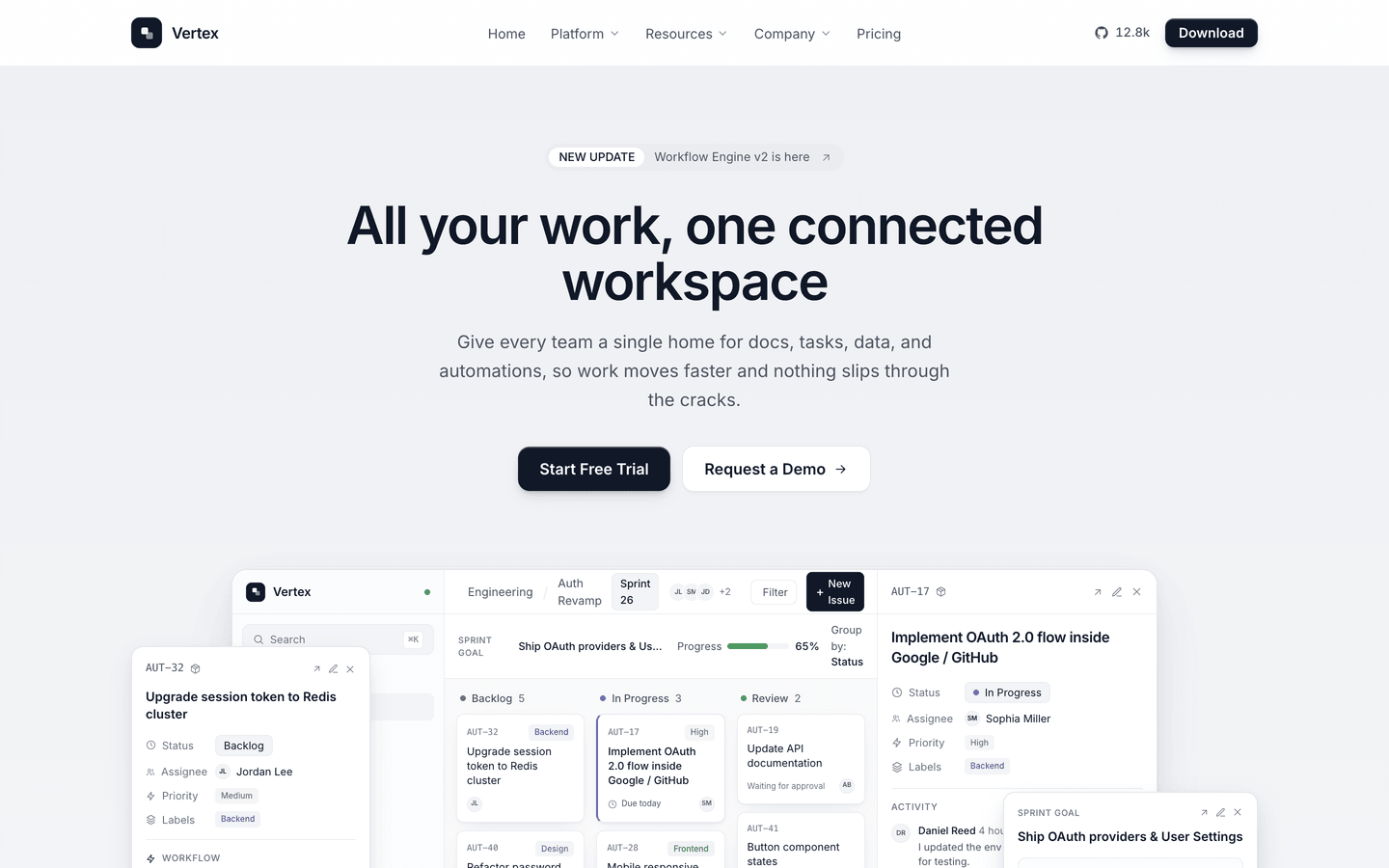
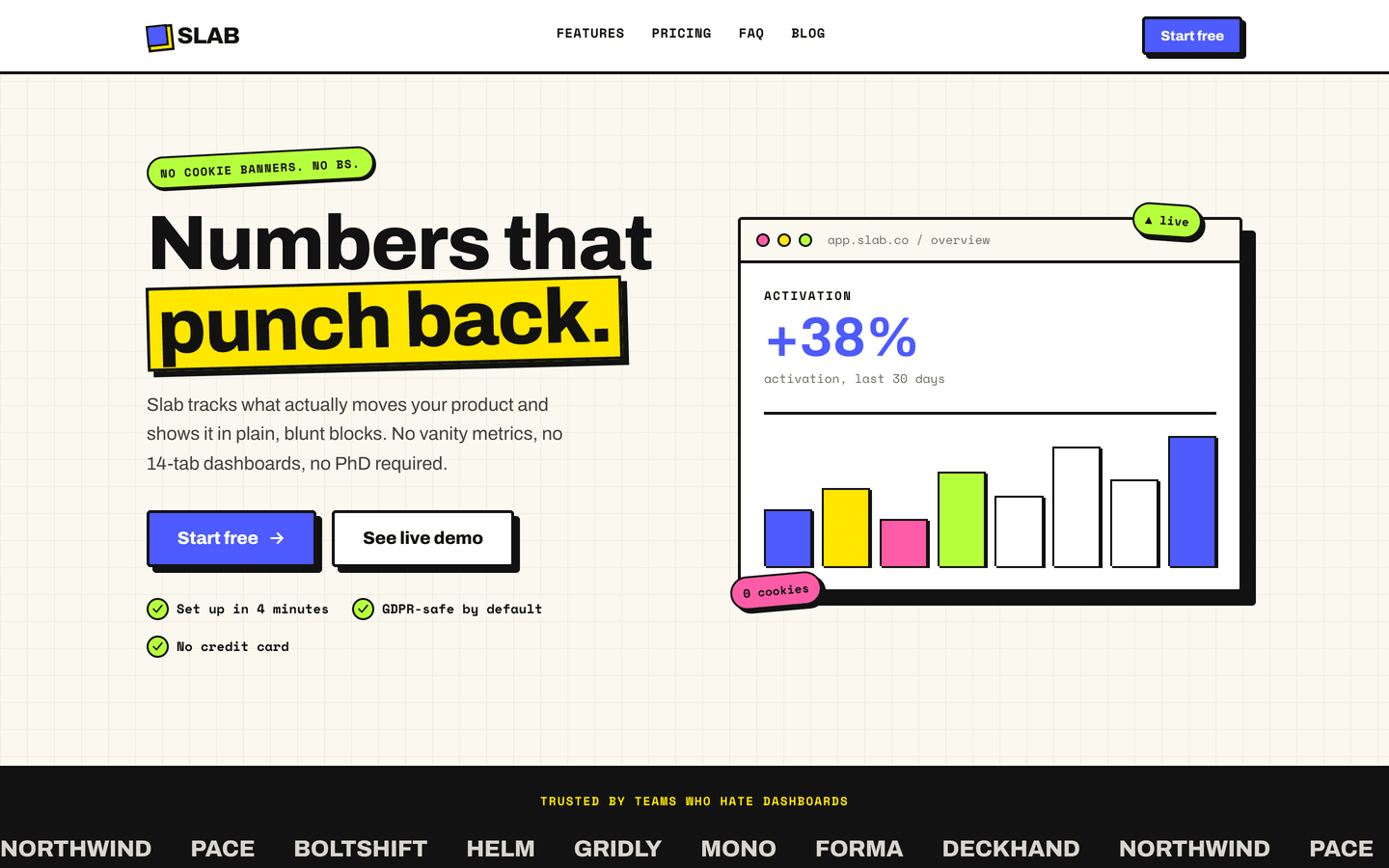
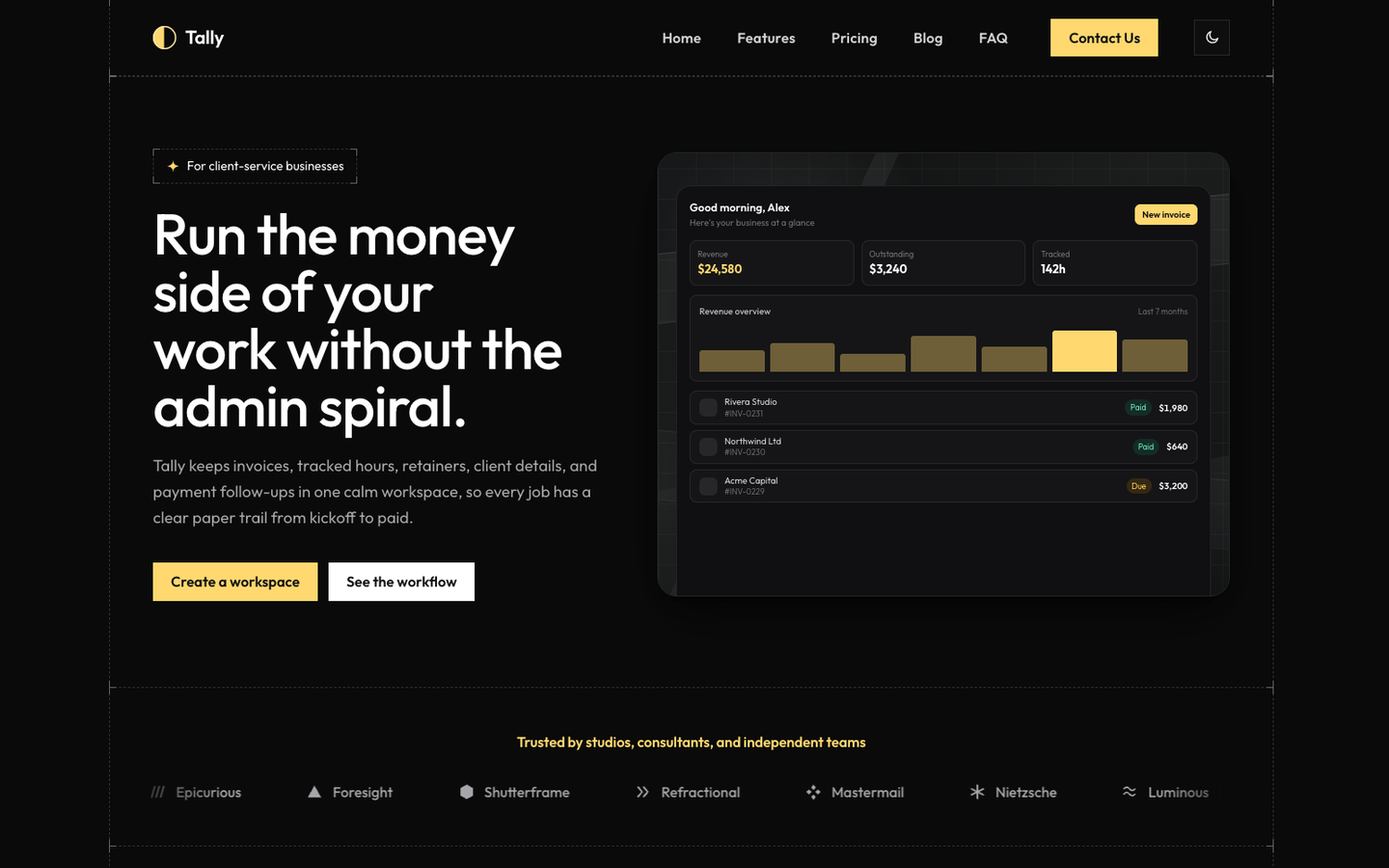
If you land in the Astro column, the SaaS themes founders buy most are Vertex, Slab and Tally, all on Astro 7 and Tailwind CSS v4, all with a pricing page, a blog and a waitlist already built. And if you launched on Framer a year ago and want out, Webflow to Astro describes the same move from the other builder, and most of it applies.
Frequently asked questions
Can you export code from Framer? +
No. Framer does not offer a code export of a published site. You can copy individual components into other tools and there are third-party workarounds, but there is no button that gives you a working codebase of your Framer site. If you leave Framer, you rebuild.
How much does a Framer site cost per year? +
A template runs $49 to $129 one-time. Hosting on the free plan gives you a framer.website subdomain only. A custom domain needs the Basic plan at $10 a month billed yearly, or Pro at $30 a month billed yearly for more bandwidth and CMS. So a typical startup site is the template plus $120 to $360 a year, every year, before add-ons.
How much does an Astro site cost per year? +
A theme is $39 to $59 one-time, or free. Hosting a static Astro site on Cloudflare Pages, Netlify or Vercel is free at startup traffic, with a custom domain included. The recurring cost is the domain name itself, which you pay either way. Year two and three cost nothing extra.
Is Astro harder to edit than Framer? +
Editing the content of an Astro theme means changing a config file or a Markdown file, which is fine for a technical founder and awkward for anyone else. The AeroLaunch visual builder closes most of that gap: it edits every section of a theme in the browser and exports the Astro project, so a non-developer can run the site. Framer's editor is still more flexible for layout changes and animation.
Which is better for SEO, Framer or Astro? +
Both produce indexable pages. Astro ships plain HTML with almost no JavaScript by default, so its pages tend to be lighter and faster, and you control every tag. Framer's output is heavier and you work within what its settings expose. For a content-heavy site where speed and control matter, Astro has the edge. For a five-page startup site, either ranks fine if the content is good.
Start from a production-ready Astro theme
Skip building the design from scratch. These themes are full Astro 7 + Tailwind v4 projects you own outright - and you can edit them visually, no code, with the AeroLaunch builder.