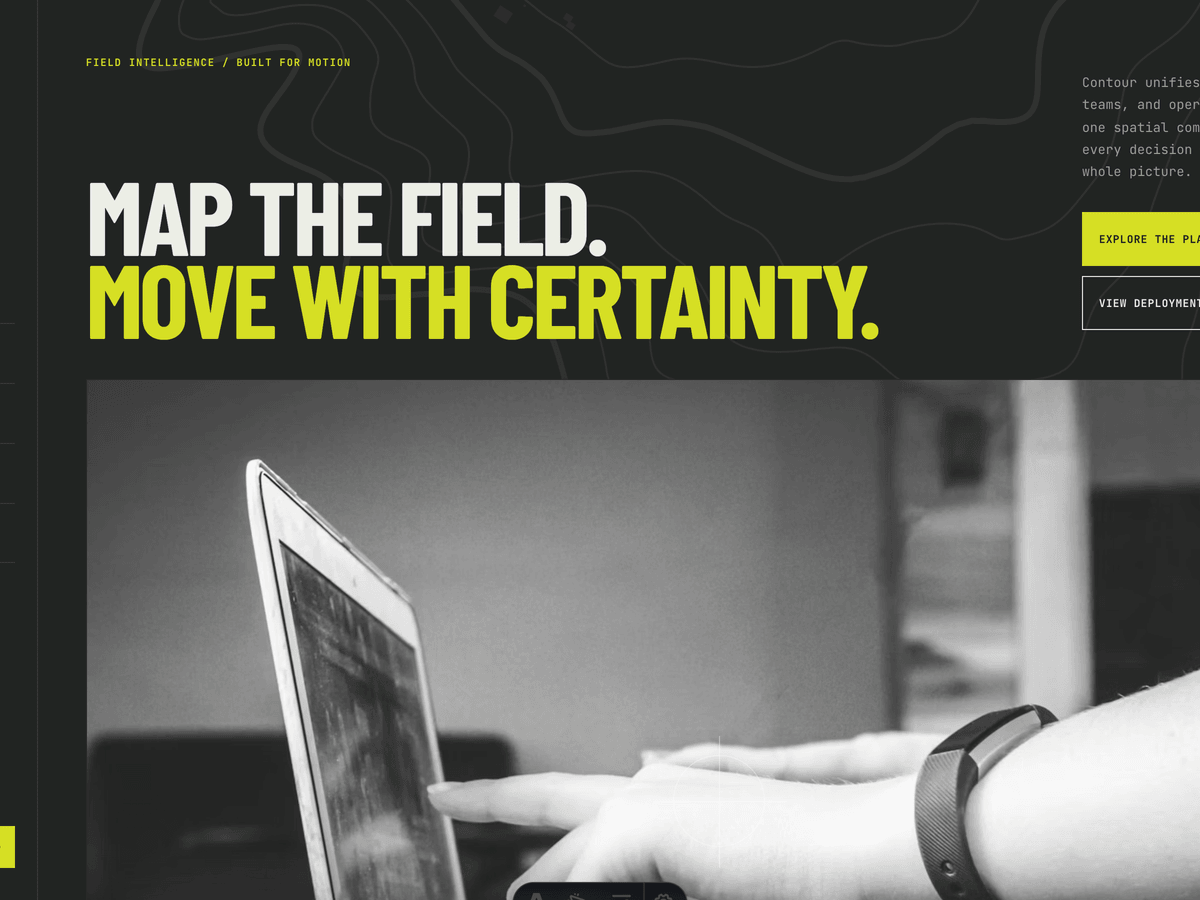
Contour
Industrial, motion-led Astro theme for technical SaaS, infrastructure software, field intelligence, and technology portfolios. Topographic surfaces, deployment case studies, platform architecture, SaaS pricing, journal, forms, and live signal-color switching.
Editions: Astro (source), HTML (plain files, no build).
One payment for Contour and everything else - all 37 themes, every future release, and the Astro visual builder included.
See Contour in action
Every page and section is part of the download. Use these as launch-day templates - keep the structure, swap the copy.
Contour is a complete Astro website system for technical SaaS companies, infrastructure platforms, industrial technology teams, geospatial products, cybersecurity businesses, and other products that need to explain complex systems with precision. Its fixed topographic surfaces, near-black and mineral-white environments, condensed industrial display type, monospaced interface copy, rectangular controls, and signal-color accents establish a credible technical identity without falling back on familiar startup gradients. The experience is deliberately active: Lenis smooths page movement, GSAP coordinates the hero and viewport reveals, images transition from grayscale to color on hover, case-study cards alternate between narrow and wide proportions, marquees run continuously, and Astro page transitions preserve the visual rhythm between routes. The production build generates 16 pages, including a complete platform page, six deployment case studies, three Markdown journal articles, contact and legal routes, SEO output, and a custom 404. Shared identity, navigation, imagery, platform copy, pricing, deployment stories, galleries, forms, labels, legal content, metadata, and SEO live in src/config/site.ts, while long-form journal articles remain comfortable to edit as Markdown.
Best Fit For
- Technical SaaS and B2B software products
- Infrastructure, industrial, and operational technology
- Geospatial, field-intelligence, and mapping platforms
- Cybersecurity, observability, and developer tools
- Technology studios that need a credible deployment portfolio
- Complex products selling pilots, subscriptions, or enterprise plans
Full Page Set
Every page is real and editable - no placeholders, no "coming soon" stubs.
16 Sections Included
Every section is a ready-to-use Astro component. Add it to any page, customize via config, or remove what you don't need.
What's Included
A Technical Identity Without Generic SaaS Styling
Condensed display type, monospaced labels, fixed topographic linework, hard-edged controls, monochrome photography, and one controlled signal color make Contour feel engineered. The system works especially well when the product needs to communicate seriousness, scale, and operational credibility.
Product Story and Customer Proof in One System
The platform page explains how the system connects, resolves, operates, and remembers. The alternating deployment portfolio then proves that story across energy, mobility, ports, utilities, telecom, and public-sector use cases, with full generated case-study pages behind every card.
Motion Built Around Signals and Decisions
Scroll-linked hero movement, continuous marquees, viewport reveals, fixed topo surfaces, grayscale-to-color media, and coordinated hover states create a cohesive operating rhythm. Reduced-motion visitors receive stable, intentional layouts rather than a partially disabled experience.
Forms, newsletter, and analytics - pre-wired
Contour is ready to connect to your preferred providers. Pick from the options below, drop in a single API key, and your contact form, newsletter signup, and analytics are live - no backend, no JavaScript, no glue code.
Contact form
The Contact section's <form> renders with no JS. Set one provider in site.ts; the form action wires automatically.
- Formspree50 free submissions / month, no domain restriction
- FormSubmitFree, no signup - just an email confirmation
- Netlify FormsFree 100/month - Netlify hosting only
Newsletter
The Newsletter form sends subscribers directly to your ESP. The email input name auto-adjusts per provider.
- MailchimpStandard EMAIL field; honeypot supported
- ConvertKit (Kit)email_address field; works with any form ID
- Buttondownemail field; lightest, indie-friendly
Analytics
Layout.astro injects the right script tag based on the provider you choose. No client-side branching.
- Google Analytics 4Paste your G-XXXXXXXXXX measurement ID
- PlausiblePrivacy-friendly, ~1 KB script, no cookies
- UmamiSelf-hostable, also cookie-free
Tech Stack
Config-Driven Setup
Every theme uses a single src/config/site.ts file for customization. Change your brand, navigation, form providers, analytics, and section content without touching component code.
// src/config/site.ts
export const siteConfig = {
  name: "Your Company",
  tagline: "Your tagline here",
  url: "https://yourdomain.com",

  navigation: { sticky: true, links: [...], cta: {...} },
  social:     { twitter: "...", github: "...", linkedin: "..." },
  seo:        { title: "...", description: "...", ogImage: "/og.png" },

  // ── Provider switches ────────────────────────────────
  contactForm: { provider: "formspree",  formspreeId: "your-id" },
  newsletter:  { provider: "convertkit", actionUrl: "https://..." },
  analytics:   { provider: "plausible",  plausibleDomain: "you.com" },

  // ── Section data ─────────────────────────────────────
  team, video, timeline, comparison, gallery,
  carousel, tabs, appDownload, map, footer,
} as const;Built to be edited by AI
Contour ships an AGENTS.md and
a CLAUDE.md at the project root.
Claude Code, Cursor, Copilot, and Codex read them the moment you open the folder.
So your agent starts knowing which file to edit, which design decisions are deliberate, and which parts of the theme break quietly if touched. You get the right change on the first pass instead of a confident guess.
- A task map. Every common request routed to the exact file, so no time is spent exploring.
- Design invariants. The decisions that make the theme worth buying, marked do-not-touch.
- The traps. The specific things that break this theme silently, written down.
- A done checklist. What to build, what to scroll, what to verify before claiming success.
# AGENTS.md - Contour

## Task map
| The client wants to change | Edit |
|---|---|
| Brand name, logo, favicon | site.ts -> identity     |
| Colors                    | site.ts -> theme        |
| Any homepage copy         | site.ts -> home.<block> |
| Add a page or an article  | new .md in src/content/ |

Rule: copy belongs in site.ts, never inside a component.

## Design invariants
Do not "improve" these. They are why the theme is worth its price.
- The accent stays loud. Do not mute or pastel it.
- Display headings stay oversized. The scale is the design.

## Traps
The things that break this theme silently, written down,
so your agent does not have to discover them by breaking them.

## Before you say you are done
npm run build      # must succeed and emit every route
Scroll each page to the bottom. Report what you did not verify.
Excerpt. The full file ships with the theme.
The same design as plain HTML
No Astro, no npm, no build step. Unzip the folder, open index.html straight from your disk and it works. Every page is a plain .html file you edit in any editor, the styling lives in one readable CSS file with the colours at the top, and an optional Tailwind folder is there if you want utility classes back. Deploy it to any static host: Netlify, Cloudflare Pages, GitHub Pages or plain cPanel.
Full documentation, ready before you buy
Browse the install guide, the site.ts reference, provider setup, deploy instructions, and the Contour-specific page - all live now.
Guides that cover Contour.
Next.js vs Astro for a SaaS Marketing Site: Pick by Who Maintains It
Next.js and Astro can both build a SaaS marketing site. What each ships to the browser, what it costs to host, and the one question that settles it.
Read the guide ThemesBest Astro Themes for SaaS and Product Websites (2026)
The best Astro themes for SaaS and software product sites in 2026: what a product site needs beyond a hero and pricing, plus picks for every kind of product.
Read the guide GuidesAI Startup Landing Page Templates: What the Good Ones Do, and 8 to Pick From (2026)
What separates AI landing pages that get a waitlist from the ones that don't, and eight templates across Astro, Next.js and React, free and paid.
Read the guideMore themes from the collection.
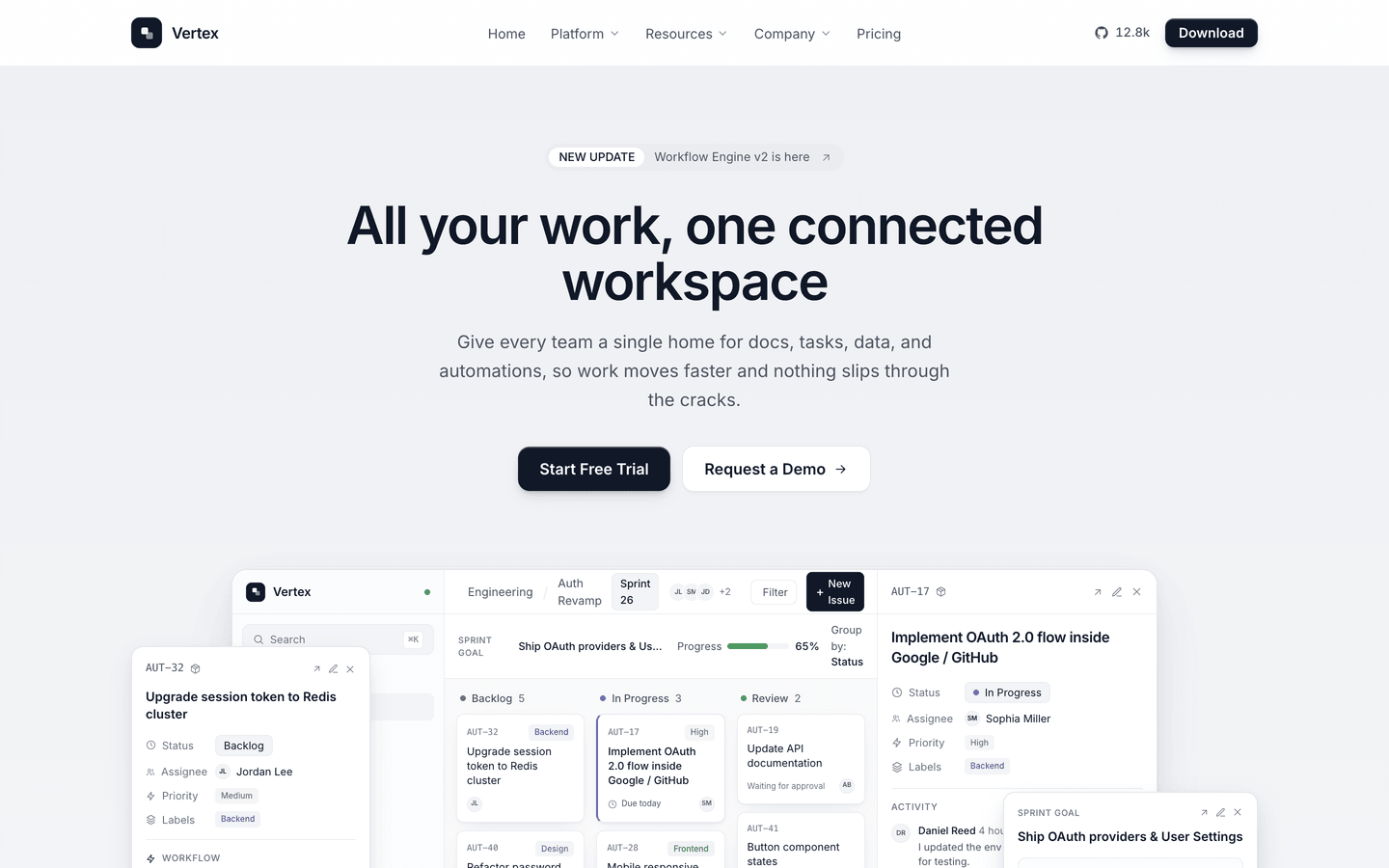
Vertex
SaaS / Startup
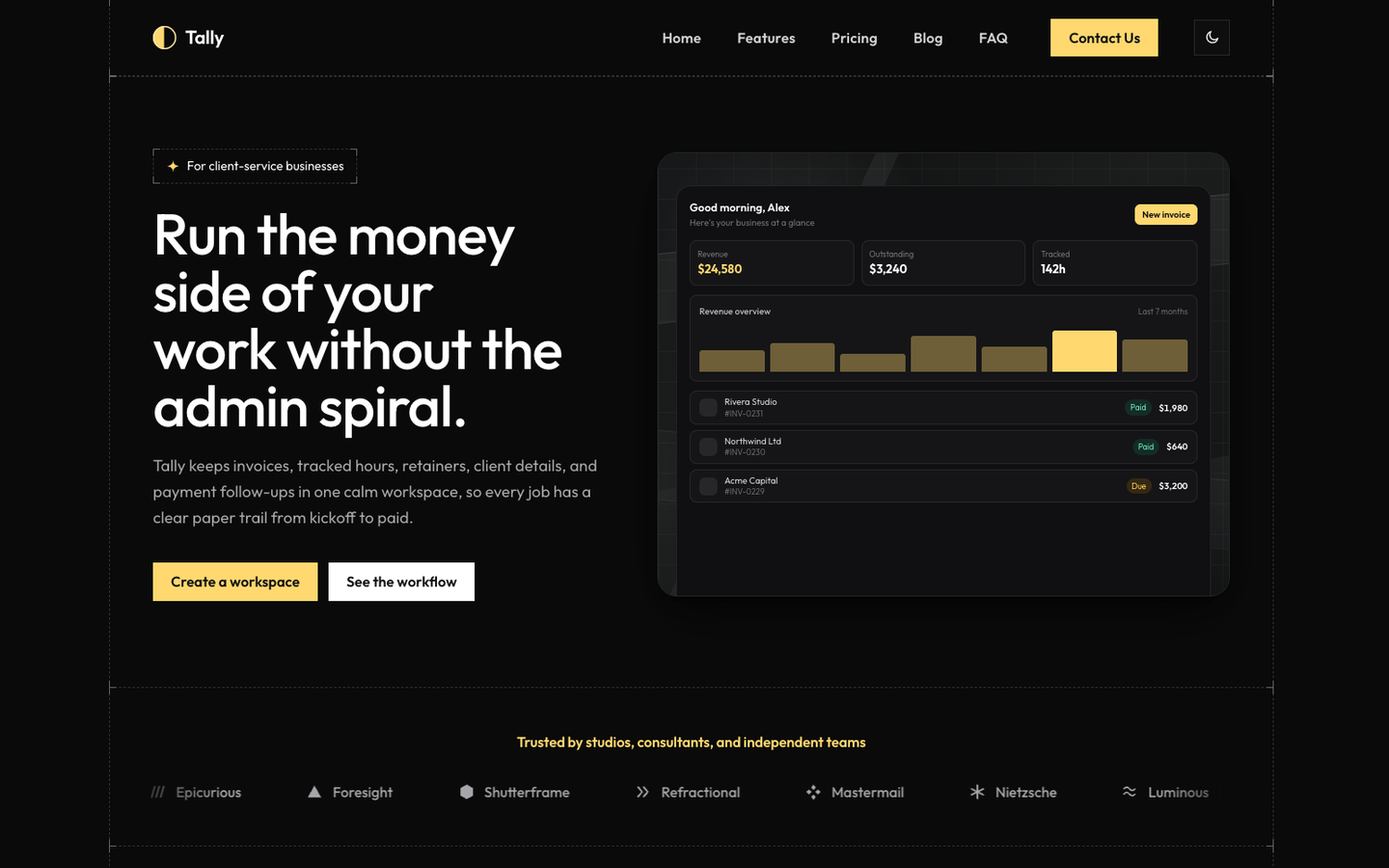
Tally
SaaS / Startup
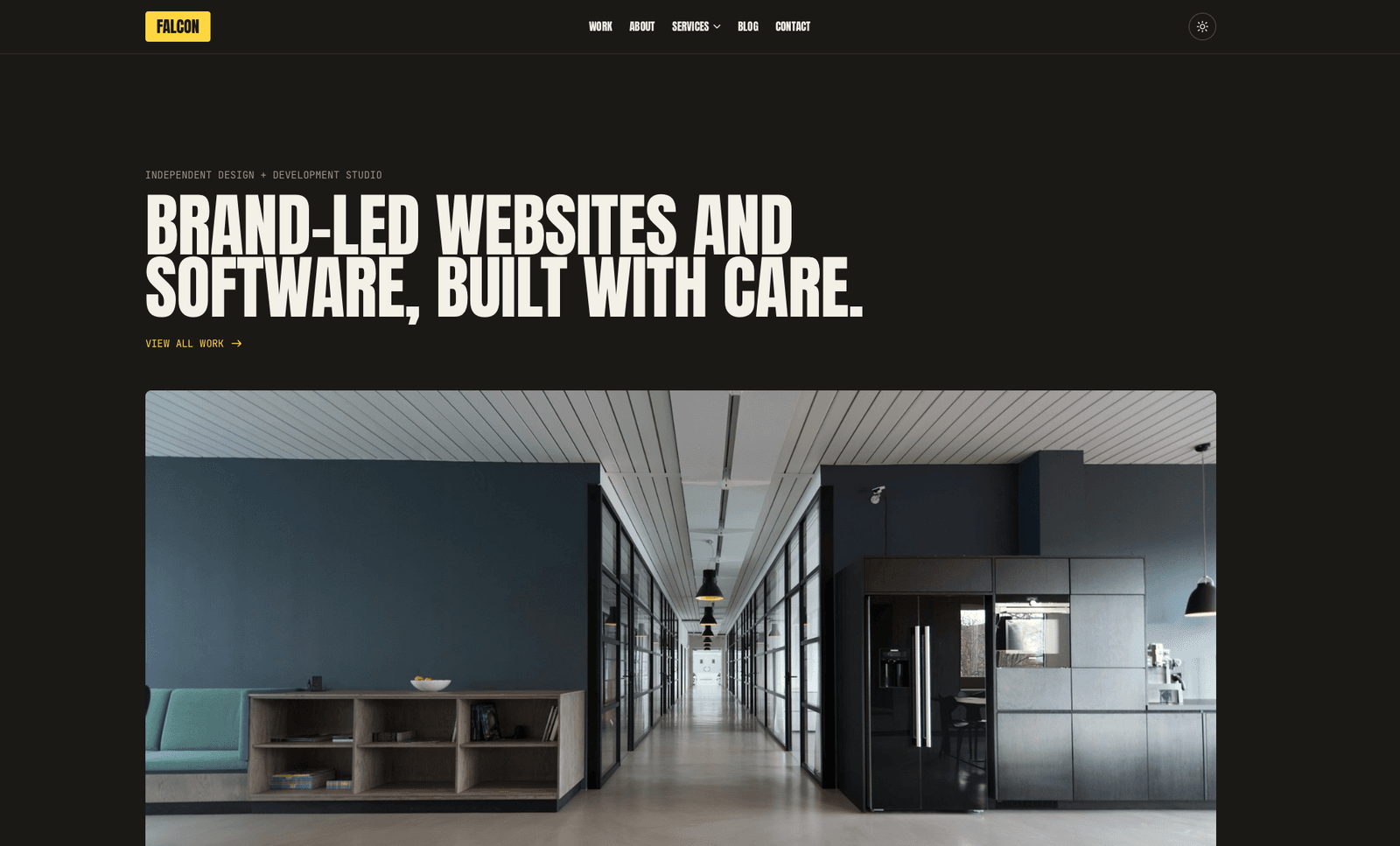
Falcon
Agency / Portfolio / Blog
August
Personal / Portfolio / SaaS
Or get every theme - these included - with the All-Access Pass.