Luma
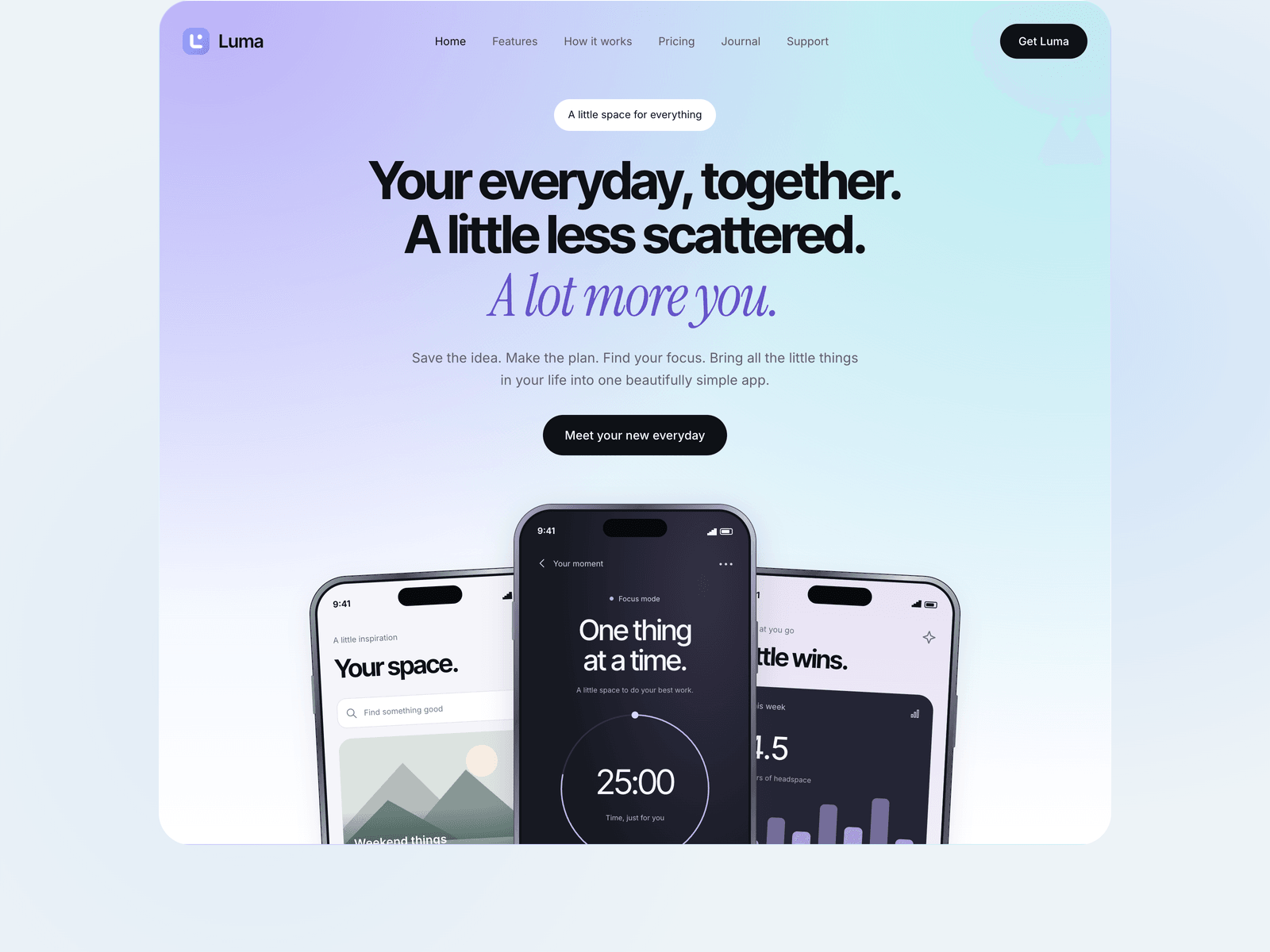
A light, pastel theme for a mobile app. A lavender and aqua hero with three phone previews you edit as text, features, use-case tabs, pricing, an FAQ, an early-access page with a waitlist form, a support page and a journal.
Editions: Astro (source), HTML (plain files, no build), Next.js (React project).
One payment for Luma and everything else - all 39 themes, every future release, and the Astro visual builder included.
See Luma in action
Every page and section is part of the download. Use these as launch-day templates - keep the structure, swap the copy.
Luma is built for a mobile app, before launch or after it. The first screen is a soft lavender and aqua gradient with a large headline, a serif accent line and three overlapping phones. The phone screens are built in HTML, so their text and numbers come from the config file, and any of them can be swapped for a real screenshot. Below the hero come six feature cards, use-case tabs, a home-screen widget section, three steps, three pricing plans, an FAQ, the latest journal posts and a sign-up call to action. The early-access page collects emails for a waitlist and the support page has a contact form. Every word, link, phone screen, price, article and form field lives in one src/config/site.ts, and both forms start in an honest demo mode until you connect Formspree, FormSubmit, Netlify or your own endpoint.
Best Fit For
- Mobile apps collecting an early-access waitlist
- Productivity, notes and wellbeing apps
- Indie developers launching an iPhone or Android app
- Apps with a free plan and paid monthly or yearly plans
Full Page Set
Every page is real and editable - no placeholders, no "coming soon" stubs.
12 Sections Included
Every section is a ready-to-use Astro component. Add it to any page, customize via config, or remove what you don't need.
What's Included
Phone screens you edit as text
The three phones in the hero are built in HTML: a collections screen, a focus timer and a weekly chart. Their labels and numbers live in site.ts, and each screen takes a screenshot path when you have real ones.
A waitlist before launch
The early-access page collects emails. The Get Luma button, the pricing buttons and the closing call to action all point to it. Connect Formspree, FormSubmit, Netlify or your own endpoint; until then the demo mode says plainly that nothing was sent.
Pricing, FAQ and support
Three plans with a best-value badge, an FAQ and a support page with a contact form cover the questions people have before they download. The plans are display only, so they link wherever you choose.
Ready for more languages
Copy the template file, translate what you need and register it. Every page gets a version under the language code, anything you leave out falls back to English, and right-to-left languages work too.
Tech Stack
Config-Driven Setup
Luma keeps every string, the three phone screens, the use cases, the prices, the journal articles and both forms' fields and delivery settings insrc/config/site.ts. Articles are entries in site.ts rather than Markdown files, and both forms stay in an honest demo mode until you choose a provider.
// src/config/site.ts
export const site = {
  name: "Luma",
  url: import.meta.env?.PUBLIC_SITE_URL || "https://example.com",
  metadata:  { themeColor: "#edf3f7", image: "/images/social.png" },
  hero:      { title: "Your everyday, together...", accent: "A lot more you." },
  screens:   { library: { image: "", title: "Your space.", ... }, focus: {...}, activity: {...} },
  useCases:  { items: [{ id: "work", label: "For your work", ... }, ...] },
  pricing:   { plans: [{ name: "Free", price: "$0", href: "/download/?plan=free" }, ...] },
  blog:      { posts: [{ slug: "a-ten-minute-reset", category: "Everyday rituals", ... }, ...] },
  forms: {
    contact:  { fields: defineFields([...]), delivery: defineDelivery({ provider: "demo" }) },
    waitlist: { fields: defineFields([...]), delivery: defineDelivery({ provider: "demo" }) },
  },
};Built to be edited by AI
Luma ships an AGENTS.md and
a CLAUDE.md at the project root.
Claude Code, Cursor, Copilot, and Codex read them the moment you open the folder.
So your agent starts knowing which file to edit, which design decisions are deliberate, and which parts of the theme break quietly if touched. You get the right change on the first pass instead of a confident guess.
- A task map. Every common request routed to the exact file, so no time is spent exploring.
- Design invariants. The decisions that make the theme worth buying, marked do-not-touch.
- The traps. The specific things that break this theme silently, written down.
- A done checklist. What to build, what to scroll, what to verify before claiming success.
# Luma agent guide

- All visible copy, links, images, preview data, form
  schemas and provider settings belong in src/config/site.ts.
- Components use getSiteConfig(Astro.url) to support
  translated overrides; the catchall route builds every path.
- Phone.astro is an illustrative preview, not a live app.
  Every screen can be replaced via screens.*.image.
- Demo forms must never claim data was sent or saved.
- main.ts owns menus, forms and GSAP: abort listeners and
  revert GSAP on Astro swaps, honor reduced motion.

Run format, check, test, verify:i18n and build.
Excerpt. The full file ships with the theme.
The same design as plain HTML
No Astro, no npm, no build step. Unzip the folder, open index.html straight from your disk and it works. Every page is a plain .html file you edit in any editor, the styling lives in one readable CSS file with the colours at the top, and an optional Tailwind folder is there if you want utility classes back. Deploy it to any static host: Netlify, Cloudflare Pages, GitHub Pages or plain cPanel.
The same design as a Next.js project
Luma also comes as a Next.js 16 project with React 19 and TypeScript, built on the App Router. It looks exactly like the live preview: the same pages, sections, interactions and motion, written as React components. The copy lives in one config file. Its routes are ready for more languages. It exports as static HTML, so it deploys to Vercel, Netlify, Cloudflare Pages, GitHub Pages or any static host, and it ships with an AGENTS.md for coding assistants. Included in the All-Access Pass.
Guides that cover Luma.
More themes from the collection.
August
Personal / Portfolio / SaaS
Slab
SaaS / Startup
Vertex
SaaS / Startup
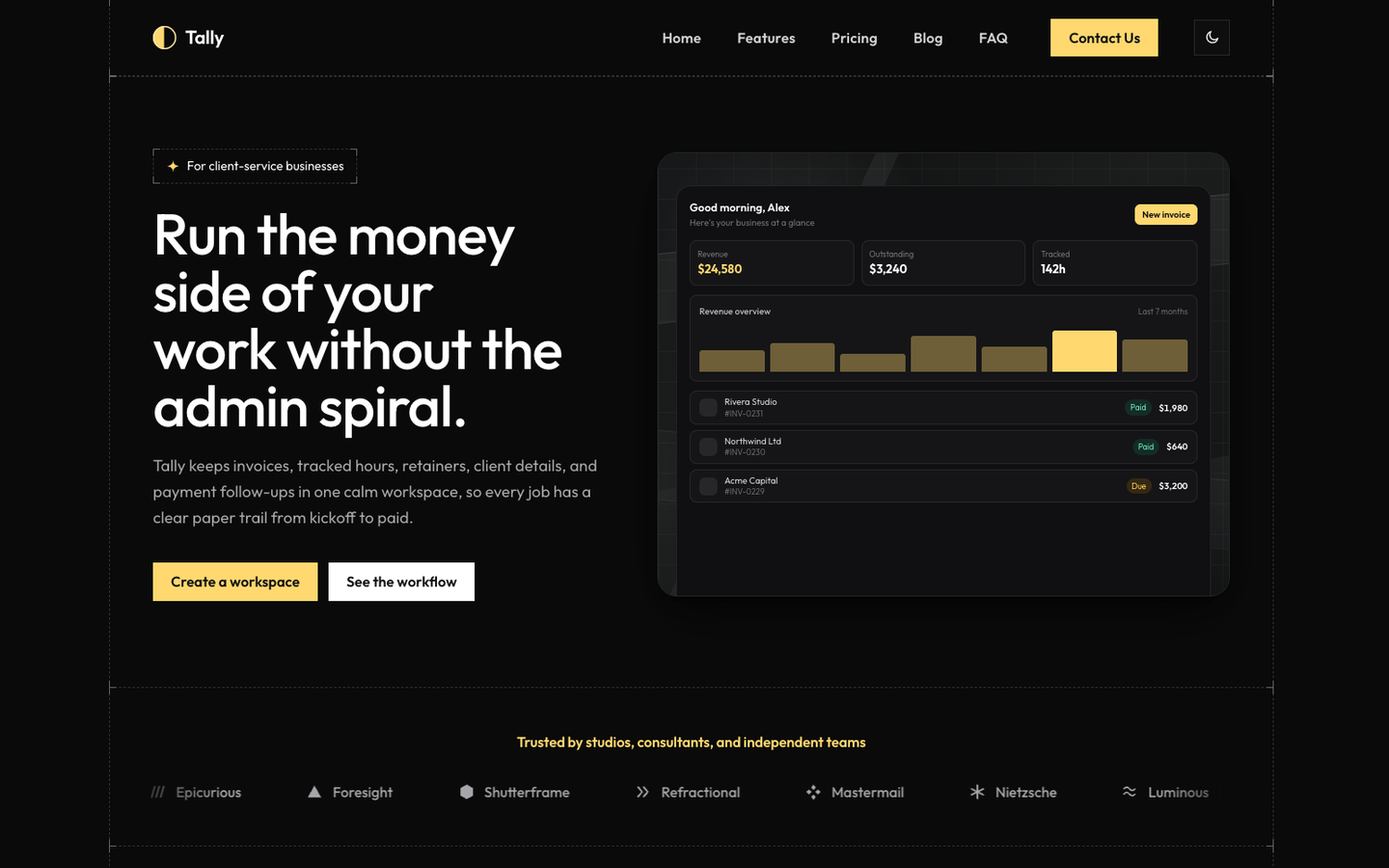
Tally
SaaS / Startup
Or get every theme - these included - with the All-Access Pass.