Next.js Template or Astro Theme? We Built the Same Six Designs Both Ways
Six website designs sold as both Astro themes and Next.js (React) templates: what each download contains, how much JavaScript each page loads, and which one fits your project.
Search for Next.js templates and the results mix three kinds of product. Some are website designs. Some are SaaS starter kits that come with sign-in, billing and a database. The rest are admin dashboards for the inside of an app. If you’re choosing between an Astro theme and a Next.js template for a website, you’re looking at the first kind, and the fair test is two downloads of the same design.
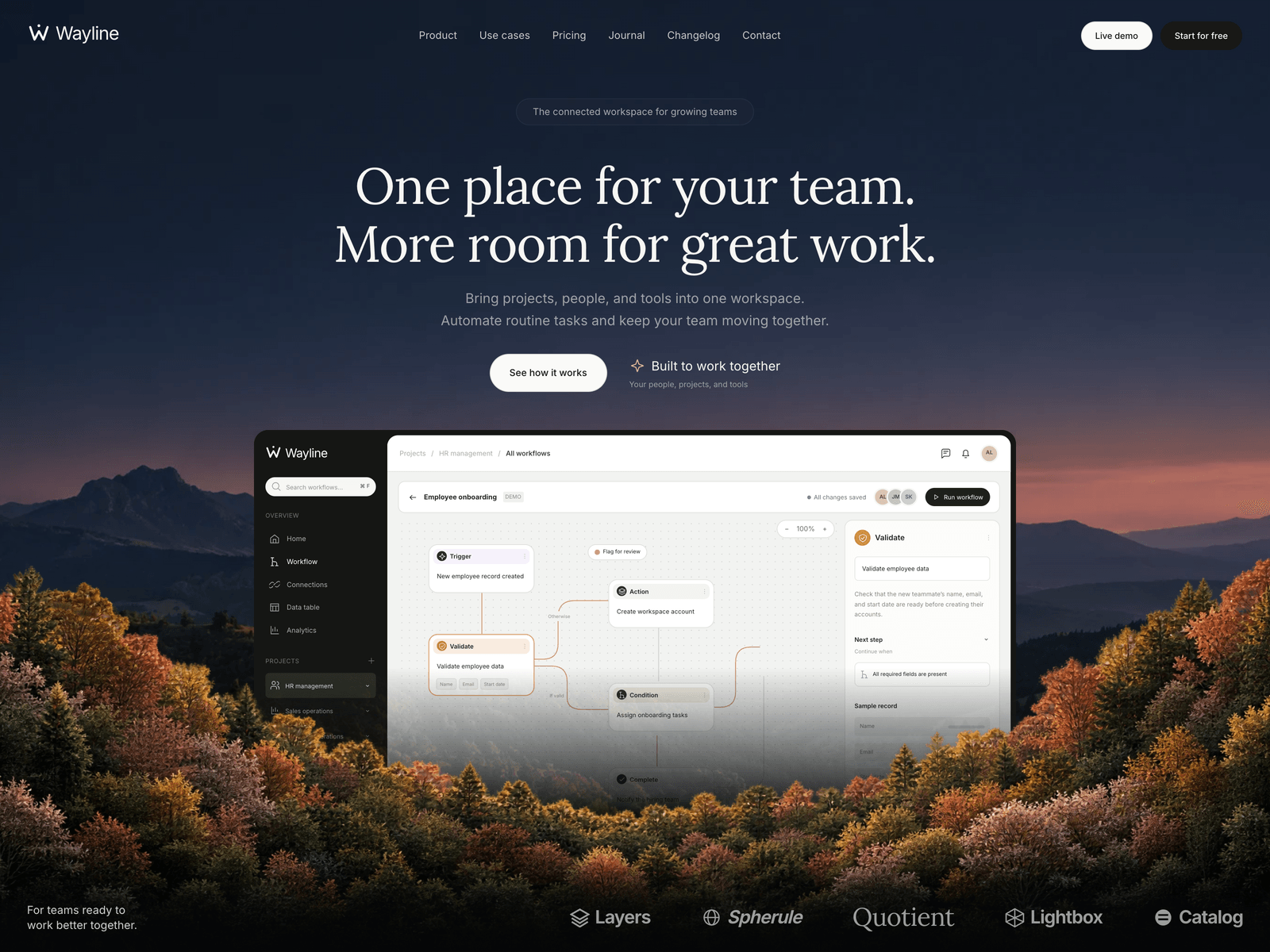
We can make that comparison exactly. Six of our designs, Vertex, Haven, Wayline, Moxie, Daymark and Fieldwork, are sold both as Astro themes and as Next.js templates, and each pair looks the same page for page. Everything below comes from those twelve builds.
Three products called a Next.js template
A website template gives you finished pages: a home page, pricing, a blog, a contact form, all with demo content you replace. Our Next.js templates are this kind.
A SaaS starter kit, also called a boilerplate, is the plumbing for a web app. ShipFast, Makerkit and Supastarter are three of them, and each comes with sign-in, payments through Stripe or Lemon Squeezy, and a database connection. The design is usually a starting point you build on.
An admin dashboard template gives you the screens inside a product, such as charts, tables and settings pages. We compared a few React ones in this guide to admin dashboard templates.
All three show up when you search for React templates too, because Next.js is built on React. A Next.js template is a React template with routing and a build step already set up.
What comes in each download
The two editions of a design share almost everything you’d edit. The words, links, prices and menus live in one config file. Articles, release notes and case studies are either Markdown files, where the file name becomes the page address, or entries in that config file. Each theme keeps them in the same place in both editions. Images and fonts are the same files.
The difference is in the code that turns those files into pages.
| Astro theme | Next.js template | |
|---|---|---|
| Framework | Astro 7 | Next.js 16 with React 19 |
| Components | .astro files, which read like HTML | React components in TypeScript |
| Styling | Tailwind CSS 4 (Haven uses plain CSS) | Same as the Astro edition |
| Interactive parts | Small scripts in each component | React client components |
| Build output | Static files in dist/ | Static files in out/ |
“Static files” means the build step turns the project into plain HTML, CSS and JavaScript ahead of time. No server program has to run while visitors browse, so the site can go on any static host. The Next.js templates come with settings files for Vercel, Netlify and GitHub Pages, and the Next.js edition docs cover Cloudflare Pages and the rest.
How much JavaScript each page loads
Here are the JavaScript files each home page downloads, measured in a desktop-width browser with nothing cached, until the network went quiet. Sizes are gzip-compressed, the way most hosts send them.
| Design | Astro theme | Next.js template |
|---|---|---|
| Vertex | 1 KB | 146 KB |
| Daymark | 1 KB | 150 KB |
| Fieldwork | 50 KB | 181 KB |
| Moxie | 54 KB | 186 KB |
| Wayline | 57 KB | 200 KB |
| Haven | 70 KB | 209 KB |
A Next.js page loads React and the Next.js router on every page. That code switches pages without a full reload and runs the interactive parts as React components. An Astro page loads JavaScript only for the parts that move. Vertex and Daymark need about 1 KB for the menu and the scroll reveals. Fieldwork loads the GSAP animation library for its scroll effects. Moxie, Wayline and Haven load GSAP and the Lenis smooth-scrolling library, and Haven also runs its cart and filters in the browser.
The HTML is bigger in Next.js too, because each page carries a second copy of its content for React to read. Vertex’s home page is 25 KB compressed in Astro and 55 KB in Next.js.
On a fast connection you’re unlikely to notice the gap. On a slow phone, the Next.js page has 130 to 150 KB more code to download and run before every button and menu works.
When the Next.js template is the better buy
Pick the Next.js edition when the people who will maintain the site write React. They’ll edit components they already know, in the same language as the rest of your product.
It also fits when the site will grow into an app. The templates export static files, but the project is a regular Next.js app underneath. Add sign-in, API routes or server-side forms later and deploy it to a host that runs Node, such as Vercel. Our Next.js vs Astro comparison goes deeper on keeping a marketing site inside the product’s codebase.
When the Astro theme is the better buy
Pick the Astro edition when page weight matters most to you, since the table above shows the gap.
It’s also easier for someone who doesn’t write React. An .astro file is HTML with a block of code at the top, between two --- lines, so a designer who knows HTML and CSS can follow it. Astro can still use React for a single interactive piece, such as a pricing calculator, without loading React on every page.
The Astro side also has more editions. Vertex, Wayline, Moxie, Daymark and Fieldwork come as an HTML edition of plain files you edit directly, with no build step. Moxie and Daymark come as an EmDash CMS edition, with an admin panel where a client can edit pages and posts themselves.
Ecommerce templates in Next.js and Astro
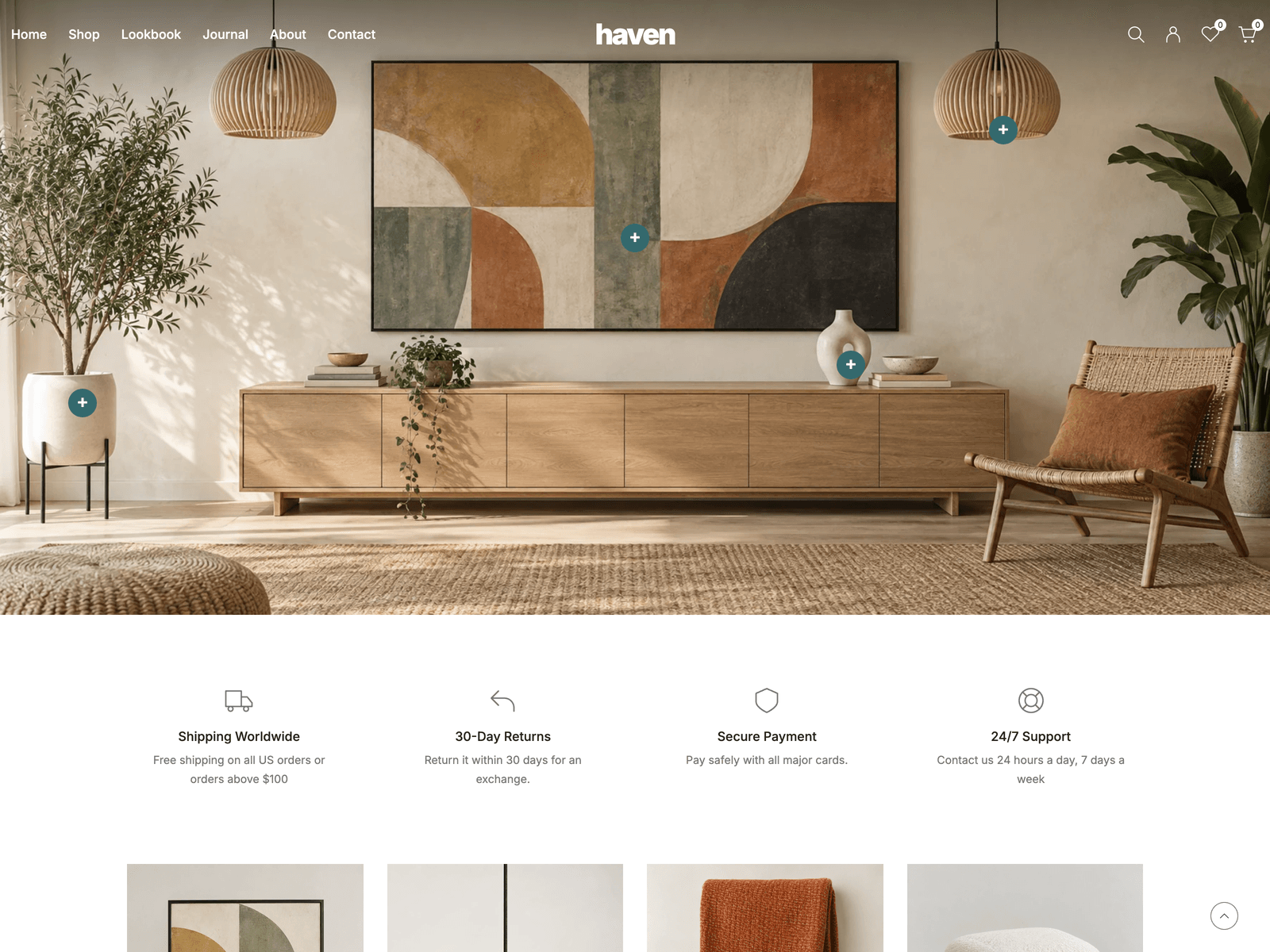
Haven is the store design of the six, and it’s the one to look at if you searched for a Next.js or React ecommerce template. It has a home page where you shop the products in a room photograph, collection pages with filters and sorting, quick view, product pages with colour options, and a cart, wishlist and comparison saved in the browser. The demo has 28 products and builds to 55 pages.
Checkout is a demo in both editions. It shows the flow but takes no payments until you connect your own payment provider or store backend, and the catalog code sits in one file, src/lib/catalog.ts, so you know where to start. Our guide to ecommerce website templates compares the ways to take payments, from a payment link on each Buy button to a full cart service.
If you already run a Shopify store and want a Next.js storefront for it, Vercel’s Next.js Commerce is free under the MIT license and reads products from Shopify. It needs a Shopify store behind it, while Haven runs on its own demo data.
Price
Each Next.js template costs the same as the Astro theme of the same design, and the two are separate purchases. The All-Access Pass includes both editions of every design sold both ways, along with every Astro theme in the shop.
Every Next.js template is on the Next.js templates page. Each theme page there has a live preview, which shows the same pages either download builds.
Frequently asked questions
Is a Next.js template the same as a React template? +
Every Next.js template is a React template, because Next.js is a framework built on React. The pages are React components. Next.js adds the routing, the build and the page metadata on top. If a listing only says React, check which tools it uses before you buy.
Do I need Vercel to host a Next.js template? +
Not for ours. The AeroLaunch Next.js templates build to plain HTML, CSS and JavaScript files, which you can upload to Netlify, Cloudflare Pages, GitHub Pages or any other static host. Vercel works too, with no settings. You only need a host that runs Node if you add server features such as API routes.
Which loads less JavaScript, an Astro theme or a Next.js template? +
With the design held the same, the Astro theme. We measured the home pages of six designs built both ways: the Astro editions load between 1 KB and 70 KB of compressed JavaScript files, and the Next.js editions between 146 KB and 209 KB.
Do these Next.js templates include login and payments? +
No. They are website templates: the pages, the design and the content. Haven, the store design, has a cart and a checkout flow that runs on demo data and takes no payments until you connect your own provider. If you need sign-in and billing from day one, look at a SaaS starter kit instead.
Can I switch from the Astro theme to the Next.js template later? +
Yes, they are separate downloads of the same design, so the pages look the same in both. Your text and images move across by hand. The copy sits in one config file in both editions, and articles live in the same place in both, so most of the move is copying content into the same files.
Start from a production-ready Astro theme
Skip building the design from scratch. These themes are full Astro 7 + Tailwind v4 projects you own outright - and you can edit them visually, no code, with the AeroLaunch builder.