Haven
A calm homewares storefront with a shoppable room on the first screen, collection filters, quick view, product pages with variants, a cart, wishlist and comparison, a lookbook and a journal, all running on demo data with no store account needed.
One payment for Haven and everything else - all 36 themes, every future release, and the Astro visual builder included.
See Haven in action
Every page and section is part of the download. Use these as launch-day templates - keep the structure, swap the copy.
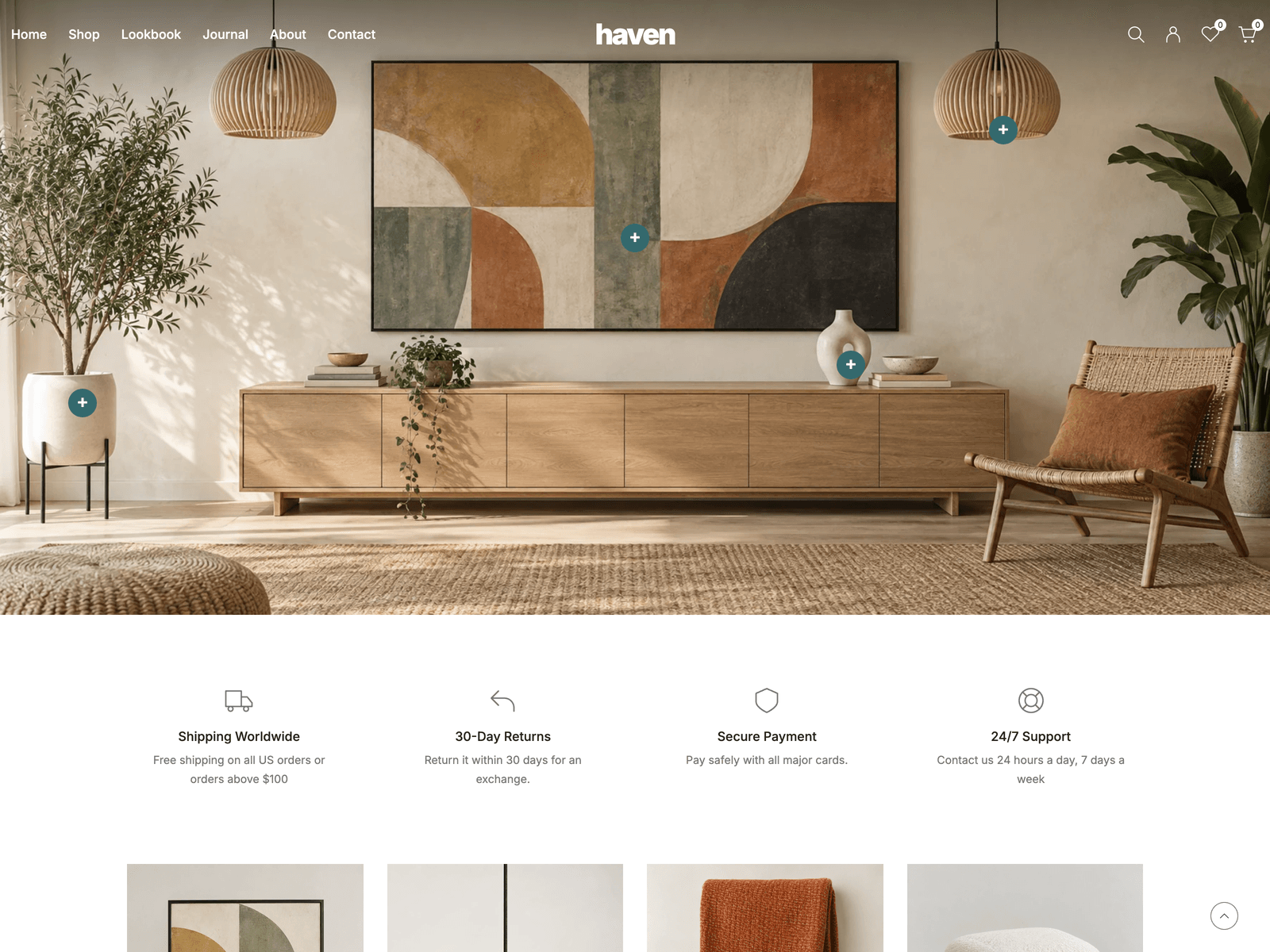
Haven is a storefront theme for furniture and homewares. The first screen is a photograph of a furnished room, and markers on the planter, the framed print, the pendant lamp and the vase each open a small card with the product's picture, price and a link. Below it come a row of shop benefits, category tiles, a five-column grid of new arrivals with load more, two promotional banners, trending products in tabs, the latest journal articles, a newsletter band and a gallery that leads to the lookbook. Collection pages sort, filter, change grid density and paginate, and every choice stays in the address bar so back and forward work. Search opens from the right, filters from the left, and quick view shows a product in a modal. Product pages have a gallery, colour options and a quantity limited to the stock in the catalog. The cart, wishlist and comparison are saved in the browser. Checkout is a demo: it shows the flow but takes no payments and creates no orders, so a real store needs its own payment or commerce backend. The newsletter and contact forms check what is typed and say plainly that nothing was sent. The catalog sits behind one module, src/lib/catalog.ts, which is the place to connect a store backend later. Information pages cover about, contact, FAQ, care and size guides, shipping, returns, terms, privacy and an account page. The palette is white and warm neutrals with a deep teal, set in self-hosted Inter. Motion uses GSAP ScrollTrigger reveals, a slow parallax on the room and Lenis smooth scrolling on a mouse or trackpad, with a fade between pages, and reduced-motion settings are respected. The styles are plain CSS with no CSS framework. All 28 products with their prices, variants and stock, the categories, every label and page, and the journal articles live in src/config/site.ts, with 46 original images included.
Best Fit For
- Furniture, homewares and interior shops
- Small brands with a curated catalog
- Agencies building a store front before connecting checkout
- Lookbook and catalog sites that want a shop feel
Full Page Set
Every page is real and editable - no placeholders, no "coming soon" stubs.
14 Sections Included
Every section is a ready-to-use Astro component. Add it to any page, customize via config, or remove what you don't need.
What's Included
A room you can shop
The first screen is a furnished room. Markers on the planter, the print, the pendant and the vase open a small card with the price and a link, and you choose which products they point to in site.ts.
The whole catalog flow
Collections with filters, sorting and pagination, a search drawer, quick view, product pages with colour options and stock, then a cart, wishlist and comparison that are still there on the next visit.
Motion that stays out of the way
Sections and product cards rise in as you scroll, the room drifts slowly, pages fade into each other, and smooth scrolling only applies to a mouse or trackpad. Reduced-motion settings turn it down.
Products in one file
Every product with its prices, variants, stock and pictures sits in site.ts next to the categories, labels, pages and journal, so adding a product or changing a price is a text edit. Checkout is a demo until you connect your own.
Tech Stack
Config-Driven Setup
Haven keeps all 28 products with their prices, variants, stock and pictures, the categories, room markers, every label and page, and the journal insrc/config/site.ts. Prices are whole cents, and checkout stays a demo until you connect your own payment or commerce backend.
// src/config/site.ts
export const siteConfig = {
  locale: "en-US", currency: "USD",
  name: "haven", credit: { prefix: "Created by", ... },
  navigation: [...], categoryNavigation: [...],
  categories: [{ slug: "lighting", title: "Lighting", image: "..." }, ...],
  hero: { image: "...", hotspots: [{ x: 79, y: 22, product: "ribbed-oak-pendant" }, ...] },
  benefits: [...], promotions: [...], instagram: [...],
  catalog: { title: "All Products", pageSize: 12, homeCount: 10 },
  labels: { addToCart: "Add to cart", ... },
  footer: [...],
  products: [{ slug: "ribbed-oak-pendant", variants: [{ title: "Natural", price: 3515, ... }] }, ...],
};
Full documentation, ready before you buy
Browse the install guide, the site.ts reference, provider setup, deploy instructions, and the Haven-specific page - all live now.
More themes from the collection.
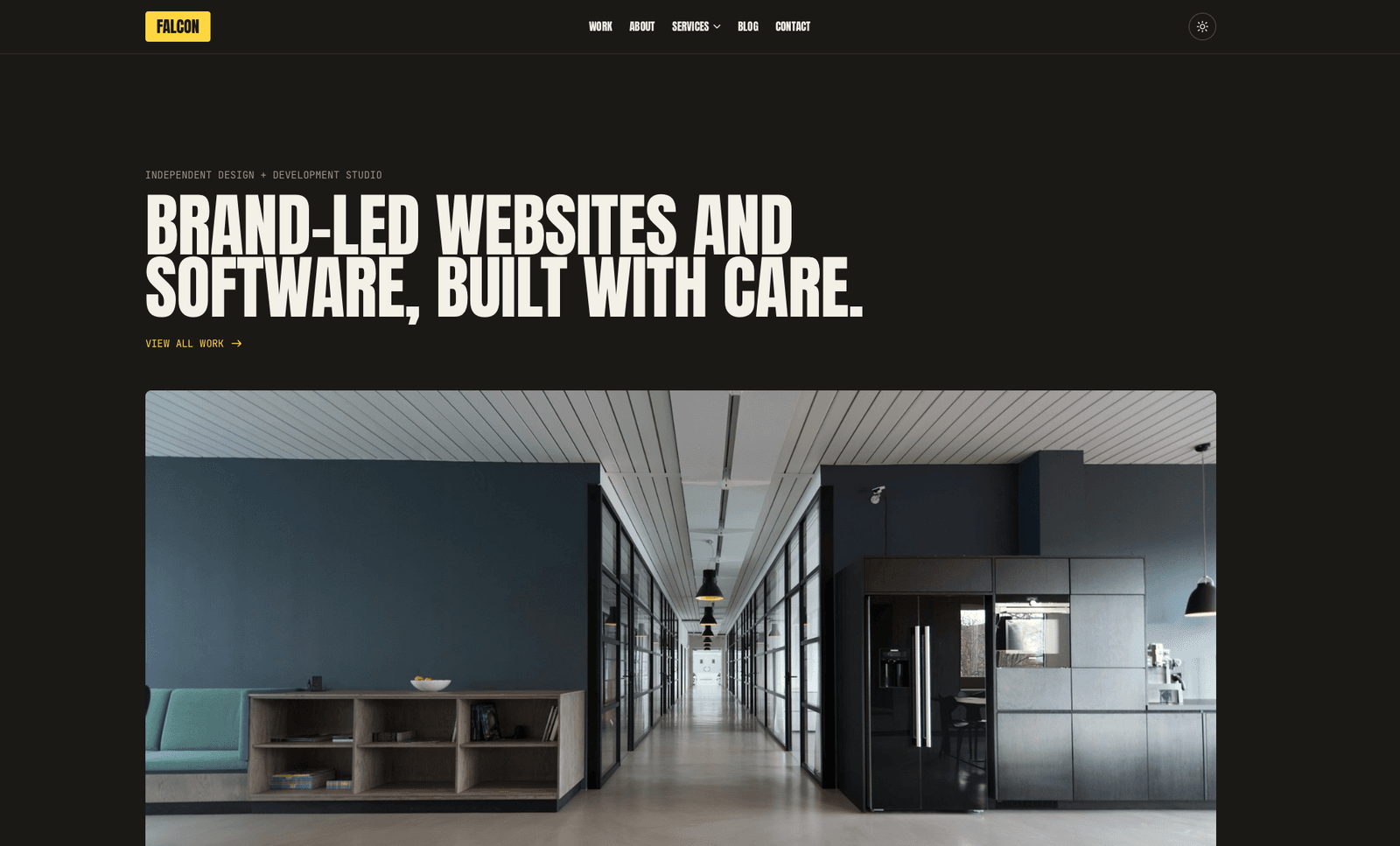
Falcon
Agency / Portfolio / Blog
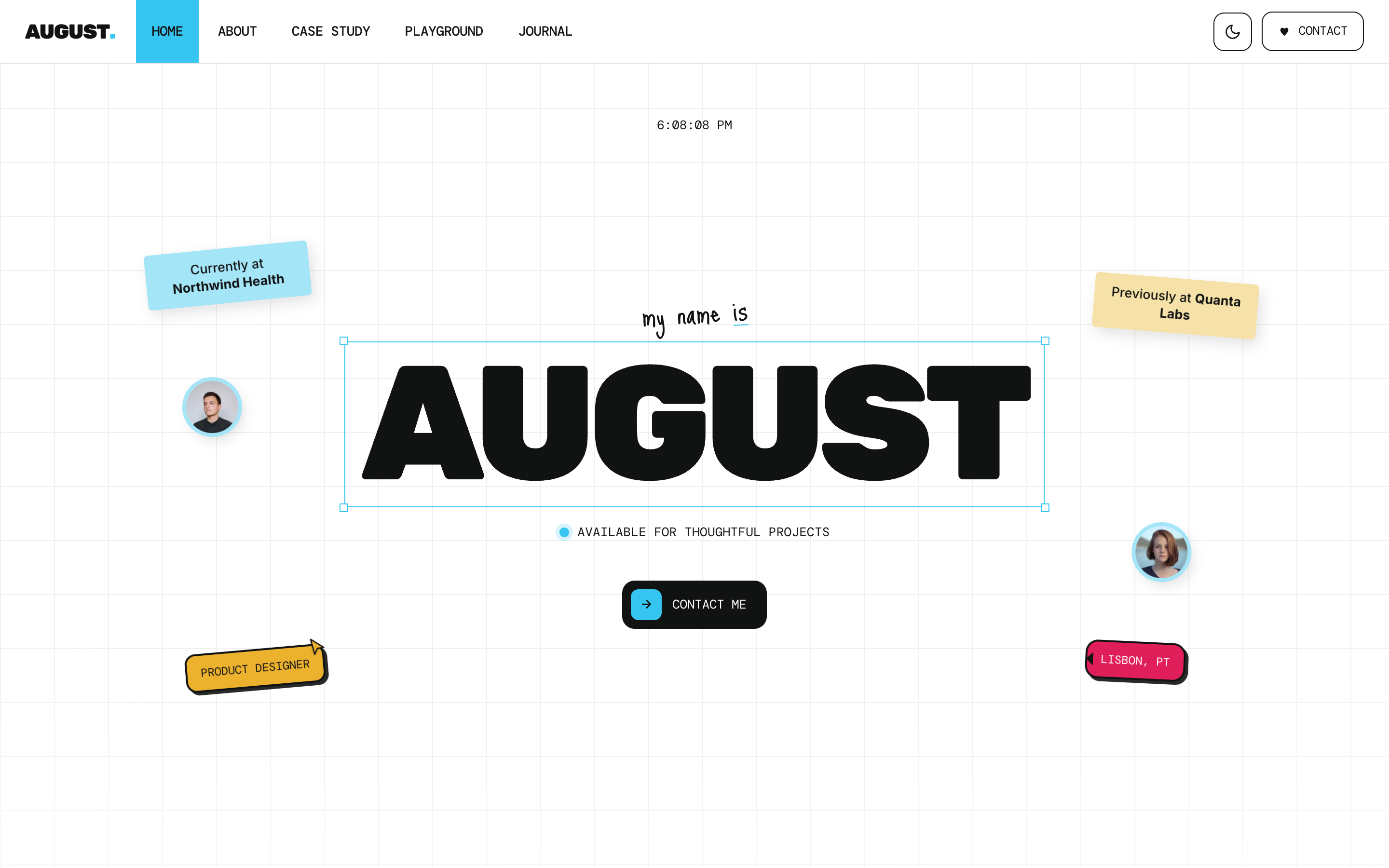
August
Personal / Portfolio / SaaS
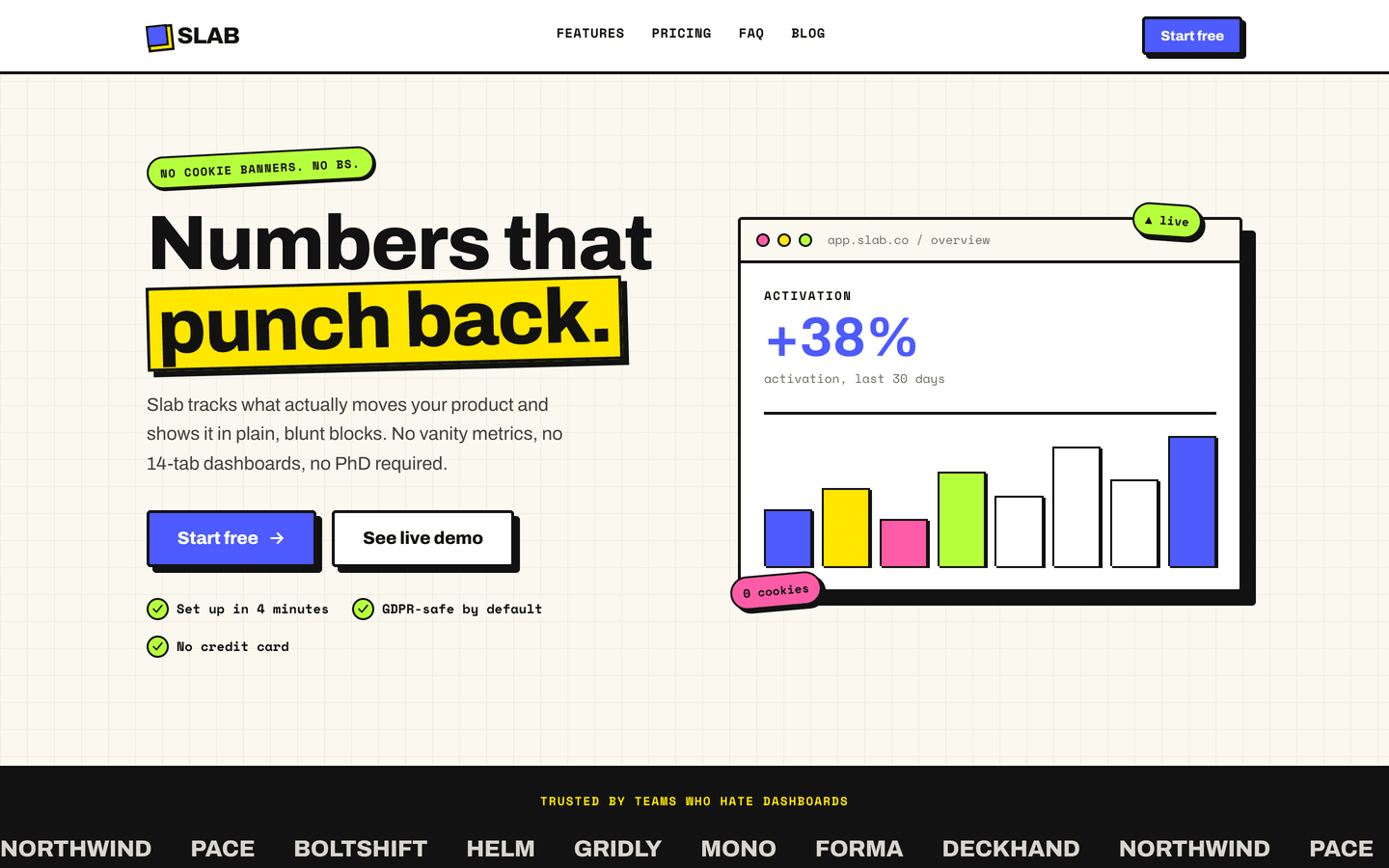
Slab
SaaS / Startup
Vertex
SaaS / Startup
Or get every theme - these included - with the All-Access Pass.