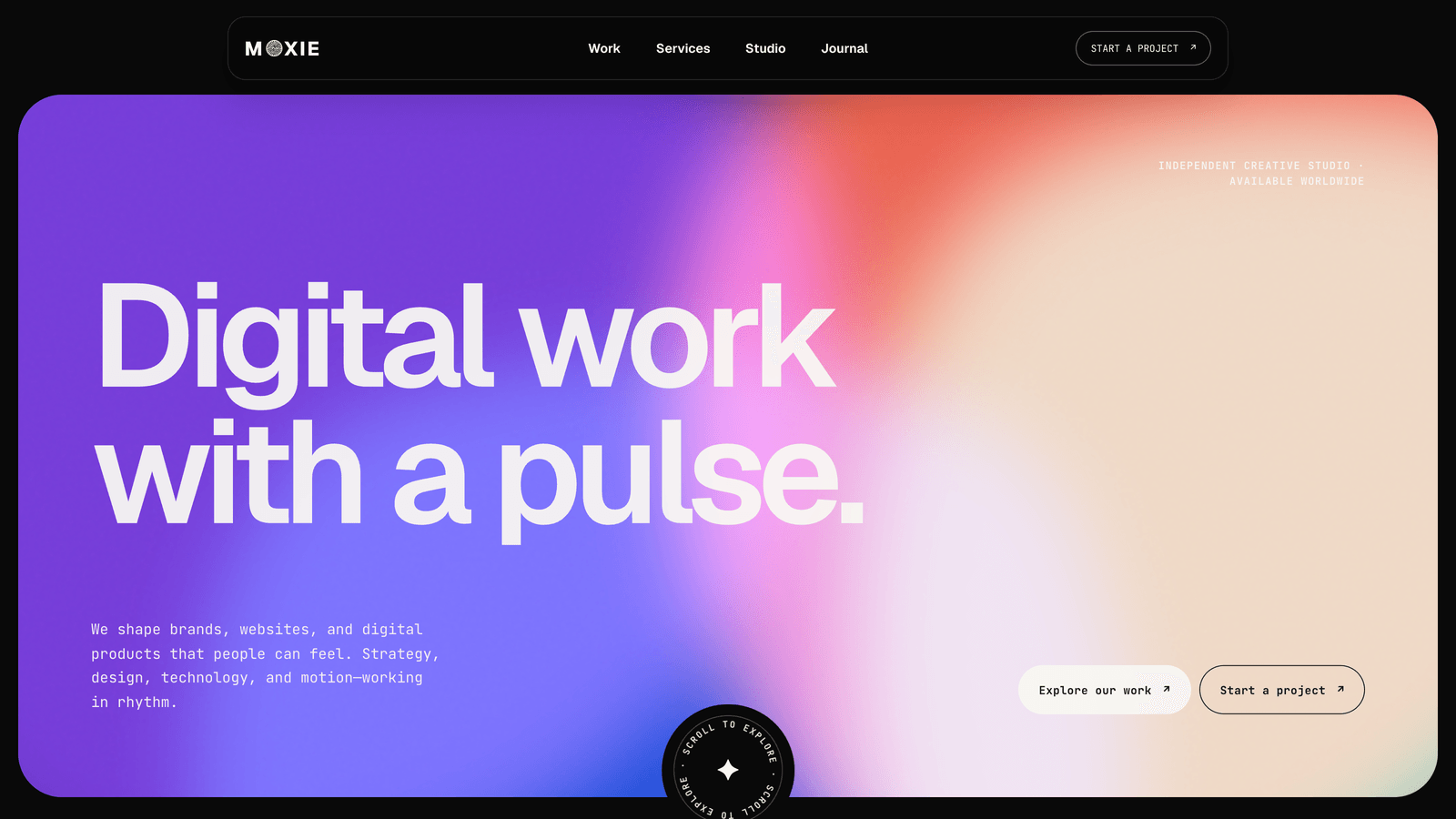
Moxie
Motion-led Astro theme for creative agencies, design studios, brand practices, and digital product teams. A living color-mesh hero, animated case studies, service and journal collections, pricing, configurable forms, smooth scrolling, and polished page transitions. Also available as an EmDash CMS edition with an admin panel for editing every page.
Editions: Astro (source), EmDash CMS (admin panel), HTML (plain files, no build).
One payment for Moxie and everything else - all 32 themes, every future release, and the Astro visual builder included.
See Moxie in action
Every page and section is part of the download. Use these as launch-day templates - keep the structure, swap the copy.
Moxie is a complete Astro website system for creative agencies, design studios, brand practices, and digital product teams that want their site to feel alive without turning every scroll into a stunt. A living color-mesh hero, oversized typography, responsive case-study cards, expressive service gradients, continuous marquees, and purposeful hover motion create a clear studio personality. Lenis smooth scrolling and GSAP handle scroll-linked movement, reveals, parallax, and rotating marks, while Astro view transitions connect the generated routes and reset new pages to the correct position. The starter produces 22 static routes with five work case studies, five service detail pages, three journal articles, a studio page, pricing, contact, legal pages, sitemap output, and a custom 404. Shared brand, interface, pricing, form, footer, metadata, and SEO values live in src/config/site.ts; long-form work, services, and journal entries stay easy to edit in Astro Content Collections. Moxie also ships an EmDash CMS edition: the same design plus an admin panel at /_emdash/admin where an editor changes copy, images, pricing, projects, posts, and menus without a build, with click-to-edit on the live site and translations kept per entry. That edition runs on Cloudflare Workers with D1 and R2, and the buyer deploys it once with wrangler.
Best Fit For
- Creative agencies and independent design studios
- Brand strategy, identity, and motion practices
- Web design and digital product teams
- Freelance designers or developers building a studio presence
- Content, campaign, and growth partners
- Small teams that need work, services, journal, pricing, and inquiries in one site
Full Page Set
Every page is real and editable - no placeholders, no "coming soon" stubs.
16 Sections Included
Every section is a ready-to-use Astro component. Add it to any page, customize via config, or remove what you don't need.
What's Included
Motion That Supports the Work
The hero changes composition as visitors scroll, project images respond to hover, and typography, marks, and media move at different speeds. The effects create rhythm and hierarchy without making the portfolio difficult to browse.
A Complete Studio Content System
Moxie includes real work, service, studio, journal, pricing, and contact routes. Content Collections give case studies and articles enough room for long-form stories, while site.ts keeps the shared brand and interface decisions in one place.
Smooth From Section to Section and Page to Page
Lenis softens wheel input, GSAP coordinates scroll-linked motion, and Astro view transitions connect routes without preserving the wrong scroll position. Reduced-motion visitors receive a deliberate static version instead of a broken animation layer.
Two Editions, One Design
The static edition is the theme as it ships. The EmDash CMS edition adds an admin panel at /_emdash/admin where an editor changes copy, images, pricing, projects, posts, and menus without a build, edits directly on the live site, and keeps a translation per entry. It runs on Cloudflare Workers with D1 and R2, and the buyer deploys it once with wrangler.
Forms, newsletter, and analytics - pre-wired
Moxie is ready to connect to your preferred providers. Pick from the options below, drop in a single API key, and your contact form, newsletter signup, and analytics are live - no backend, no JavaScript, no glue code.
Contact form
The Contact section's <form> renders with no JS. Set one provider in site.ts; the form action wires automatically.
- Formspree50 free submissions / month, no domain restriction
- FormSubmitFree, no signup - just an email confirmation
- Netlify FormsFree 100/month - Netlify hosting only
Newsletter
The Newsletter form sends subscribers directly to your ESP. The email input name auto-adjusts per provider.
- MailchimpStandard EMAIL field; honeypot supported
- ConvertKit (Kit)email_address field; works with any form ID
- Buttondownemail field; lightest, indie-friendly
Analytics
Layout.astro injects the right script tag based on the provider you choose. No client-side branching.
- Google Analytics 4Paste your G-XXXXXXXXXX measurement ID
- PlausiblePrivacy-friendly, ~1 KB script, no cookies
- UmamiSelf-hostable, also cookie-free
Tech Stack
Config-Driven Setup
Every theme uses a single src/config/site.ts file for customization. Change your brand, navigation, form providers, analytics, and section content without touching component code.
// src/config/site.ts
export const siteConfig = {
  name: "Your Company",
  tagline: "Your tagline here",
  url: "https://yourdomain.com",

  navigation: { sticky: true, links: [...], cta: {...} },
  social:     { twitter: "...", github: "...", linkedin: "..." },
  seo:        { title: "...", description: "...", ogImage: "/og.png" },

  // ── Provider switches ────────────────────────────────
  contactForm: { provider: "formspree",  formspreeId: "your-id" },
  newsletter:  { provider: "convertkit", actionUrl: "https://..." },
  analytics:   { provider: "plausible",  plausibleDomain: "you.com" },

  // ── Section data ─────────────────────────────────────
  team, video, timeline, comparison, gallery,
  carousel, tabs, appDownload, map, footer,
} as const;Built to be edited by AI
Moxie ships an AGENTS.md and
a CLAUDE.md at the project root.
Claude Code, Cursor, Copilot, and Codex read them the moment you open the folder.
So your agent starts knowing which file to edit, which design decisions are deliberate, and which parts of the theme break quietly if touched. You get the right change on the first pass instead of a confident guess.
- A task map. Every common request routed to the exact file, so no time is spent exploring.
- Design invariants. The decisions that make the theme worth buying, marked do-not-touch.
- The traps. The specific things that break this theme silently, written down.
- A done checklist. What to build, what to scroll, what to verify before claiming success.
# AGENTS.md - Moxie

## Task map
| The client wants to change | Edit |
|---|---|
| Brand name, logo, favicon | site.ts -> identity     |
| Colors                    | site.ts -> theme        |
| Any homepage copy         | site.ts -> home.<block> |
| Add a page or an article  | new .md in src/content/ |

Rule: copy belongs in site.ts, never inside a component.

## Design invariants
Do not "improve" these. They are why the theme is worth its price.
- The accent stays loud. Do not mute or pastel it.
- Display headings stay oversized. The scale is the design.

## Traps
The things that break this theme silently, written down,
so your agent does not have to discover them by breaking them.

## Before you say you are done
npm run build      # must succeed and emit every route
Scroll each page to the bottom. Report what you did not verify.
Excerpt. The full file ships with the theme.
The same Moxie, with an admin panel
The EmDash CMS edition keeps every pixel of the static theme and adds a
content system behind it. Your client signs in at
/_emdash/admin
and edits pages, projects, services, posts, media and menus themselves, with a
translation per entry when the site runs in more than one language. It is the
static edition plus the panel, not a different theme.
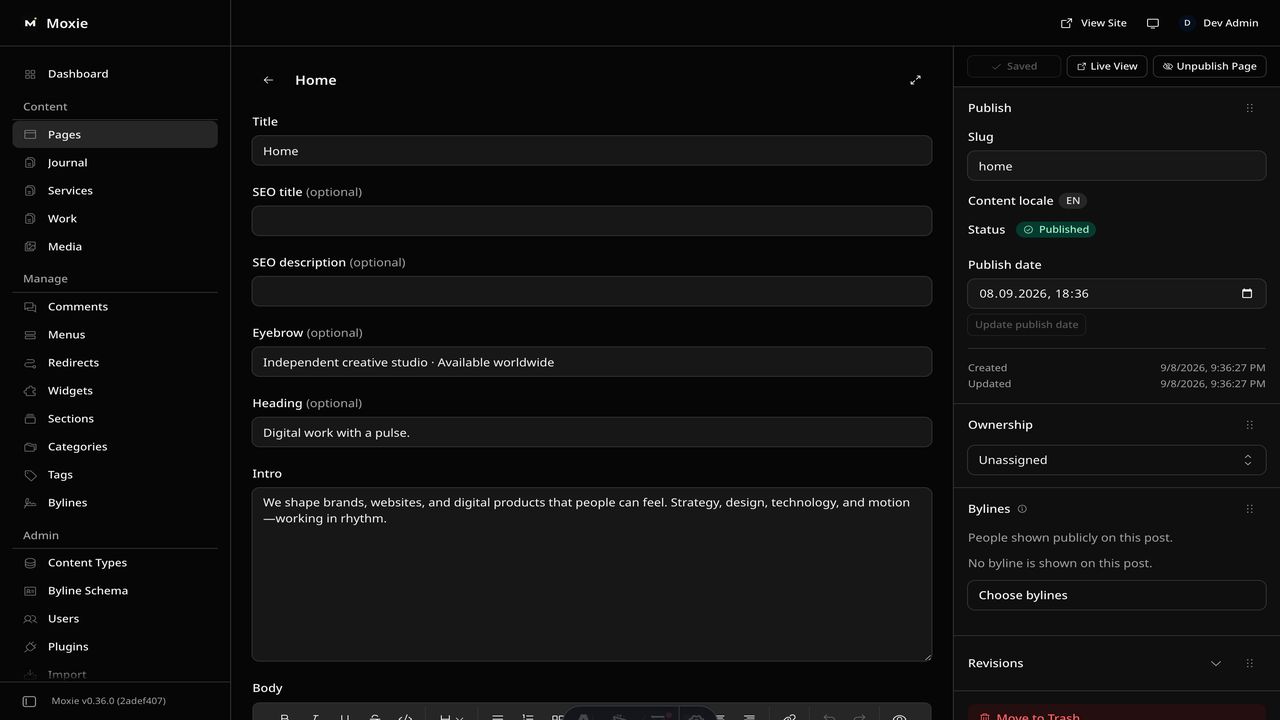
- Everything editable. Copy, images, pricing, projects, services, posts and menus change from the panel, with no rebuild and no repository access.
- Click-to-edit. Sign in, open the live site, flip the Edit toggle in the toolbar, and change text where it sits on the page.
- One Cloudflare deploy. Cloudflare Workers with D1 and R2. You deploy it once with wrangler and hand over the login.
What you need: a Cloudflare account, the wrangler CLI, and about fifteen minutes. D1 and R2 stay inside Cloudflare's free tier for a site this size.
The same design as plain HTML
No Astro, no npm, no build step. Unzip the folder, open index.html straight from your disk and it works. Every page is a plain .html file you edit in any editor, the styling lives in one readable CSS file with the colours at the top, and an optional Tailwind folder is there if you want utility classes back. Deploy it to any static host: Netlify, Cloudflare Pages, GitHub Pages or plain cPanel.
Full documentation, ready before you buy
Browse the install guide, the site.ts reference, provider setup, deploy instructions, and the Moxie-specific page - all live now.
More themes from the collection.
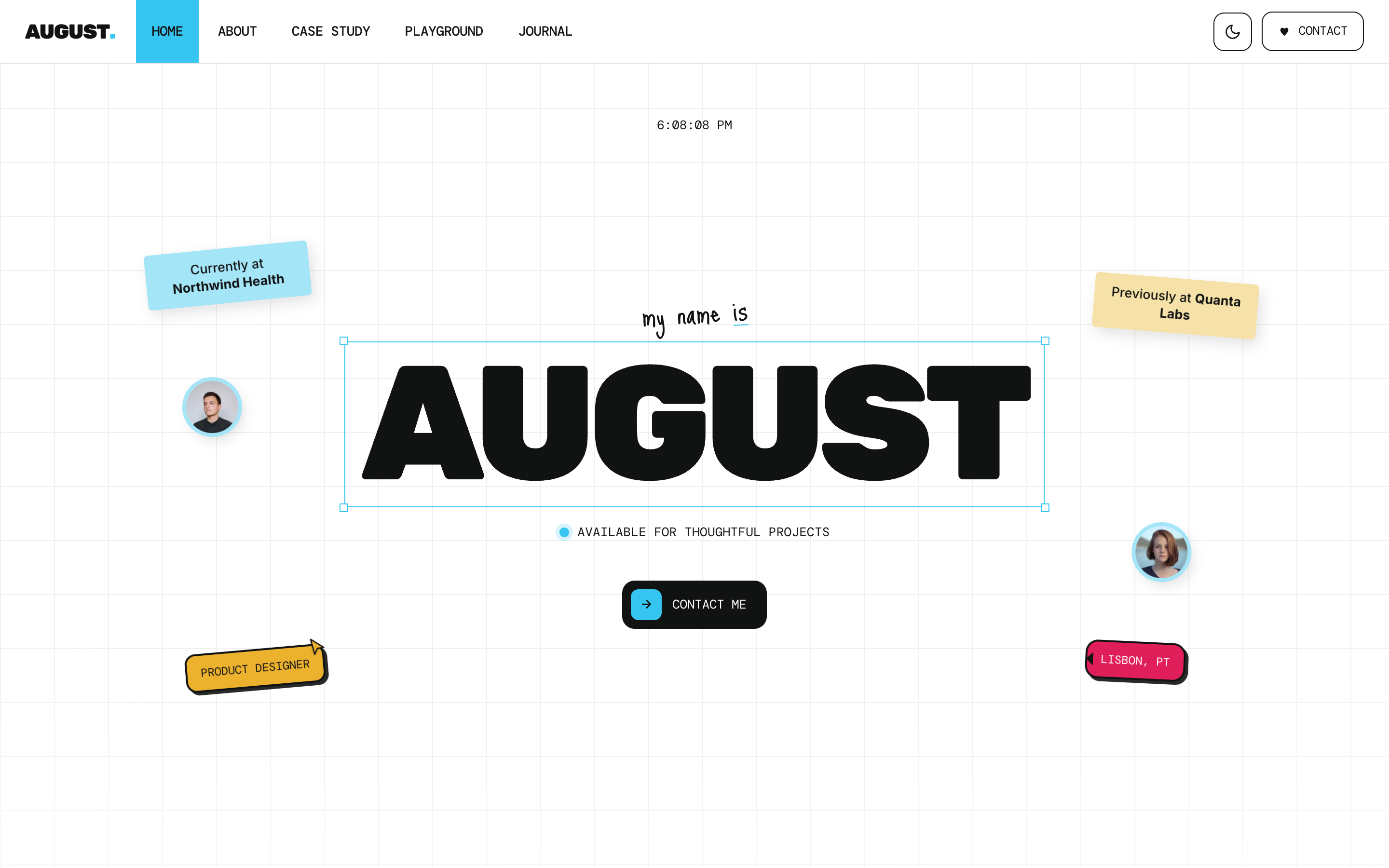
August
Personal / Portfolio / SaaS
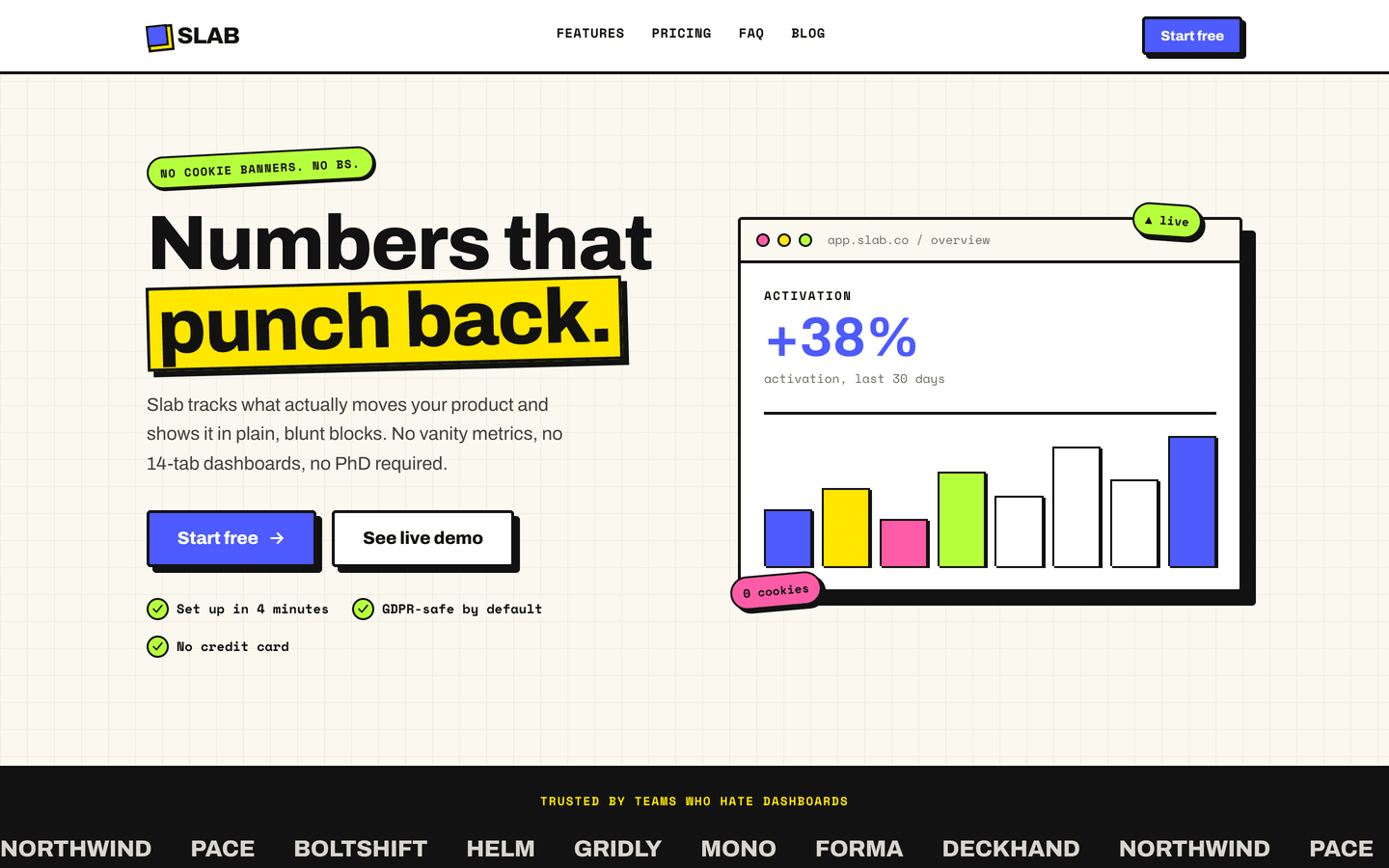
Slab
SaaS / Startup
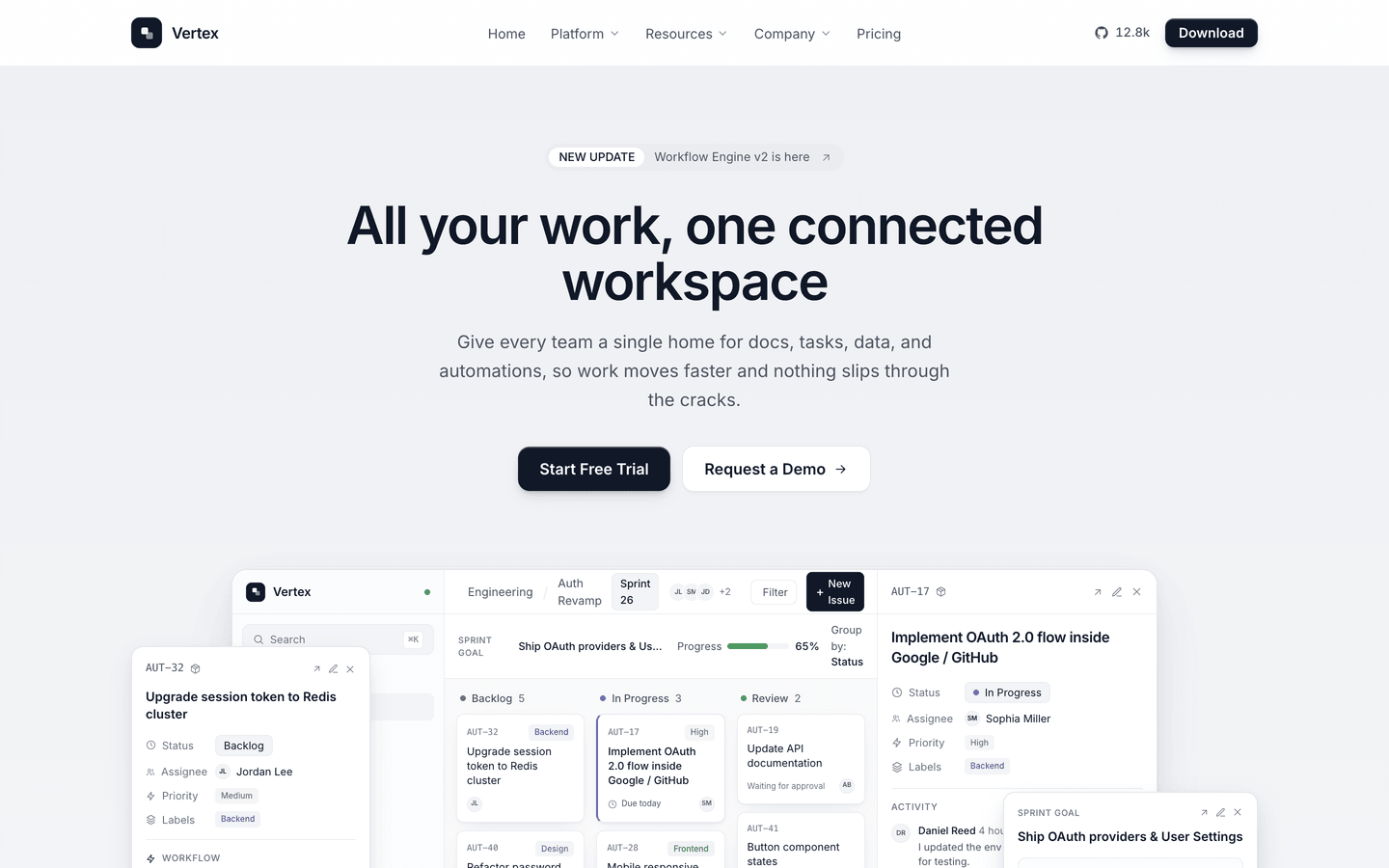
Vertex
SaaS / Startup
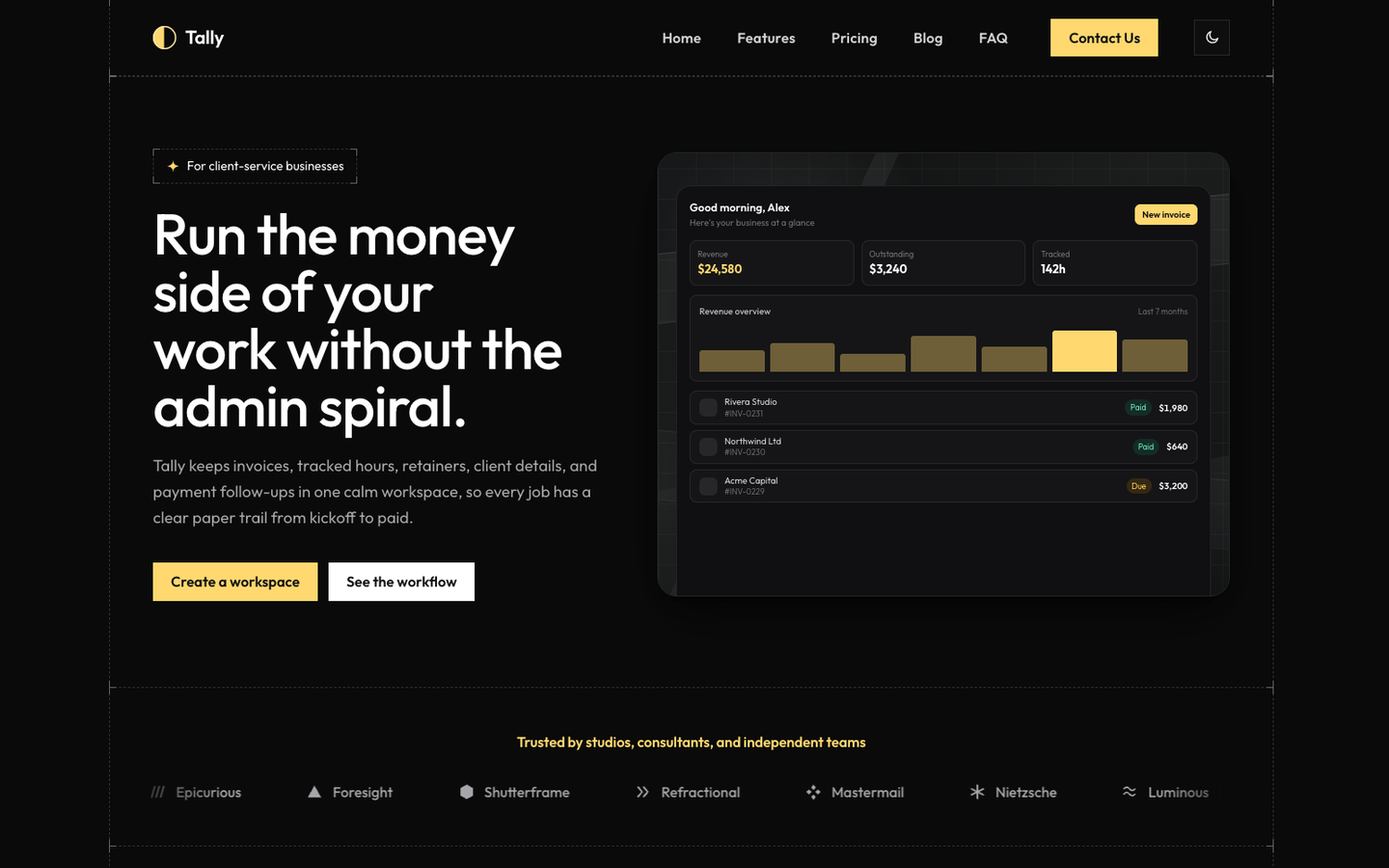
Tally
SaaS / Startup
Or get every theme - these included - with the All-Access Pass.