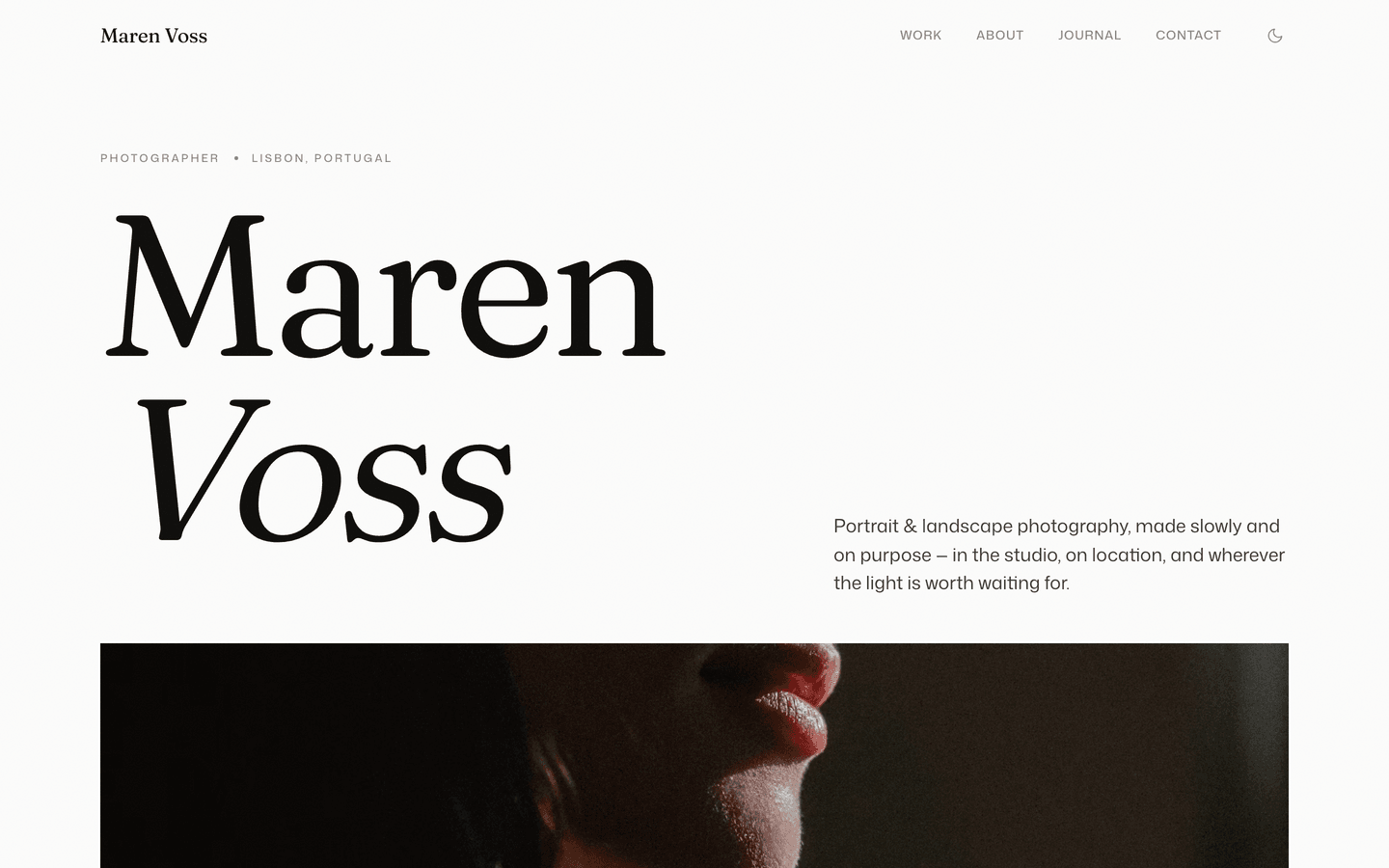
Aperture
Gallery-grade photography portfolio. A semantic light/dark canvas, a cursor-follow work index, numbered series, a keyboard lightbox, and a persistent light/dark toggle.
Editions: Astro (source), HTML (plain files, no build).
One payment for Aperture and everything else - all 39 themes, every future release, and the Astro visual builder included.
See Aperture in action
Every page and section is part of the download. Use these as launch-day templates - keep the structure, swap the copy.
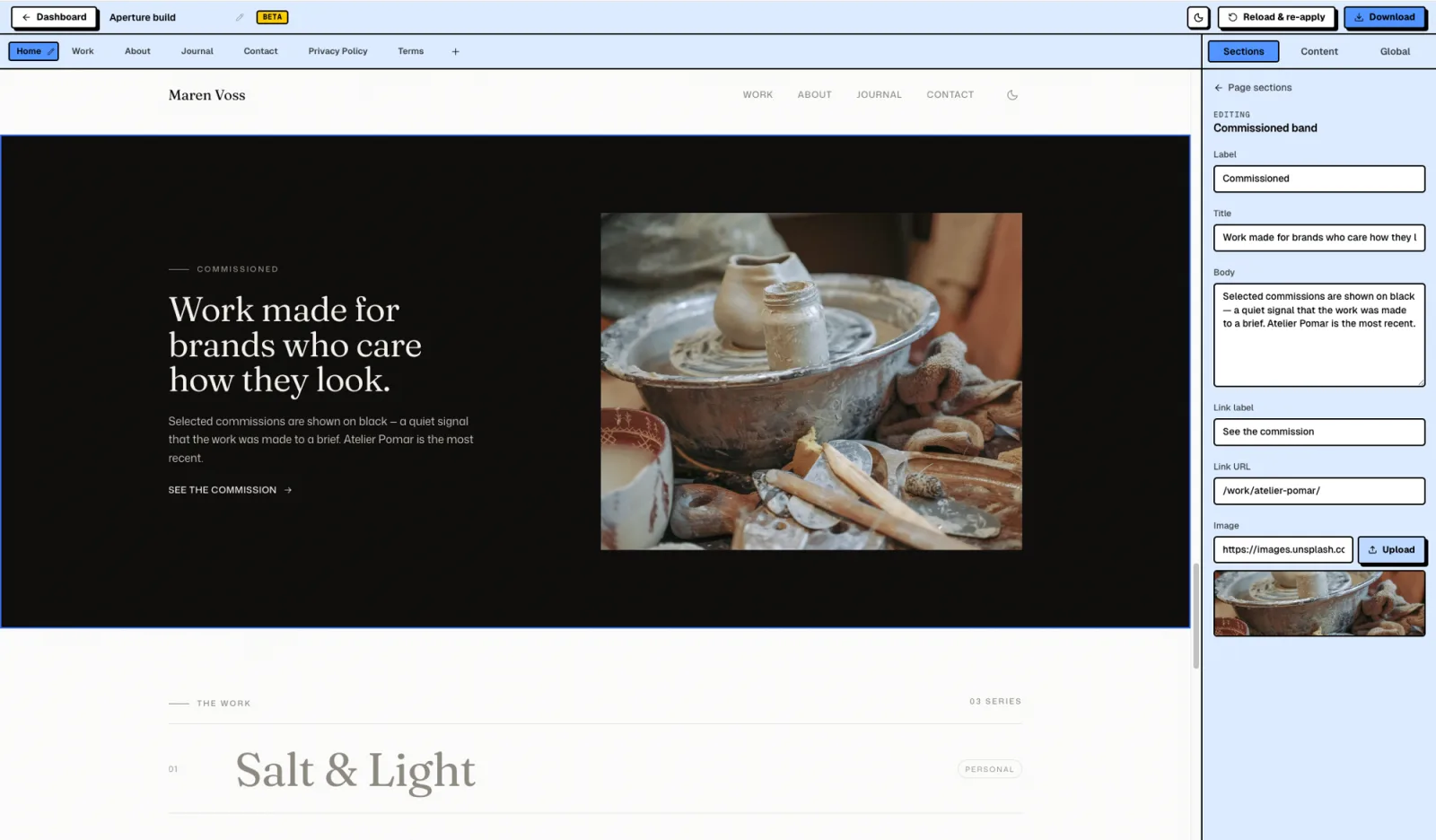
Edit Aperture in the visual builder
Aperture works in the AeroLaunch visual builder. Open it, click any section of your real site and edit it live, then download the Astro project with your content in it. No code needed.
- Click any section and a panel opens with exactly its fields
- Edit headlines, body copy, buttons, links, images and lists
- Show, hide and reorder sections, and add or remove pages
- Download a real Astro project that runs with npm install and npm run dev
Aperture is for photographers who want their site to feel like a gallery wall, not a marketing page. Its signature idea is a semantic dual canvas: personal work is shown on white, commissioned work on black, so the background itself means something. The work index is a quiet list of titles - hover one and its photograph follows your cursor. Series run as numbered sequences (01 / NN). A persistent light/dark toggle lets every visitor choose. No masonry, no price cards, no testimonials carousel - the photographs do the talking.
Best Fit For
- Portrait, landscape, and editorial photographers
- Commercial photographers and studios
- Visual artists and image-led creatives
- Studios shooting commissioned + personal work
- Anyone who wants fine-art, not template
Full Page Set
Every page is real and editable - no placeholders, no "coming soon" stubs.
14 Sections Included
Every section is a ready-to-use Astro component. Add it to any page, customize via config, or remove what you don't need.
What's Included
The Background Means Something
Set a series to mode: 'personal' and it renders on white; set it to 'commissioned' and the whole page, nav, and type flip to black. The background becomes a quiet system that tells the viewer what they're looking at - the signature move of the best photographer sites, built in.
Hover, and the Image Follows
The work index is a plain text list of project titles. Hover one and its photograph appears and trails your cursor across the screen. It's the single interaction that reads 'real photographer, not a template,' and on touch devices it falls back to clean inline thumbnails.
Light or Dark, Their Choice
A sun/moon toggle in the nav flips the entire site and remembers the choice per visitor, with a pre-paint script so there's never a flash. Personal work still defaults to white and commissions to black - but the viewer always has the final say.
Forms, newsletter, and analytics - pre-wired
Aperture is ready to connect to your preferred providers. Pick from the options below, drop in a single API key, and your contact form, newsletter signup, and analytics are live - no backend, no JavaScript, no glue code.
Contact form
The Contact section's <form> renders with no JS. Set one provider in site.ts; the form action wires automatically.
- Formspree50 free submissions / month, no domain restriction
- FormSubmitFree, no signup - just an email confirmation
- Netlify FormsFree 100/month - Netlify hosting only
Newsletter
The Newsletter form sends subscribers directly to your ESP. The email input name auto-adjusts per provider.
- MailchimpStandard EMAIL field; honeypot supported
- ConvertKit (Kit)email_address field; works with any form ID
- Buttondownemail field; lightest, indie-friendly
Analytics
Layout.astro injects the right script tag based on the provider you choose. No client-side branching.
- Google Analytics 4Paste your G-XXXXXXXXXX measurement ID
- PlausiblePrivacy-friendly, ~1 KB script, no cookies
- UmamiSelf-hostable, also cookie-free
Tech Stack
Config-Driven Setup
Every theme uses a single src/config/site.ts file for customization. Change your brand, navigation, form providers, analytics, and section content without touching component code.
// src/config/site.ts
export const siteConfig = {
  name: "Your Company",
  tagline: "Your tagline here",
  url: "https://yourdomain.com",

  navigation: { sticky: true, links: [...], cta: {...} },
  social:     { twitter: "...", github: "...", linkedin: "..." },
  seo:        { title: "...", description: "...", ogImage: "/og.png" },

  // ── Provider switches ────────────────────────────────
  contactForm: { provider: "formspree",  formspreeId: "your-id" },
  newsletter:  { provider: "convertkit", actionUrl: "https://..." },
  analytics:   { provider: "plausible",  plausibleDomain: "you.com" },

  // ── Section data ─────────────────────────────────────
  team, video, timeline, comparison, gallery,
  carousel, tabs, appDownload, map, footer,
} as const;The same design as plain HTML
No Astro, no npm, no build step. Unzip the folder, open index.html straight from your disk and it works. Every page is a plain .html file you edit in any editor, the styling lives in one readable CSS file with the colours at the top, and an optional Tailwind folder is there if you want utility classes back. Deploy it to any static host: Netlify, Cloudflare Pages, GitHub Pages or plain cPanel.
Full documentation, ready before you buy
Browse the install guide, the site.ts reference, provider setup, deploy instructions, and the Aperture-specific page - all live now.
Guides that cover Aperture.
Best Astro Themes for Photographers and Portfolios (2026)
Astro themes worth considering for photographers, designers and studios, what matters in a portfolio theme, and what makes image-heavy sites slow.
Read the guide ThemesBest Astro Themes for 2026 (Free and Premium)
The best Astro themes for 2026, free and premium: quick picks for SaaS, agencies, photography, gyms, local business and shops, and what to check before you buy.
Read the guideMore themes from the collection.
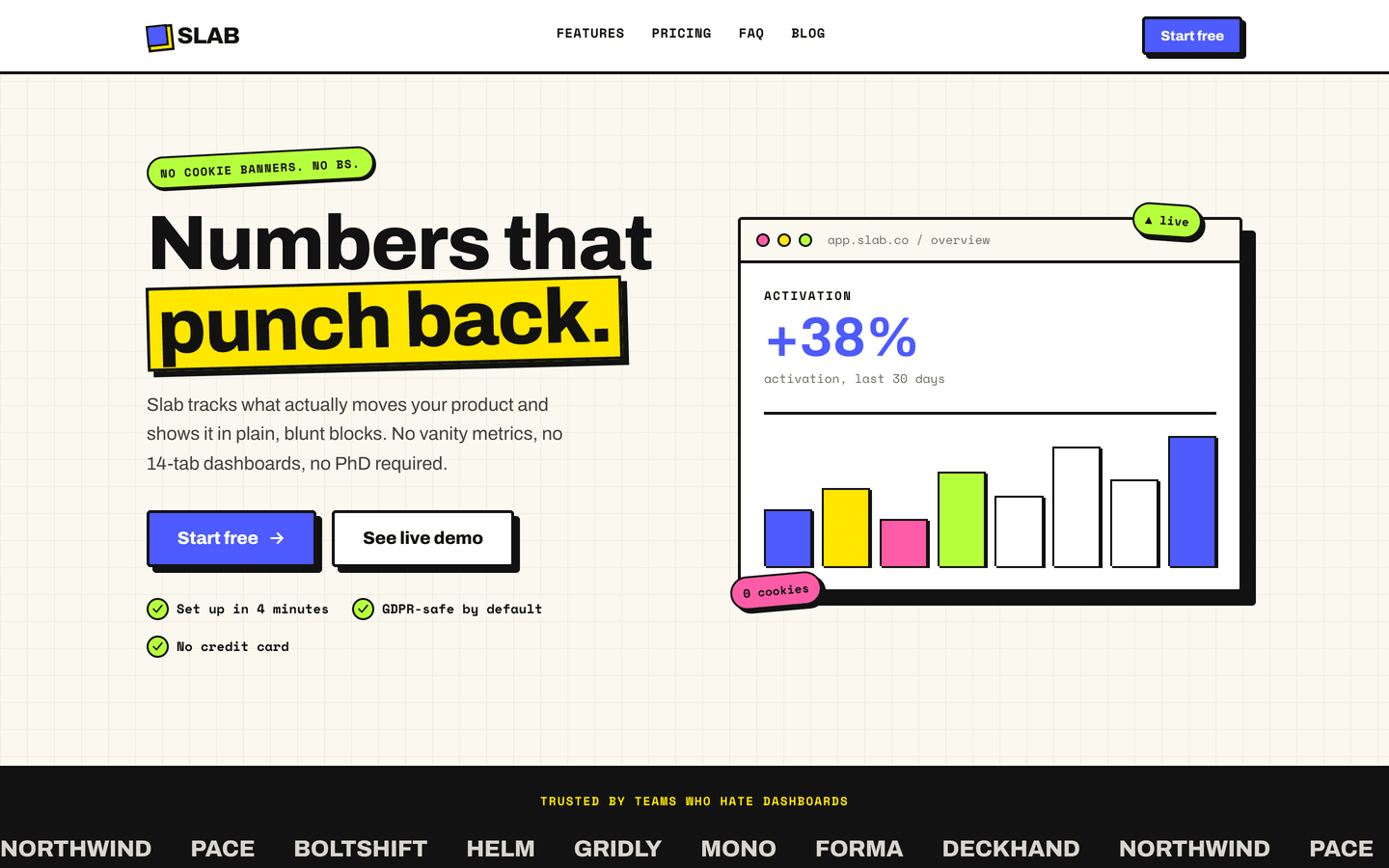
Slab
SaaS / Startup
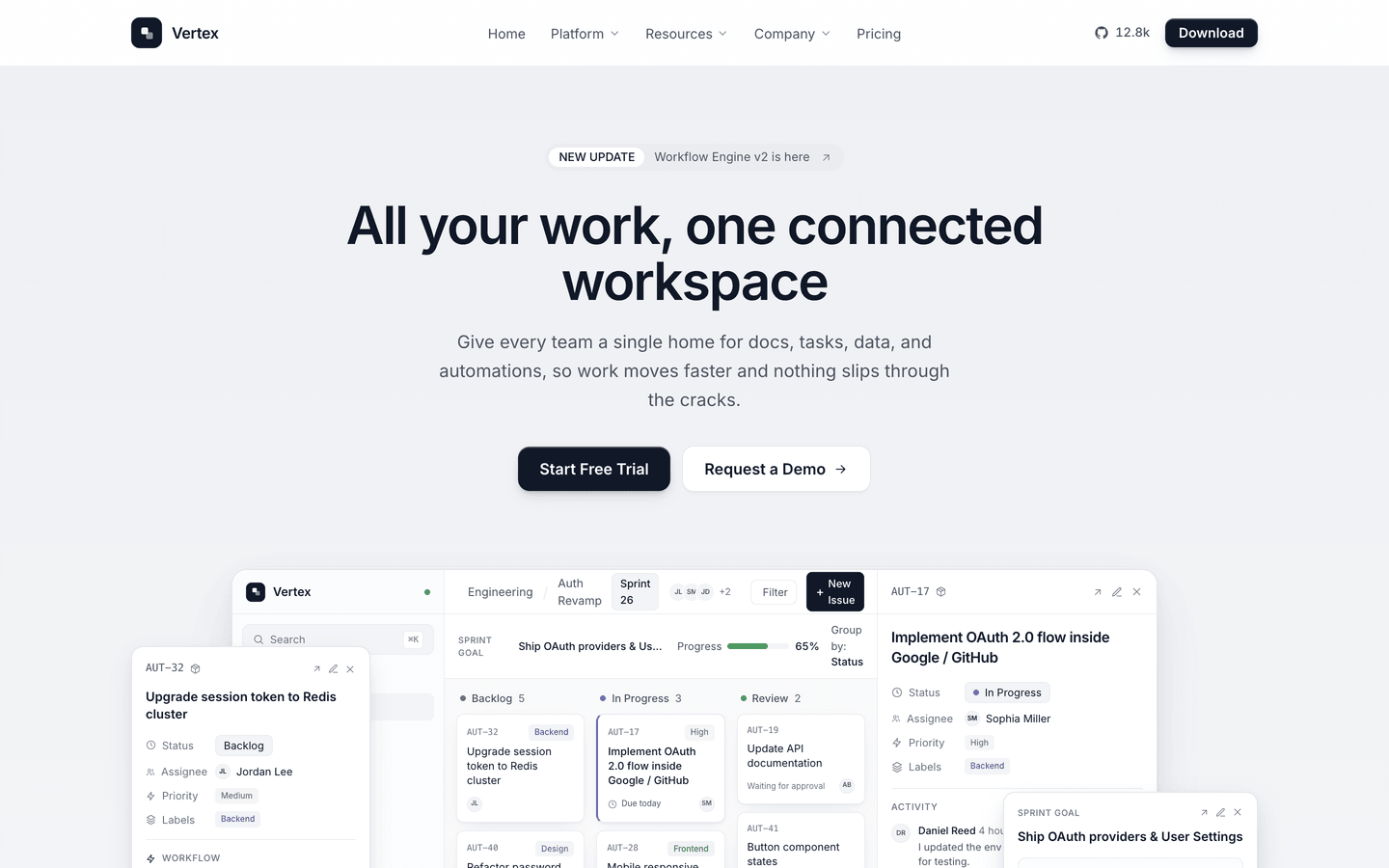
Vertex
SaaS / Startup
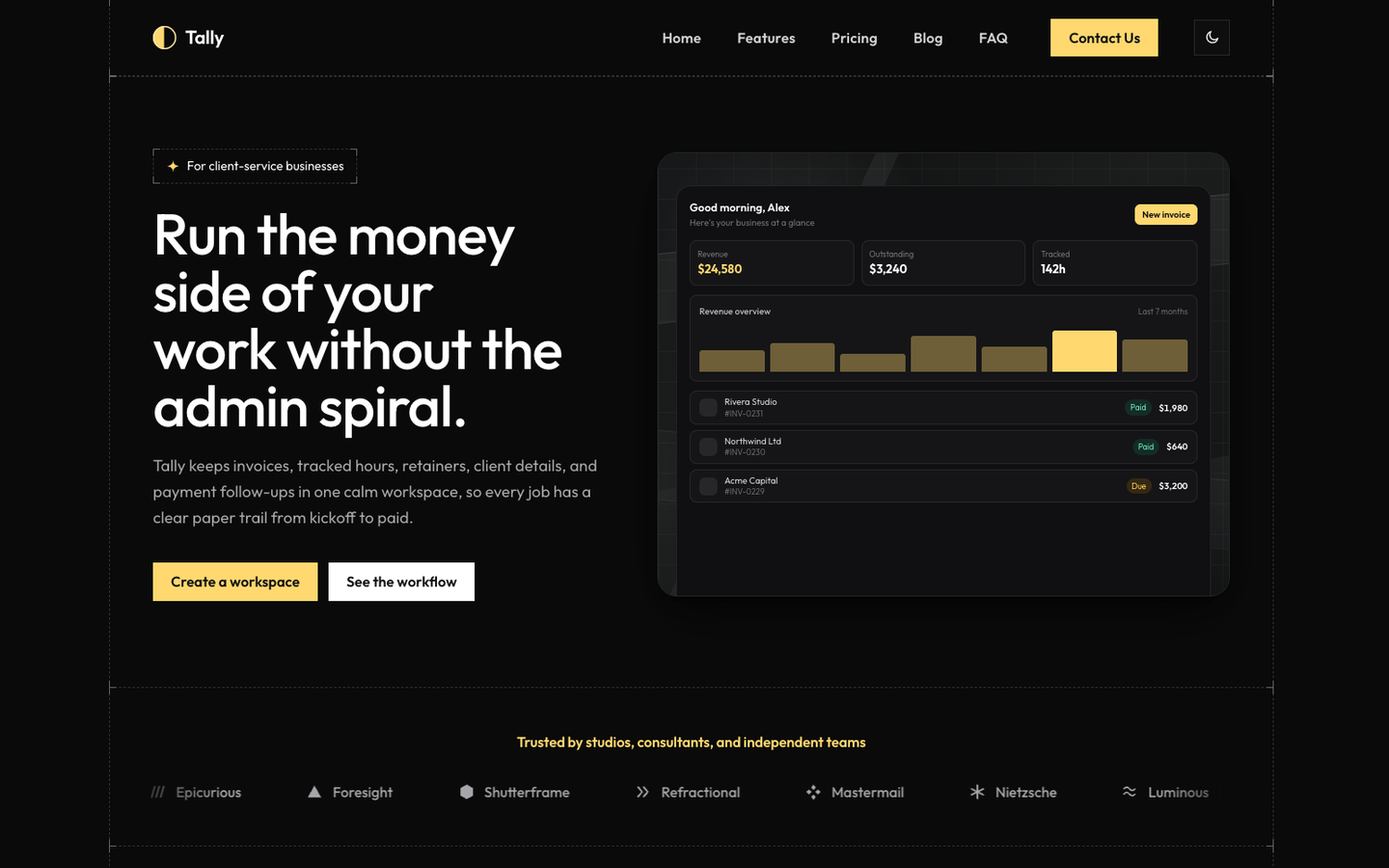
Tally
SaaS / Startup
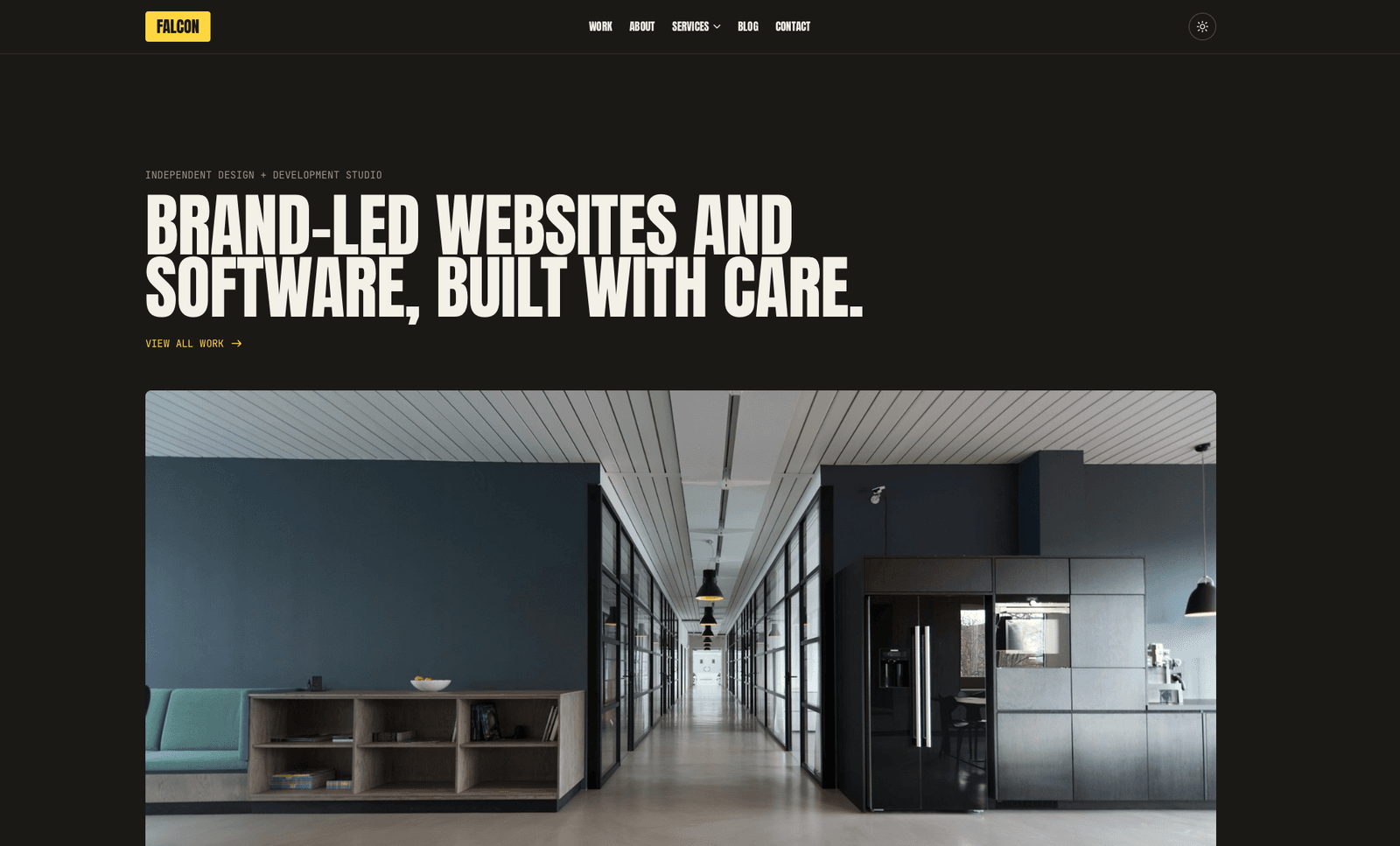
Falcon
Agency / Portfolio / Blog
Or get every theme - these included - with the All-Access Pass.