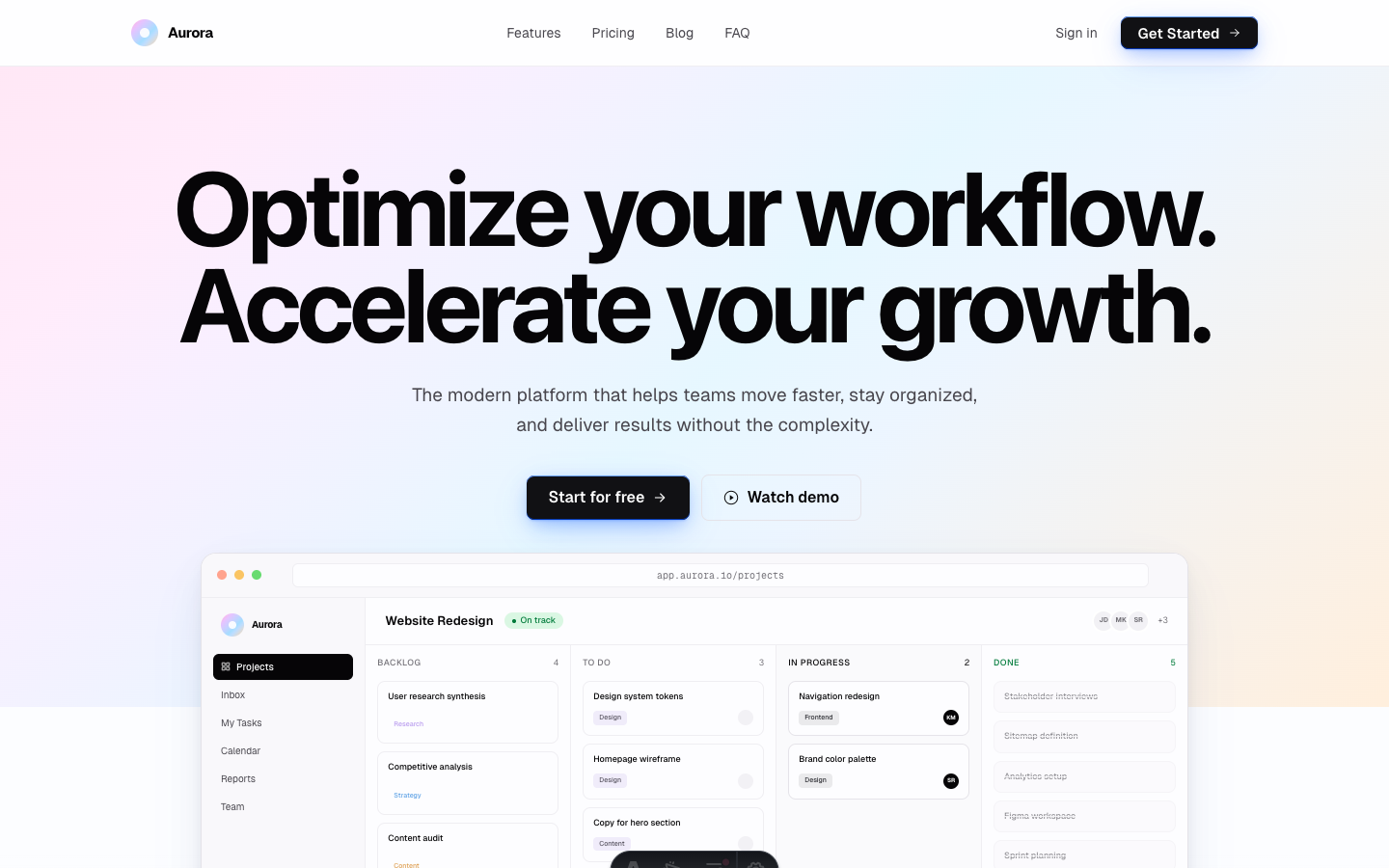
Aurora
Elegant SaaS theme with soft aurora gradient accents. Near-monochrome body with editorial blog.
Editions: Astro (source), HTML (plain files, no build).
One payment for Aurora and everything else - all 36 themes, every future release, and the Astro visual builder included.
See Aurora in action
Every page and section is part of the download. Use these as launch-day templates - keep the structure, swap the copy.
Aurora is built for SaaS companies, startups, and tech products that need a clean landing page with a strong blog. The near-monochrome design with soft aurora gradient accents lets your content and product speak without visual noise.
Best Fit For
- SaaS startups
- Tech products
- Developer tools
- B2B platforms
- Content-driven products
- Newsletter businesses
Full Page Set
Every page is real and editable - no placeholders, no "coming soon" stubs.
25 Sections Included
Every section is a ready-to-use Astro component. Add it to any page, customize via config, or remove what you don't need.
What's Included
A Blog That Actually Works
Aurora ships with a complete blog system - featured post cards, category filtering, individual article pages with reading time, author info, and share buttons. Not a half-built afterthought, but a real editorial experience your readers will appreciate.
The Gradient, Done Right
The aurora gradient hero is subtle enough to feel premium, bold enough to be memorable. It fades into a near-monochrome body so your product screenshots, feature grids, and pricing tables take center stage without fighting the background.
Monochrome With Purpose
Every color decision in Aurora is intentional. The near-grayscale palette means your brand color pops where it matters - CTAs, links, and key UI elements - while the body remains calm and scannable.
Forms, newsletter, and analytics - pre-wired
Aurora is ready to connect to your preferred providers. Pick from the options below, drop in a single API key, and your contact form, newsletter signup, and analytics are live - no backend, no JavaScript, no glue code.
Contact form
The Contact section's <form> renders with no JS. Set one provider in site.ts; the form action wires automatically.
- Formspree50 free submissions / month, no domain restriction
- FormSubmitFree, no signup - just an email confirmation
- Netlify FormsFree 100/month - Netlify hosting only
Newsletter
The Newsletter form sends subscribers directly to your ESP. The email input name auto-adjusts per provider.
- MailchimpStandard EMAIL field; honeypot supported
- ConvertKit (Kit)email_address field; works with any form ID
- Buttondownemail field; lightest, indie-friendly
Analytics
Layout.astro injects the right script tag based on the provider you choose. No client-side branching.
- Google Analytics 4Paste your G-XXXXXXXXXX measurement ID
- PlausiblePrivacy-friendly, ~1 KB script, no cookies
- UmamiSelf-hostable, also cookie-free
Tech Stack
Config-Driven Setup
Every theme uses a single src/config/site.ts file for customization. Change your brand, navigation, form providers, analytics, and section content without touching component code.
// src/config/site.ts
export const siteConfig = {
  name: "Your Company",
  tagline: "Your tagline here",
  url: "https://yourdomain.com",

  navigation: { sticky: true, links: [...], cta: {...} },
  social:     { twitter: "...", github: "...", linkedin: "..." },
  seo:        { title: "...", description: "...", ogImage: "/og.png" },

  // ── Provider switches ────────────────────────────────
  contactForm: { provider: "formspree",  formspreeId: "your-id" },
  newsletter:  { provider: "convertkit", actionUrl: "https://..." },
  analytics:   { provider: "plausible",  plausibleDomain: "you.com" },

  // ── Section data ─────────────────────────────────────
  team, video, timeline, comparison, gallery,
  carousel, tabs, appDownload, map, footer,
} as const;The same design as plain HTML
No Astro, no npm, no build step. Unzip the folder, open index.html straight from your disk and it works. Every page is a plain .html file you edit in any editor, the styling lives in one readable CSS file with the colours at the top, and an optional Tailwind folder is there if you want utility classes back. Deploy it to any static host: Netlify, Cloudflare Pages, GitHub Pages or plain cPanel.
Full documentation, ready before you buy
Browse the install guide, the site.ts reference, provider setup, deploy instructions, and the Aurora-specific page - all live now.
More themes from the collection.
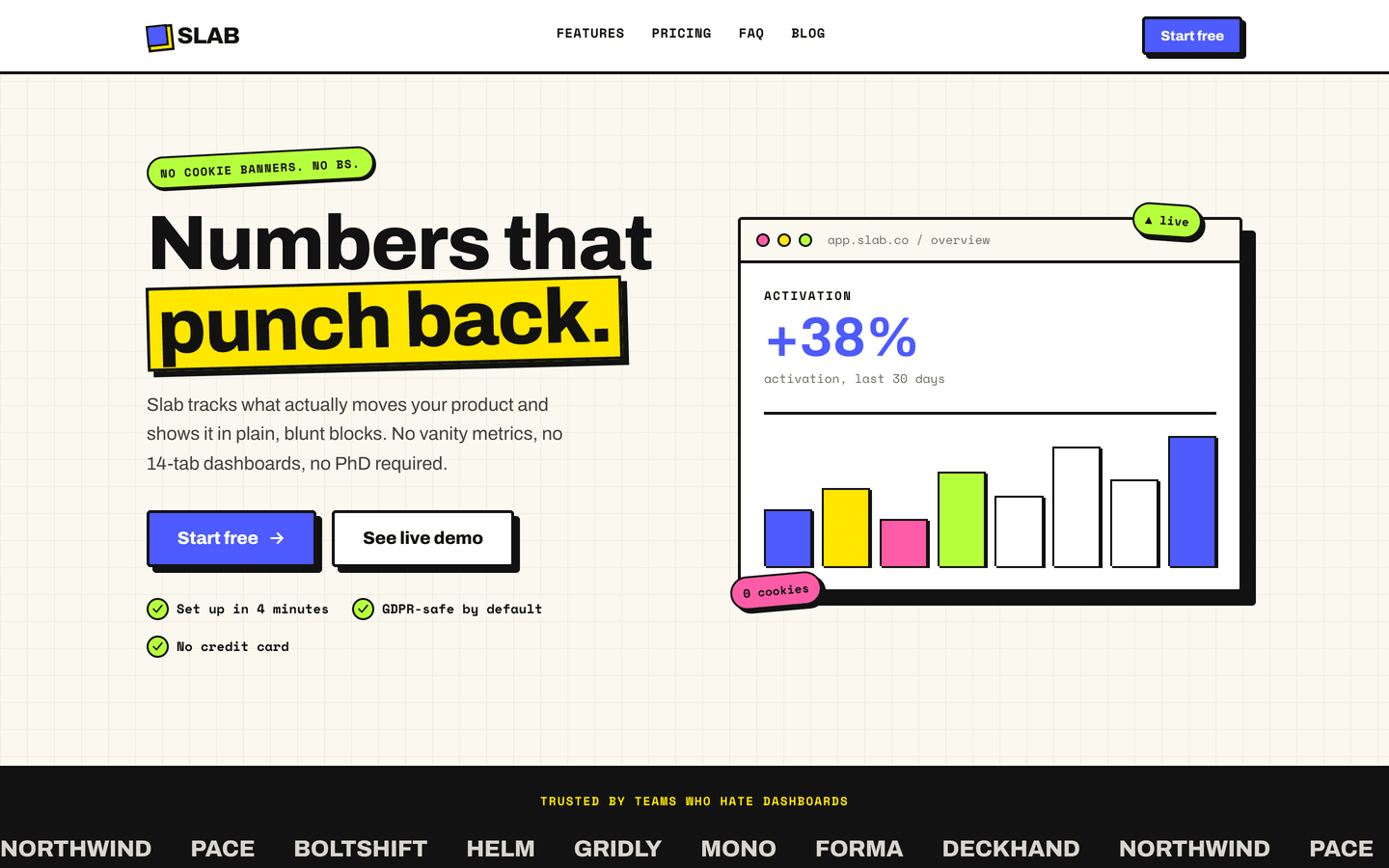
Slab
SaaS / Startup
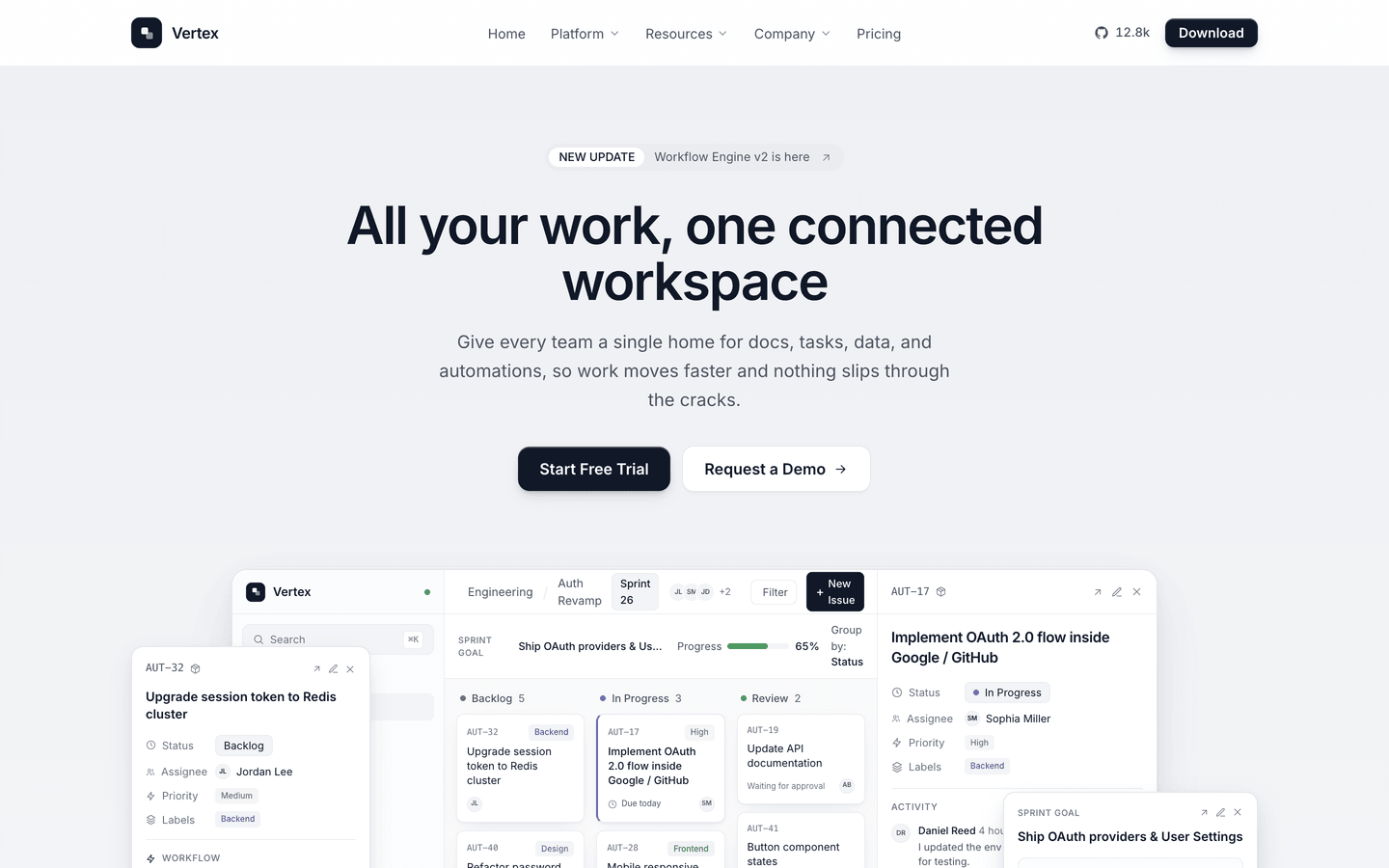
Vertex
SaaS / Startup
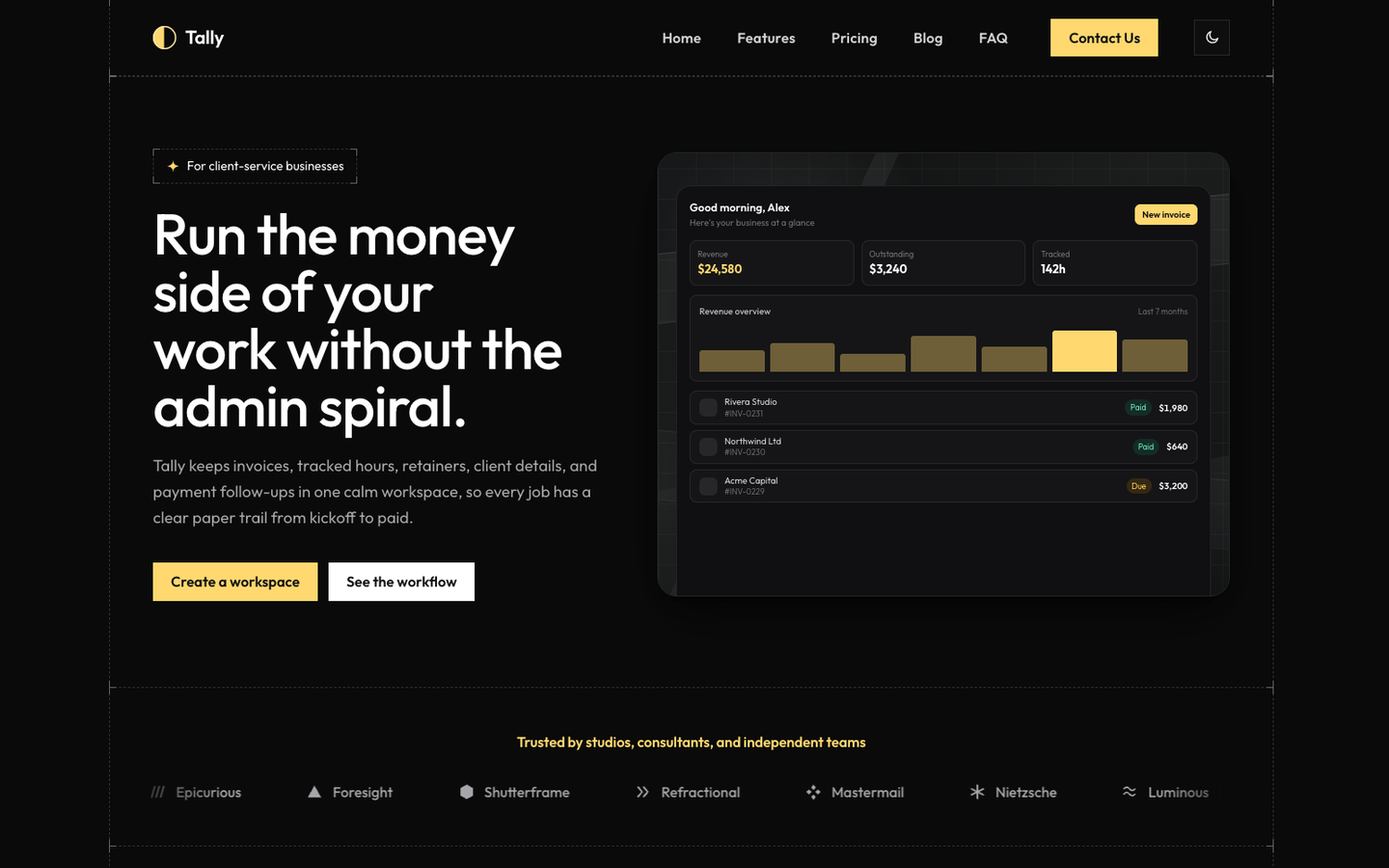
Tally
SaaS / Startup
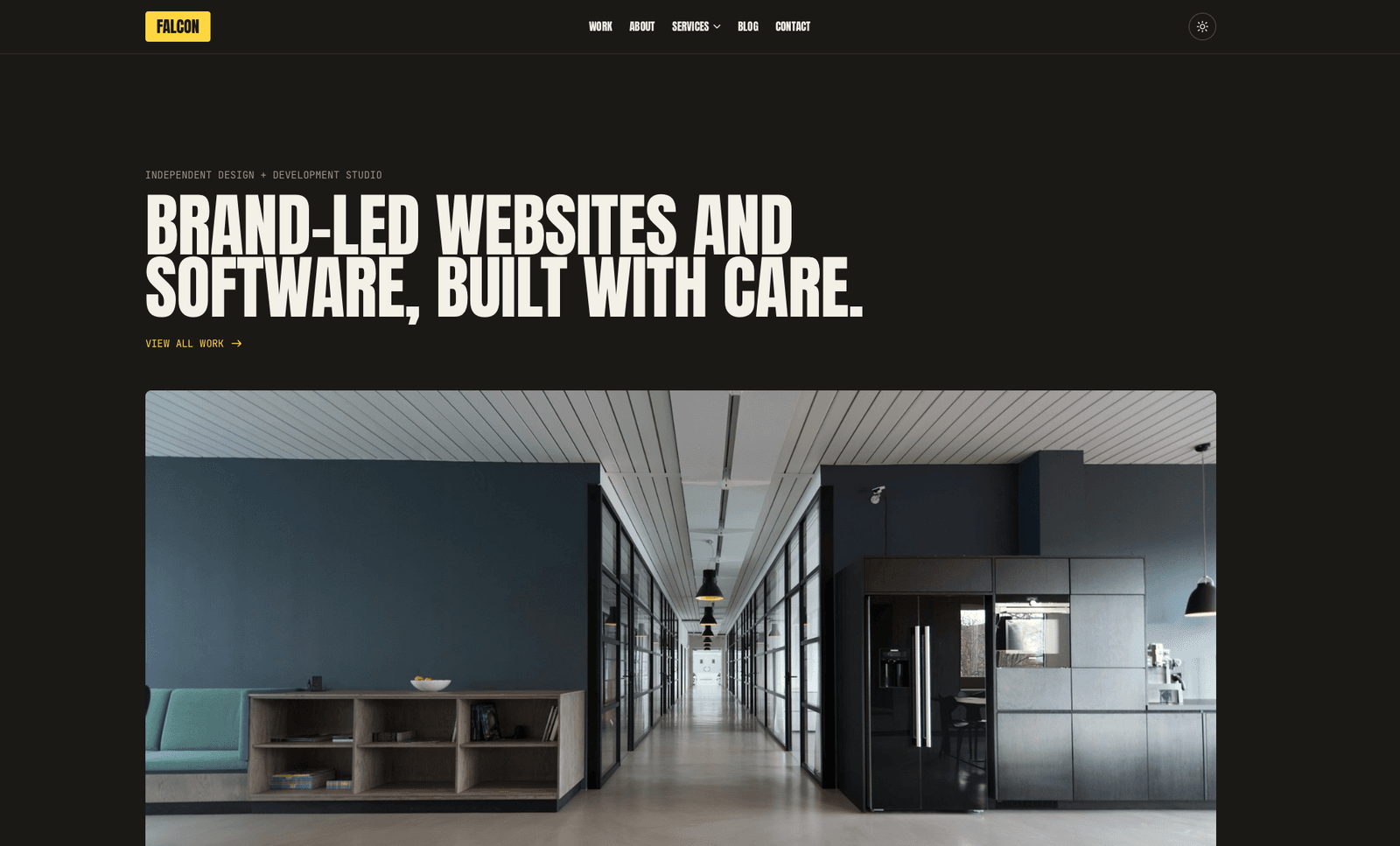
Falcon
Agency / Portfolio / Blog
Or get every theme - these included - with the All-Access Pass.