How to Have a Website With No Monthly Fee (2026)
A website can run with no monthly fee. What each part costs on its own, three years compared with Squarespace, and three ways to launch with a one-time payment.
You can have a website with no monthly fee. It doesn’t need a subscription to stay online, and the one cost you can’t avoid is the domain name, about $10 a year for a .com. You can buy the design once, and hosting for this kind of site is free.
The monthly fee comes from website builders like Squarespace and Wix. They sell the design, the hosting and the editor as one plan, and the bill keeps coming whether you change the site or not. Below is what each of those parts costs when you pay for it separately, and three ways to get a site online with one payment.
Where the monthly fee comes from
On a builder, your site lives on their platform. If you move away later, only part of it comes with you. Squarespace, for example, exports some of your content as a WordPress file, but not the design, the style settings or most page types, such as portfolio, store and index pages (Squarespace help).
The price can also go up while you’re there. In July 2026 Squarespace raised its prices. On annual billing, Basic went from $16 to $19 a month, Core from $23 to $29, and Plus from $39 to $49, as PetaPixel reported. On Core, that’s $72 more a year for the same site.
What a website is made of
Take away the builder and a website is six parts. Here’s what each one costs when you buy it on its own.
| Part | What it is | What it costs on its own |
|---|---|---|
| Design | The pages, layout, fonts and colours | One-time: $39 to $59 for an AeroLaunch theme, $29 for an HTML edition, or $0 for a free theme |
| Hosting | The server that shows your site to visitors | $0 on Cloudflare Pages, where requests to static sites are free and unlimited |
| Domain | yourbusiness.com | $10.46 a year for a .com at Cloudflare, which charges the registry price with no markup |
| Contact form | Sends visitor messages to your inbox | A form service. Formspree’s free plan takes 50 submissions a month |
| Email at your domain | hello@yourbusiness.com | Receiving is free with Cloudflare Email Routing, which forwards mail to the inbox you already use. Sending from that address needs a paid mailbox |
| HTTPS | The padlock in the browser | Included. Cloudflare issues the certificate automatically |
Why is hosting free? A site like this is a folder of finished pages. When someone visits, the host sends them the page, and that’s all. There’s no database and no software running on a server, so Cloudflare can host it at no charge. Every AeroLaunch theme builds to this kind of site.
Three years, side by side
Over three years, Squarespace Core costs $1,044. The same kind of site with one of our HTML editions costs about $60.
| Setup | Year one | Three years |
|---|---|---|
| Squarespace Basic, billed yearly | $228 | $684, plus the domain renewal from year two |
| Squarespace Core, billed yearly | $348 | $1,044, plus the domain renewal from year two |
| Free theme + free hosting + .com domain | $10.46 | $31.38 |
| HTML edition + free hosting + .com domain | $39.46 | $60.38 |
| $49 theme + $39 visual builder + .com domain | $98.46 | $119.38 |
| Done-for-you setup + .com domain | $309.46 | $330.38 |
The Squarespace figures are the US annual-billing prices reported in July 2026, and its annual plans include the first year of the domain. The domain price is Cloudflare’s .com price in September 2026. Registries set that price, so it can change.
Three ways to set it up with one payment
The HTML edition ($29)
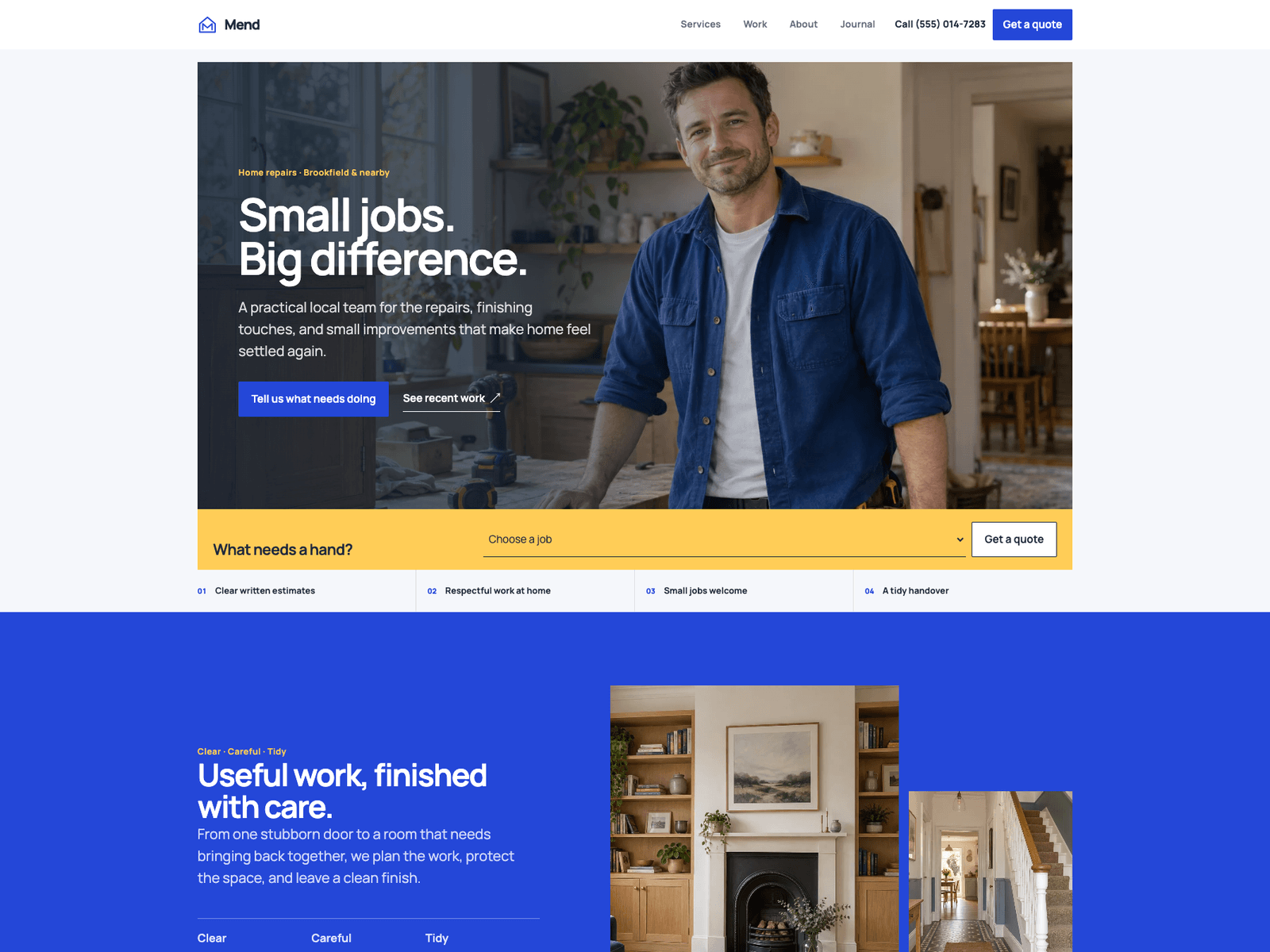
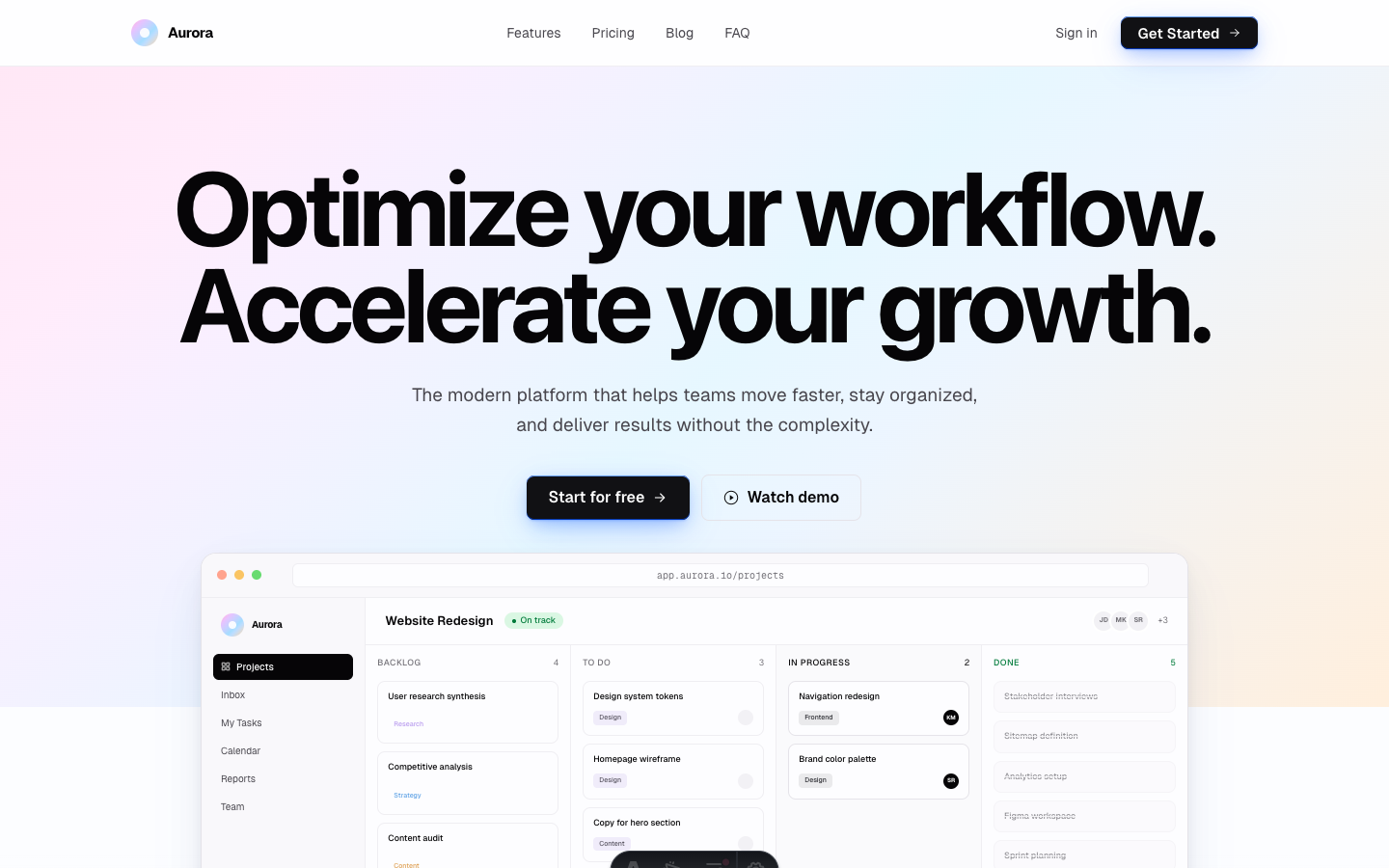
Most of our themes also come as an HTML edition, and the free themes Aurora and Spark include theirs at no cost. It’s the finished website as a folder of plain files. There’s nothing to install. Double-click index.html and the site opens in your browser.
To change a headline, open the page in any text editor, type the new words and save. To swap a photo, put your own photo in the images folder under the same file name. Colours are set once at the top of the stylesheet, so changing one there changes it across the site.
To put it online, open the Cloudflare dashboard, go to Workers & Pages, choose Drag and drop your files, and drop the folder in. The site goes live at an address ending in .pages.dev, and you can connect your own domain afterwards. Drag and drop takes up to 1,000 files. Our largest HTML edition has 144.
One catch: the menu and footer are copied into every page, so a new menu link has to go into each file. Search and replace across the folder does it in one go. This option suits a site you set up once and change a few times a year. The HTML edition guide has the details.
A theme with the visual builder ($39, plus the theme)
If you’d rather click on the page than open files, the visual builder is a one-time $39 unlock. It works with 12 of our themes today, and you need to own the theme as well. Open your theme in the browser, click any section, change the words and photos, add or remove sections, then download the result.
What you download is the site’s source code. It has to be turned into finished pages before it goes online, and Cloudflare can do that for you. You need a free GitHub account: put the project in a GitHub repository (the free GitHub Desktop app does this without typing commands), connect that repository to Cloudflare, and Cloudflare builds and publishes the site. Our Cloudflare deploy guide covers each step. When you edit the site later, download it again, replace the files in the same repository, and Cloudflare publishes the new version.
Done for you ($299)
If you’d rather not set anything up, our done-for-you service is $299 one-time, and the theme is included. We add your content, apply your colours, fonts and logo, connect your contact form and optimise the images for speed. The work takes 5 business days from when your brief is complete. You review a live preview with two rounds of changes, then download the finished site and a step-by-step guide to put it online. We never need access to your accounts, so the hosting and the domain stay in your name.
What you give up
There’s no hosting company to call about setup. Cloudflare runs the servers, but connecting a domain or a form is up to you, or to whoever builds the site. We answer questions about our themes by email.
Edits take an extra step. A change goes into a file or the builder, and then the site gets uploaded again. If you change your site every day, a builder’s online editor is quicker.
Free plans have limits. Formspree’s free plan allows 50 submissions a month, and more than that needs a paid plan.
When a monthly builder is the better choice
None of our themes include a shopping cart, bookings or member logins. If you sell a lot of products, take bookings or payments on your site, or want one company to handle everything including support, the monthly fee pays for those things.
If your site’s job is to show what you do and get people to call or email you, you don’t need a monthly plan. Browse the themes, choose the HTML edition, the builder or done-for-you, and budget about $10 a year for the domain. For trades, gyms and local businesses, our small business theme guide compares the options.
Frequently asked questions
Do you have to pay for a website monthly? +
No. Monthly fees come from website builders and hosting plans. A static website can be hosted for free on services such as Cloudflare Pages, so the only cost you can't avoid is the domain name, about $10 a year for a .com.
Can I create a website without paying anything? +
Yes. Use a free template, such as the Aurora or Spark HTML edition, and host it on Cloudflare Pages. Your site gets a free address ending in .pages.dev. A custom domain like yourbusiness.com is the only part that costs money.
Is there a website builder with a one-time payment? +
The AeroLaunch visual builder is a one-time $39 unlock that works with our themes, and you download the finished site and host it wherever you like. Squarespace and Wix sell monthly or yearly plans instead.
What happens to my website if I stop paying? +
On a website builder, the site depends on the plan staying active. With a static site on free hosting, the only thing to keep paying for is the domain. Renew it each year and the site stays online.
How much does a small website cost to run per year? +
With a static site on free hosting, the yearly cost is the domain, $10.46 for a .com at Cloudflare as of September 2026, plus anything paid you choose to add, such as a larger form plan or a mailbox at your domain.
Start from a production-ready Astro theme
Skip building the design from scratch. These themes are full Astro 7 + Tailwind v4 projects you own outright - and you can edit them visually, no code, with the AeroLaunch builder.