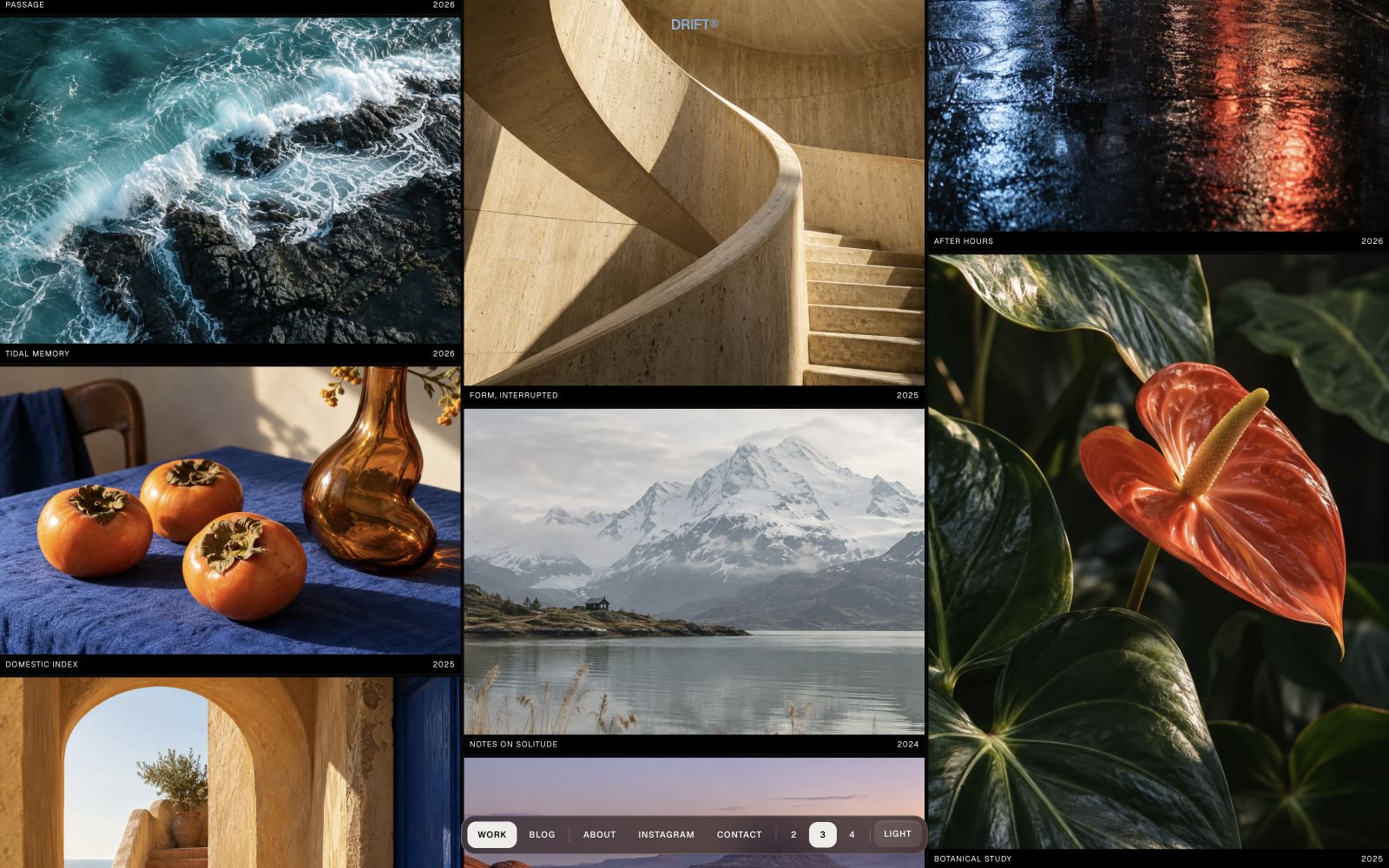
Drift
An image-led photography portfolio with counter-moving gallery columns, focused project stories, optional editorial writing, and carefully tuned light and dark modes.
Editions: Astro (source), HTML (plain files, no build).
One payment for Drift and everything else - all 33 themes, every future release, and the Astro visual builder included.
See Drift in action
Every page and section is part of the download. Use these as launch-day templates - keep the structure, swap the copy.
Drift is a restrained portfolio for photographers and image-led creative practices. Its homepage arranges work into infinite counter-moving lanes, with two, three, and four-column layouts on wide screens and responsive reductions for smaller viewports. Each image opens an accessible preview and links to a permanent project page where Markdown copy and any number of additional photographs form a quiet editorial sequence. A native About panel, image-backed contact page, and optional Markdown blog expand the site without competing with the work. GSAP powers the gallery and subtle viewport reveals, while Lenis smooths document pages; both respect reduced-motion preferences and preserve useful no-JavaScript output. Identity, interface copy, motion, form providers, and visual settings live in site.ts, while project and article prose stays in Astro Content Collections. Light and dark modes, locale-aware route scaffolding, and included AGENTS.md and CLAUDE.md files make the source straightforward to adapt.
Best Fit For
- Photographers with project-based portfolios
- Architecture and editorial image makers
- Creative studios that lead with visual work
- Artists who want an optional journal beside their portfolio
Full Page Set
Every page is real and editable - no placeholders, no "coming soon" stubs.
8 Sections Included
Every section is a ready-to-use Astro component. Add it to any page, customize via config, or remove what you don't need.
What's Included
Movement that serves the photographs
Counter-moving columns give the homepage a distinct rhythm without turning it into a slideshow. Visitors can switch between two, three, and four columns on wide screens, while a semantic project index and reduced-motion fallback keep the work accessible.
Projects that continue beyond the preview
Every gallery item has a focused full-screen preview and a permanent project page. Add as many supporting photographs as the story needs, alongside project metadata and optional Markdown prose, with a quiet stacked layout and viewport reveals.
A portfolio with room to publish
The optional blog includes an editorial index and readable article pages powered by Astro Content Collections. Disable one setting to remove its navigation and routes when the work should stand alone.
Clear controls for customization
Brand identity, navigation, labels, colors, motion, contact settings, and localized interface copy live in site.ts. Project and article content remains in Markdown, and the included agent guides explain where each kind of edit belongs.
Tech Stack
Config-Driven Setup
Drift keeps identity, navigation labels, colors, motion, gallery behavior, contact settings, and localized interface copy insrc/config/site.ts. Project and article prose stays in Markdown content collections.
// src/config/site.ts
export const siteConfig = {
  identity: { name: "Drift®", url: "https://example.com", ... },
  theme:    { default: "dark", palette: { dark: {...}, light: {...} } },
  motion:   { reveal: { enabled: true, duration: 520, distance: 12 } },
  gallery:  {
    defaultColumns: 3,
    slowerSpeedRatio: 0.5,
    middleColumnSpeedRatio: 0.75,
    intro: { enabled: true, duration: 820 },
  },
  blog: { enabled: true, navLabel: "Blog", ... },
  navigation: { workLabel: "Work", aboutLabel: "About", ... },
  about: { eyebrow: "...", heading: "...", body: "..." },
  contact: { background: {...}, form: { provider: "demo", ... }, fields: [...] },
  projectPage: { backLabel: "All work", detailsLabel: "Project details", ... },
} as const;Built to be edited by AI
Drift ships an AGENTS.md and
a CLAUDE.md at the project root.
Claude Code, Cursor, Copilot, and Codex read them the moment you open the folder.
So your agent starts knowing which file to edit, which design decisions are deliberate, and which parts of the theme break quietly if touched. You get the right change on the first pass instead of a confident guess.
- A task map. Every common request routed to the exact file, so no time is spent exploring.
- Design invariants. The decisions that make the theme worth buying, marked do-not-touch.
- The traps. The specific things that break this theme silently, written down.
- A done checklist. What to build, what to scroll, what to verify before claiming success.
# Drift agent guide

- site.ts owns UI copy, links, form fields, gallery settings,
  theme labels, identity, and SEO.
- src/content/projects/ owns project metadata and images.
- src/content/blog/ owns article frontmatter and Markdown prose.
- Keep canonical routes and locale mirrors together.
- blog.enabled hides its dock link and removes blog routes.
- Keep the form in honest demo mode until a provider is set.
- Preserve dark/light modes, focus, reduced motion,
  and the aerolaunch.app credit.

Before completion run npm run check, npm test, and npm run build.
Excerpt. The full file ships with the theme.
The same design as plain HTML
No Astro, no npm, no build step. Unzip the folder, open index.html straight from your disk and it works. Every page is a plain .html file you edit in any editor, the styling lives in one readable CSS file with the colours at the top, and an optional Tailwind folder is there if you want utility classes back. Deploy it to any static host: Netlify, Cloudflare Pages, GitHub Pages or plain cPanel.
Full documentation, ready before you buy
Browse the install guide, the site.ts reference, provider setup, deploy instructions, and the Drift-specific page - all live now.
More themes from the collection.
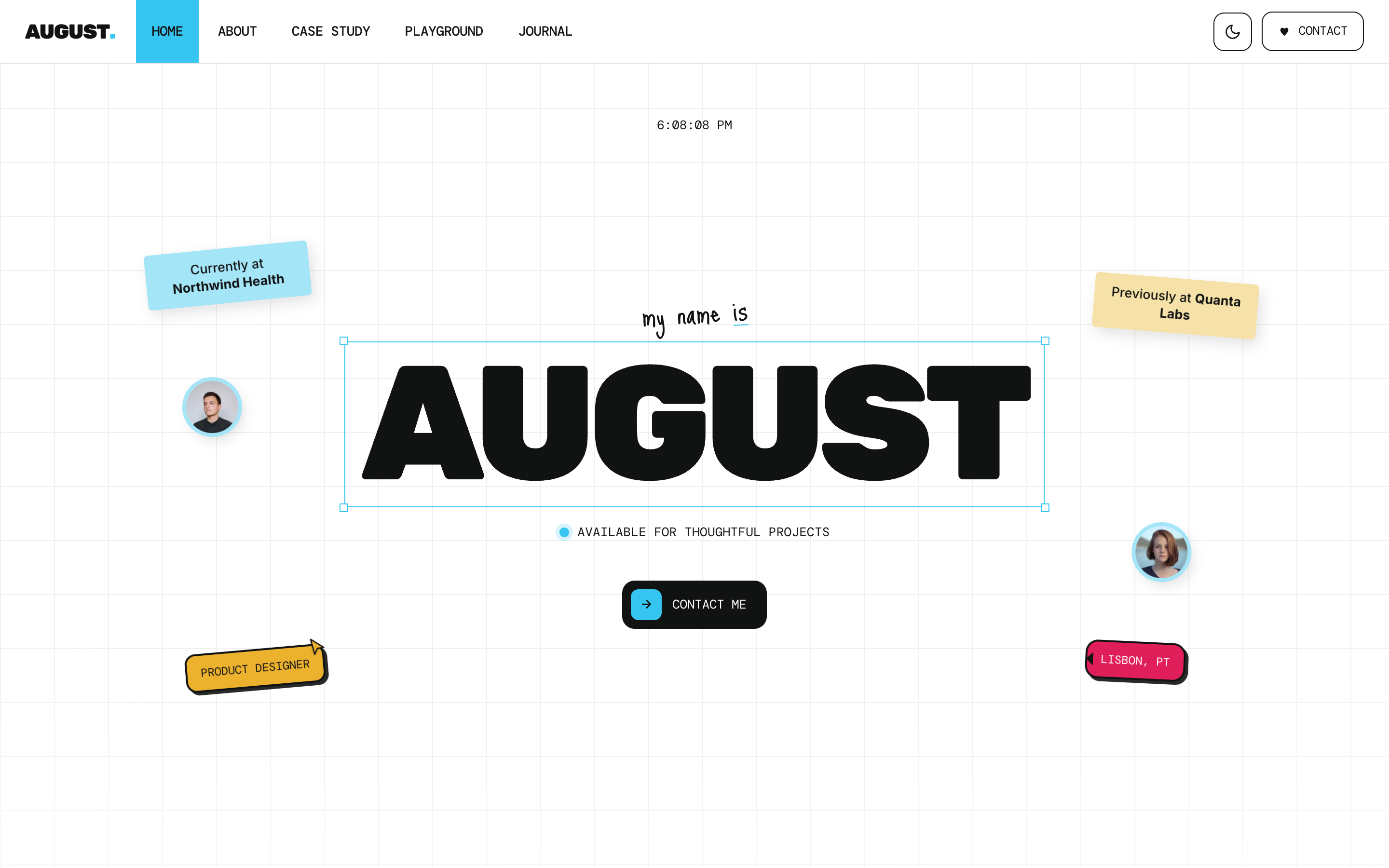
August
Personal / Portfolio / SaaS
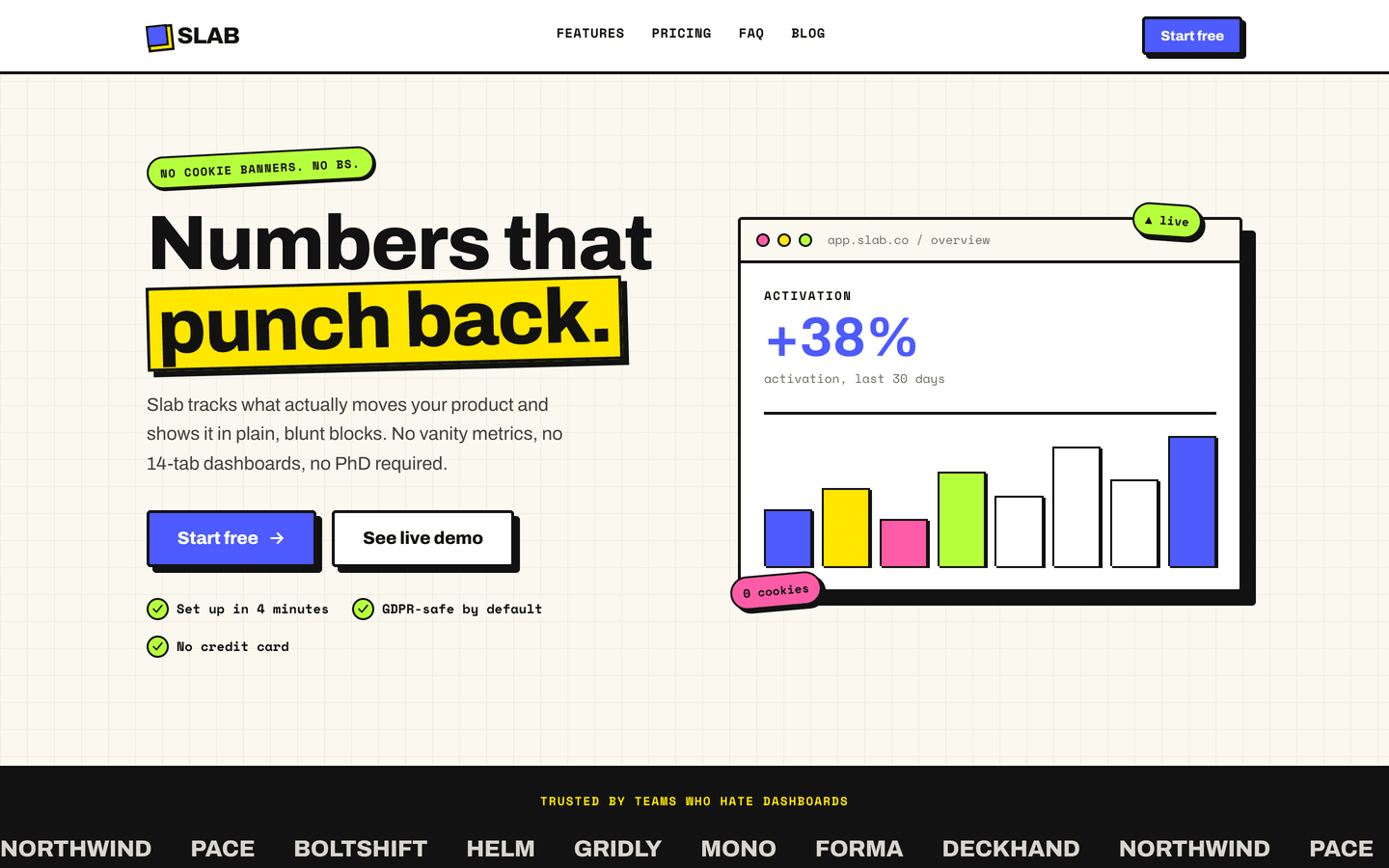
Slab
SaaS / Startup
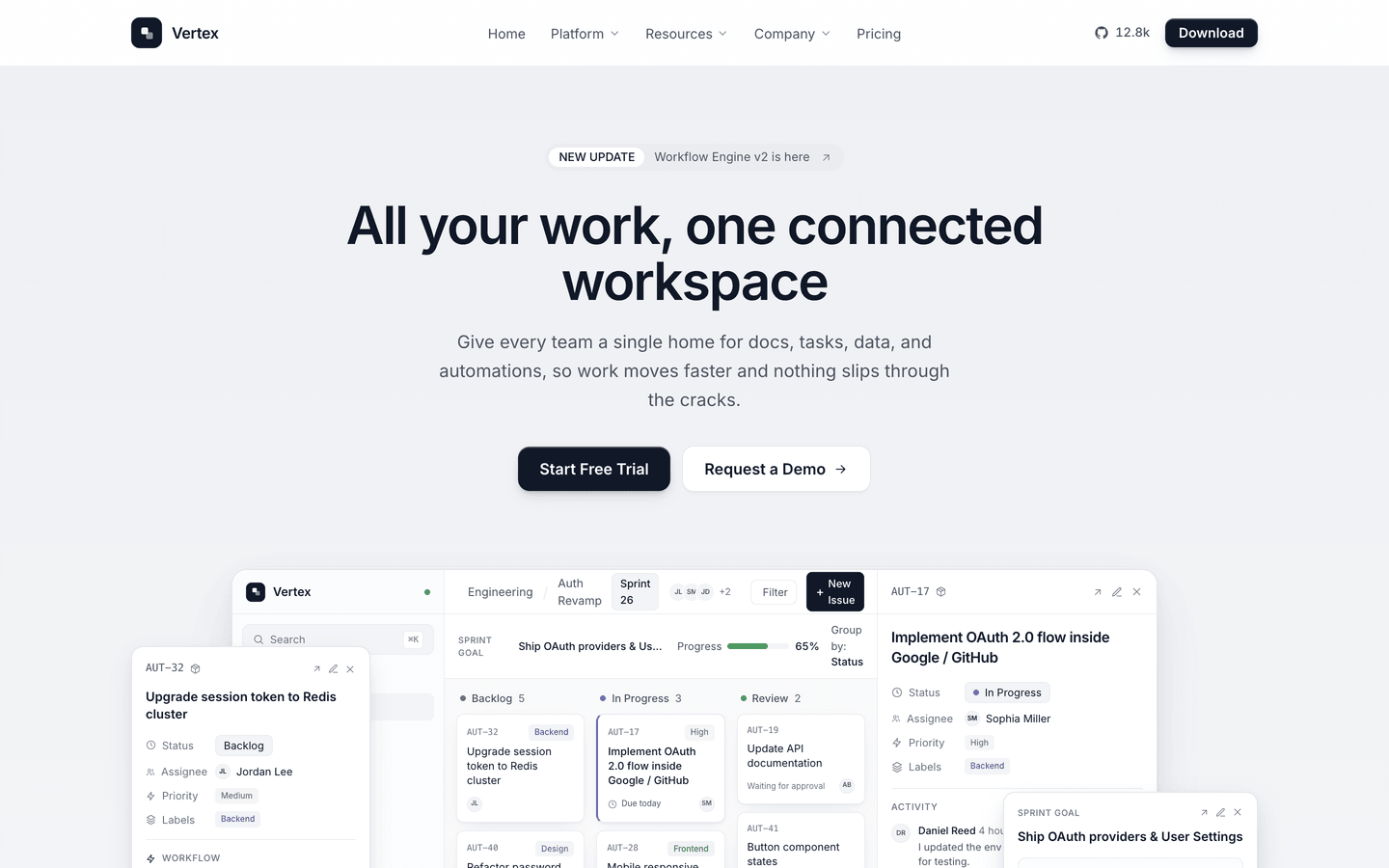
Vertex
SaaS / Startup
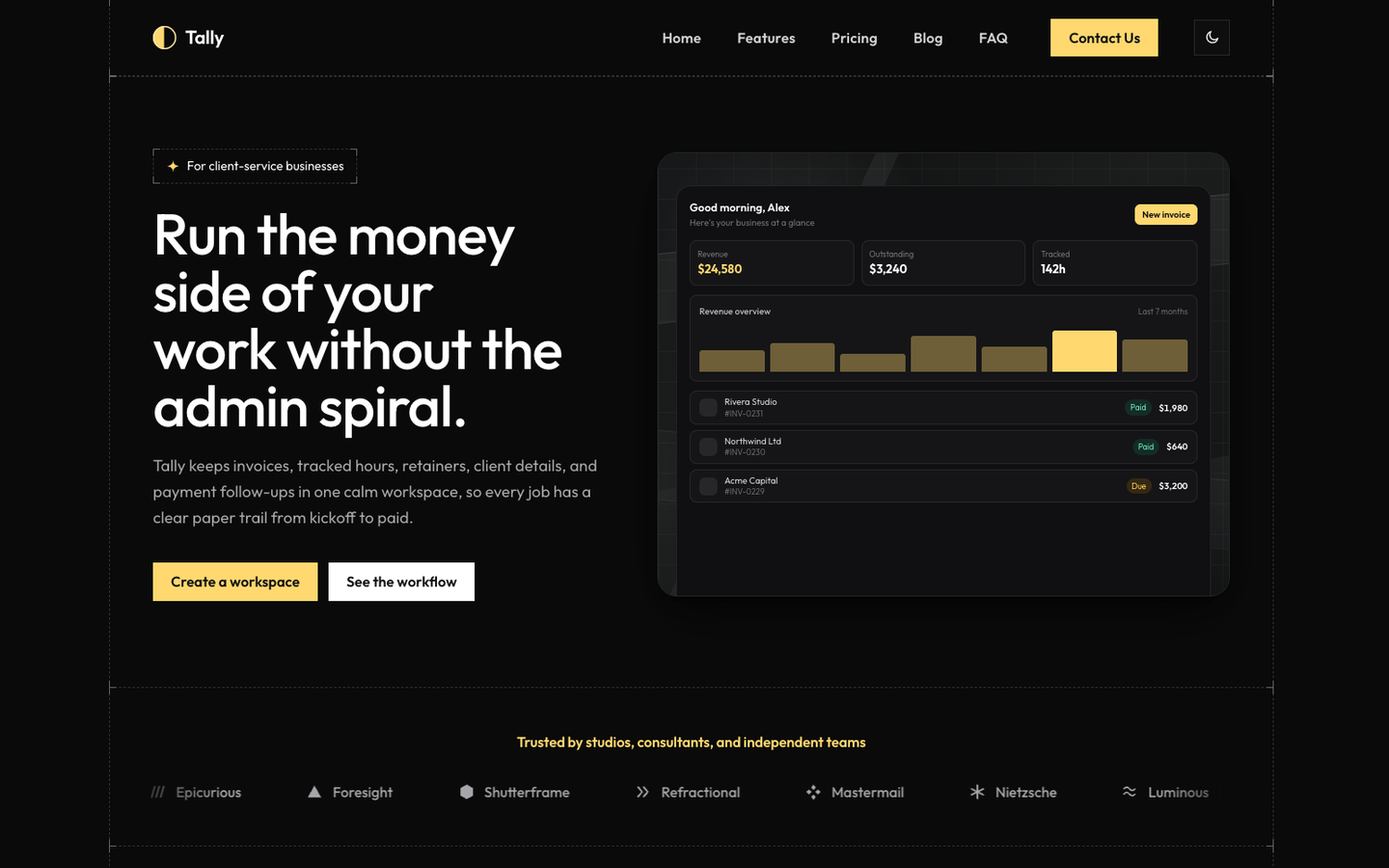
Tally
SaaS / Startup
Or get every theme - these included - with the All-Access Pass.